 Aser One
Attendance
See who came to work, and when.
Your team clocks in with their face, on their own phone. Try it yourself in two minutes.
From / month + VAT
Clocking in, in three steps
Face and place are both checked. It takes a few seconds.
-
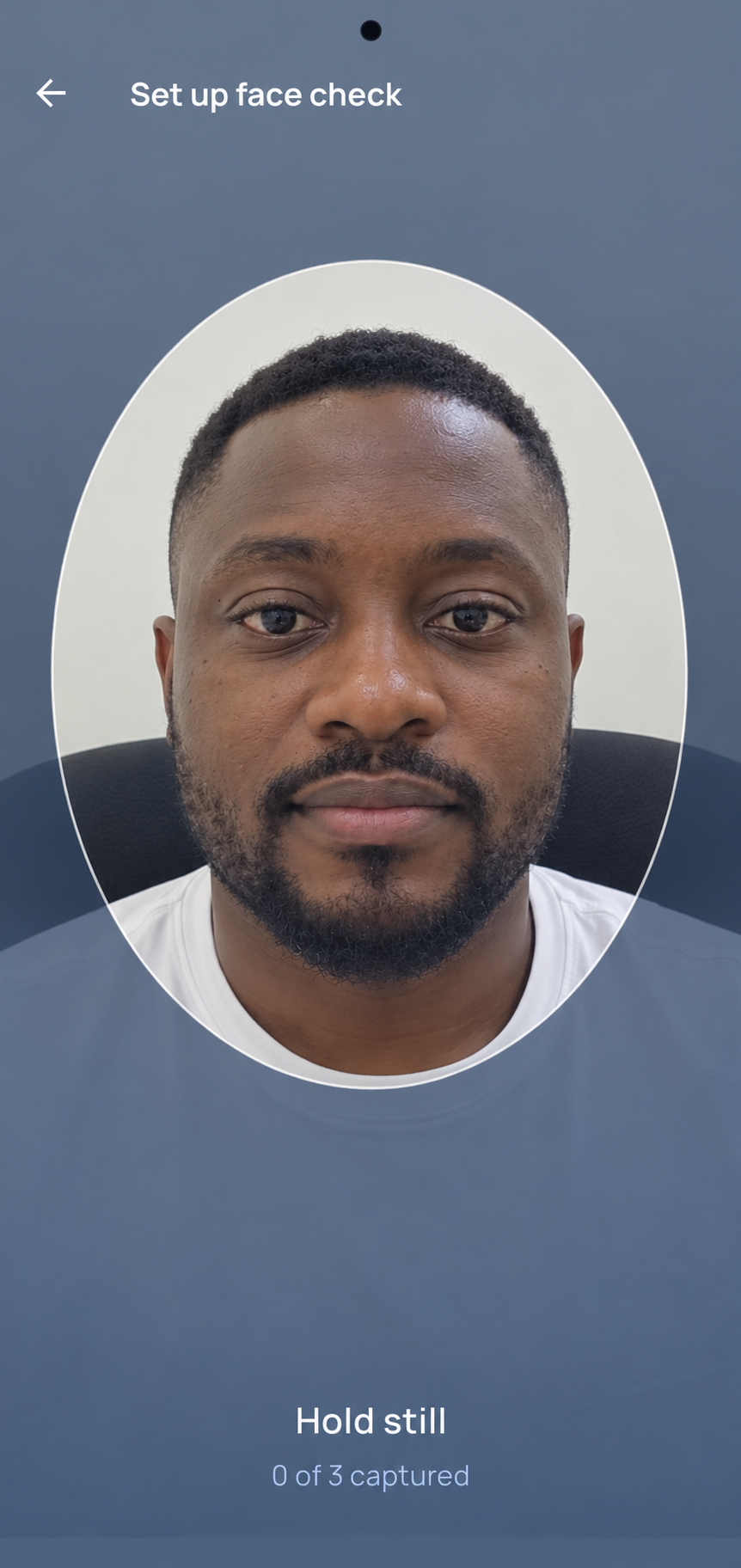
Look at the phone
The phone checks it is really them.
-

On site
GPS shows they are at the branch or the work site.
-
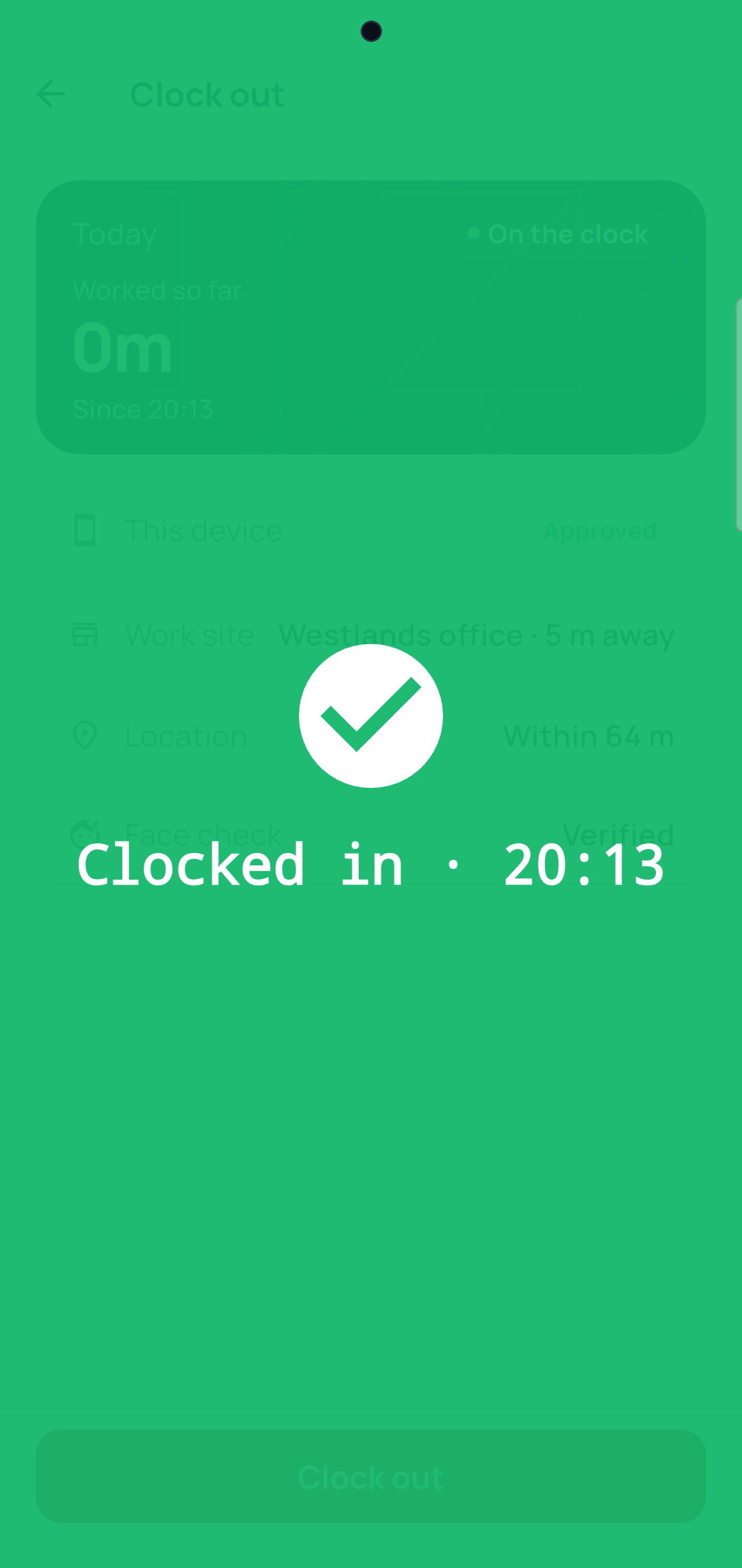
Clocked in
The time is recorded. You see it straight away.
The face stays on the phone
No photo is sent. Only the result: it is them, or it is not.
On the phone only
The face is saved on the employee's phone, nowhere else.
One phone per person
You approve each phone. Clocking in for a colleague shows.
Away from the site? It is flagged
The punch is kept, and you decide. Or refuse it: your choice.
No signal?
The punch goes as soon as the phone is back online.
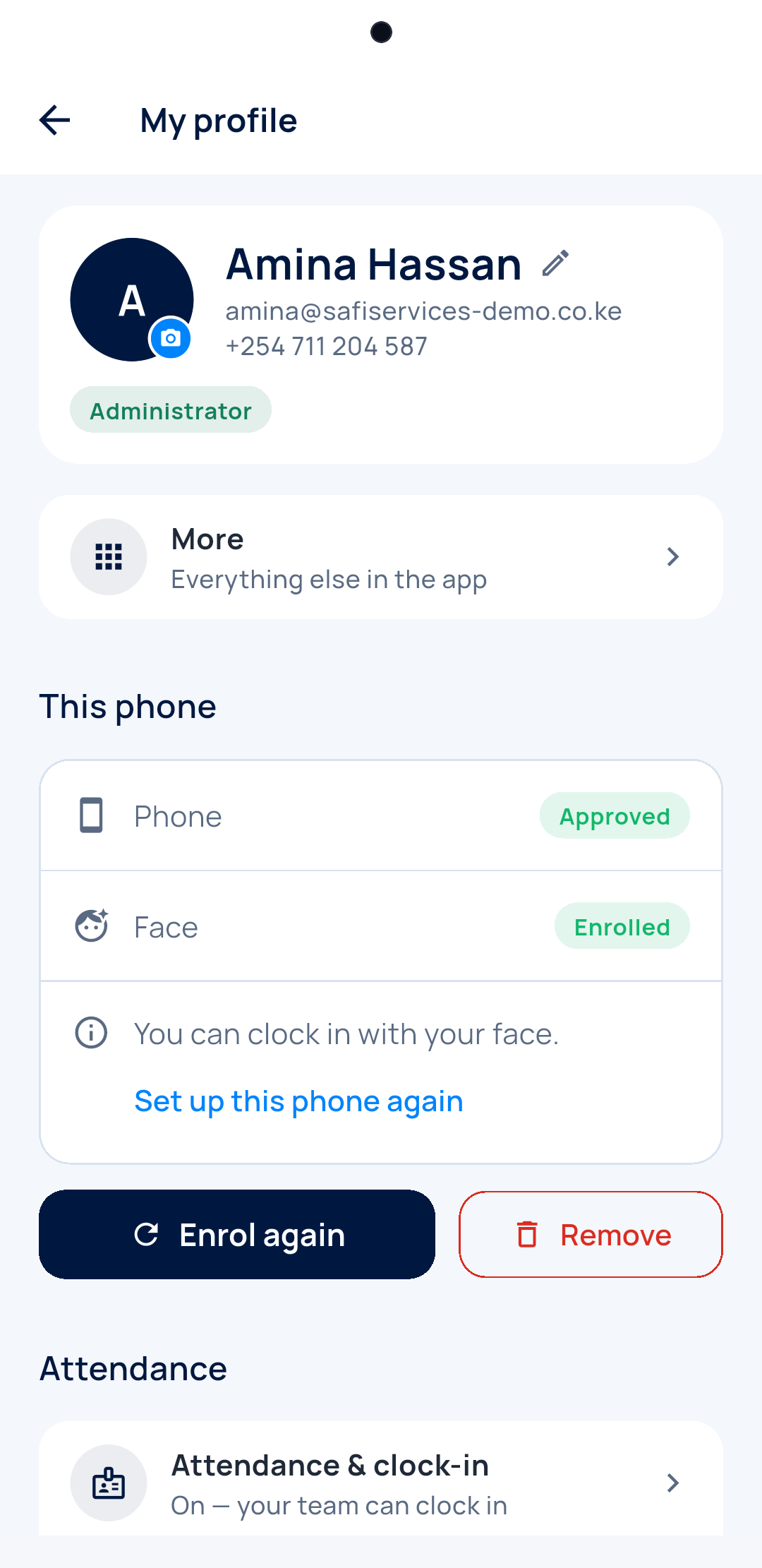
Ready in two minutes
Three screens, and you are on the clock.
-
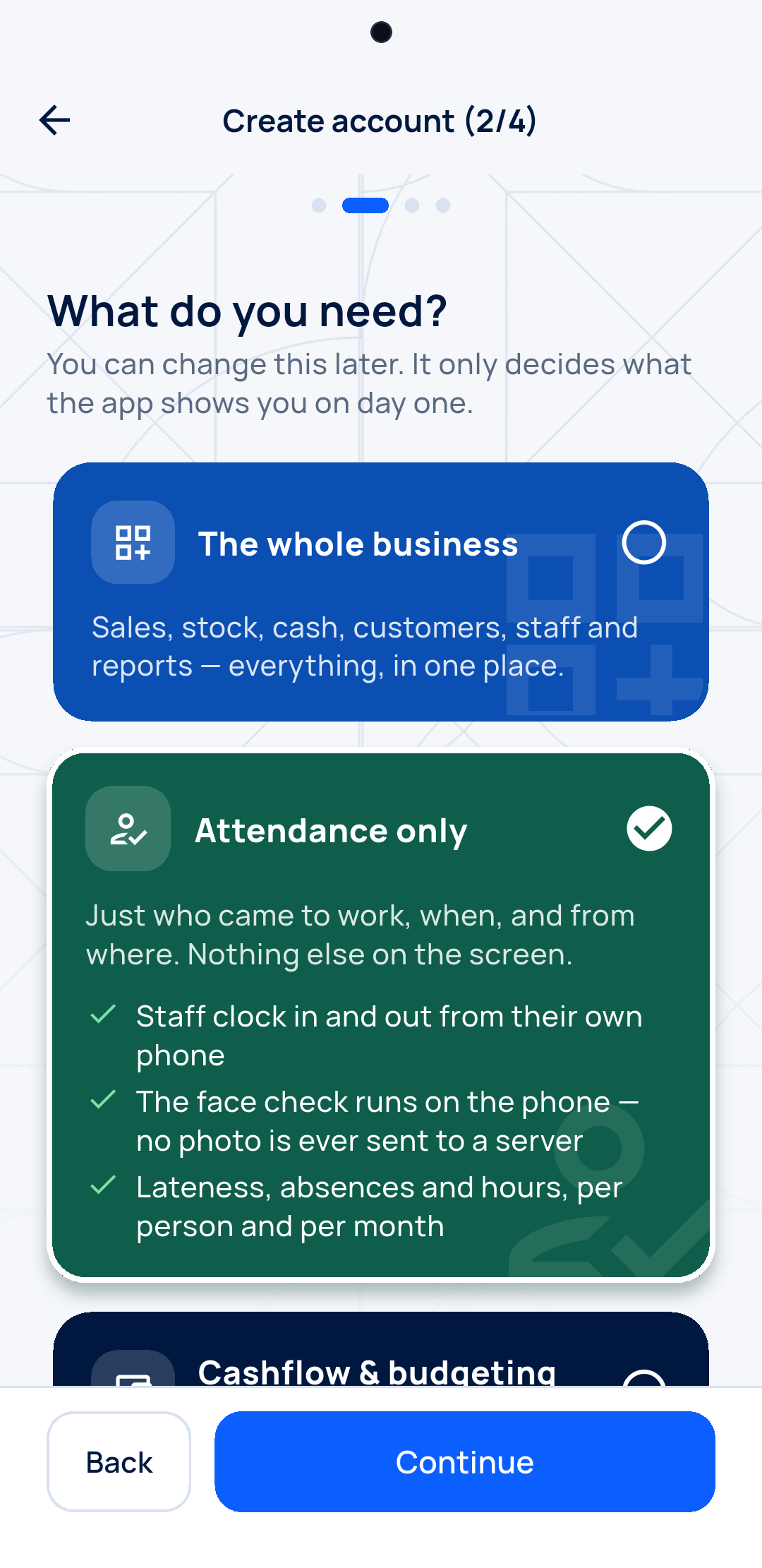
Pick Attendance
Sign up with Google. Only what you need.
-
Clock in with your face
One tap: your phone, your face, where you are.
-
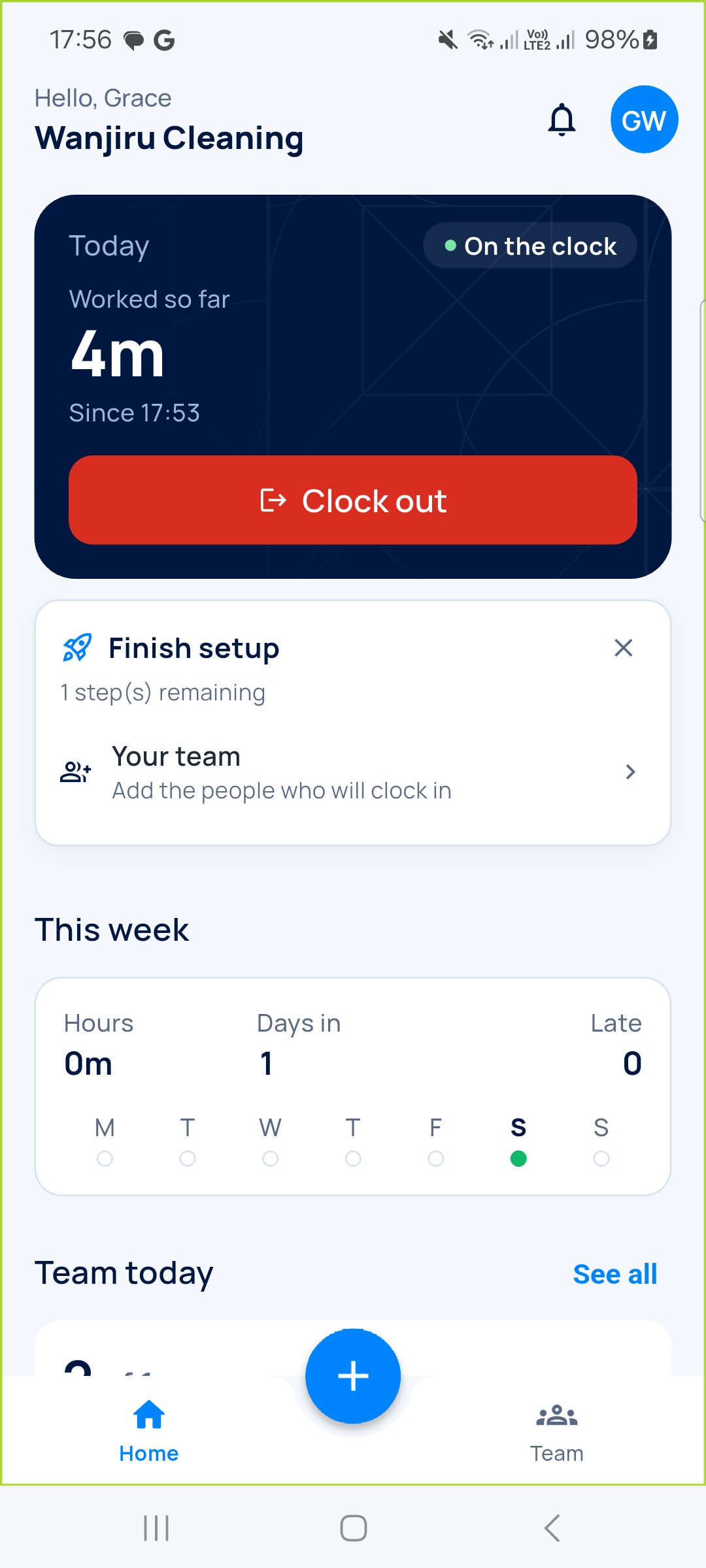
You are on the clock
Save the spot as your workplace. Add your team later.
You know before you ask
No roll call. On the phone or on the computer.
-
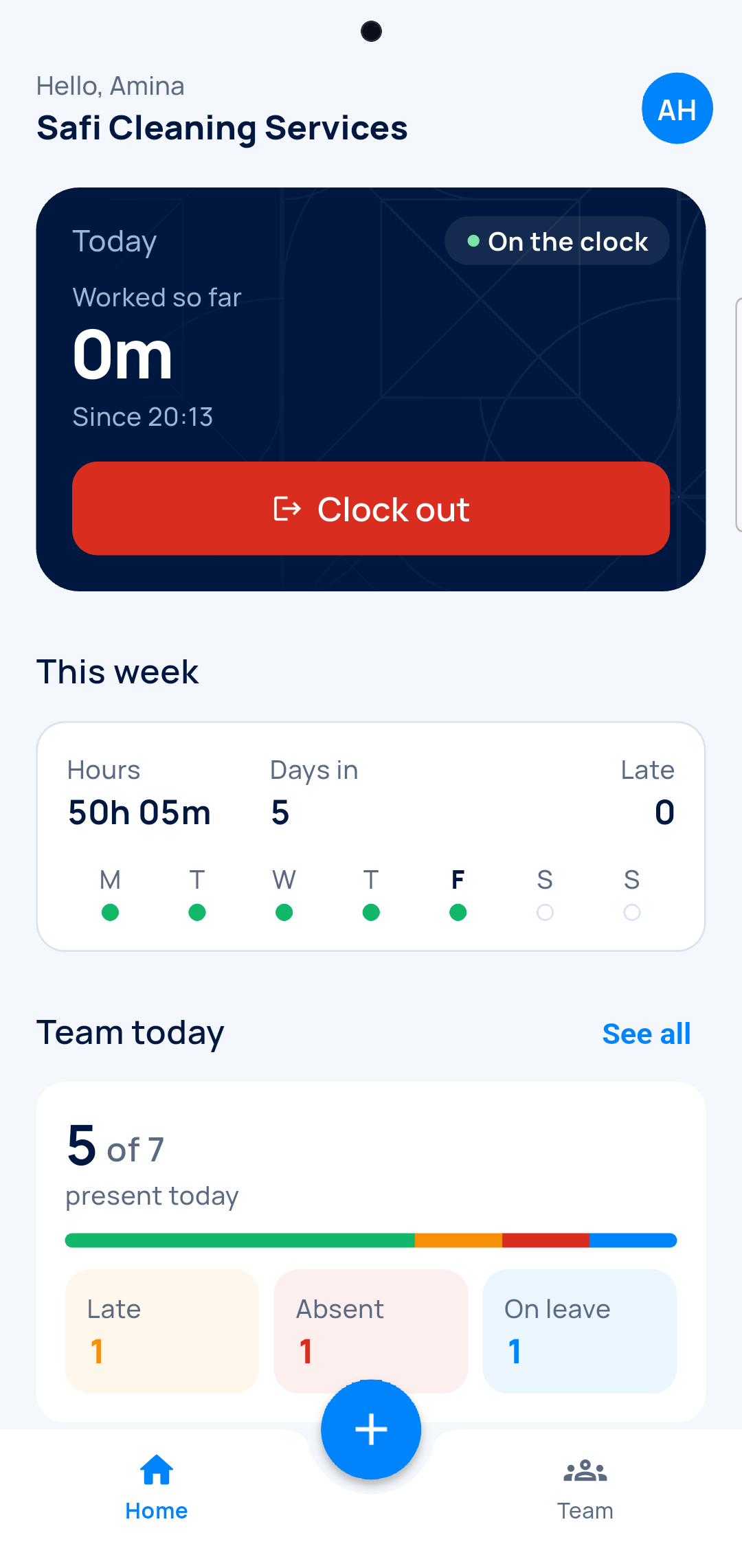
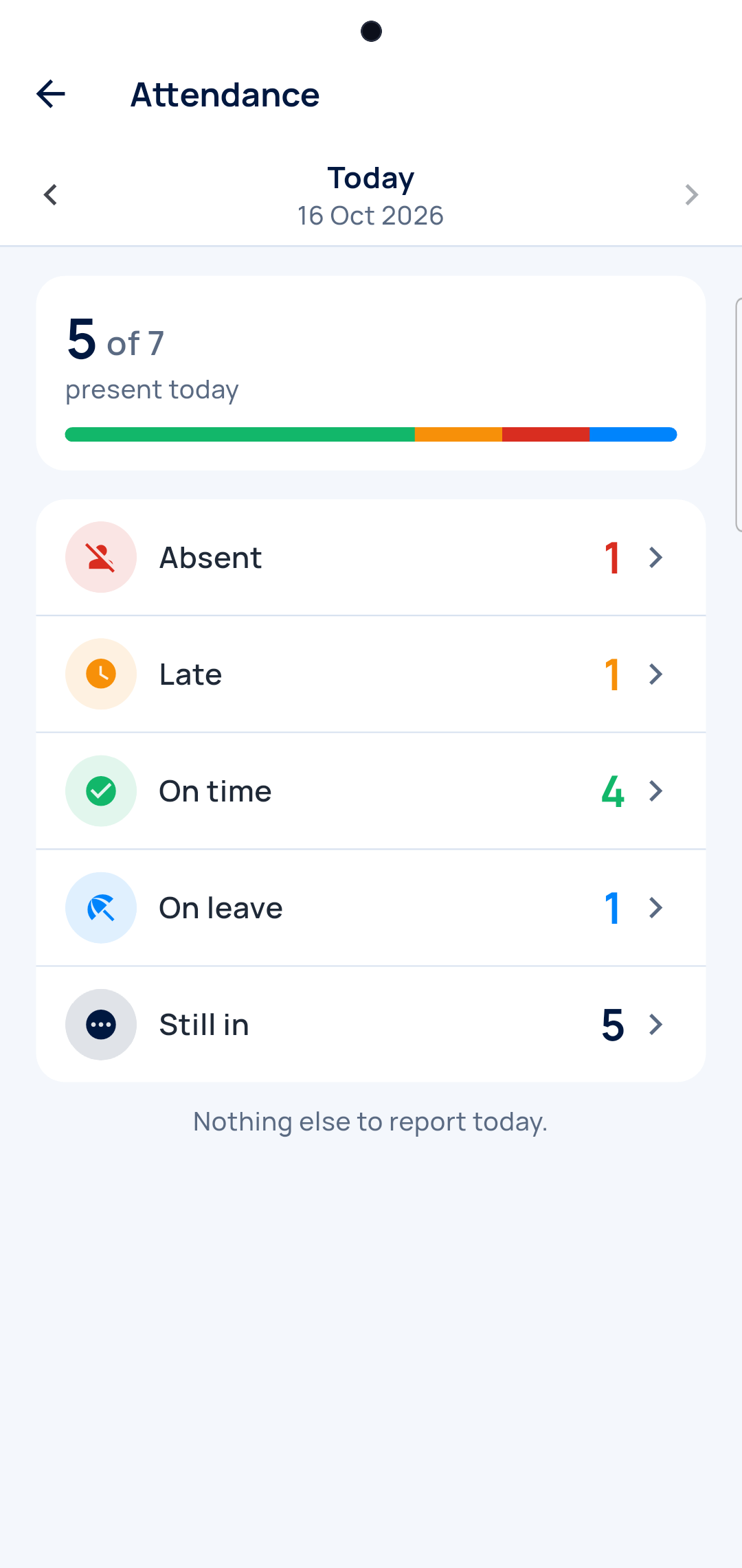
Who is in
Present, late, absent, on leave.
-
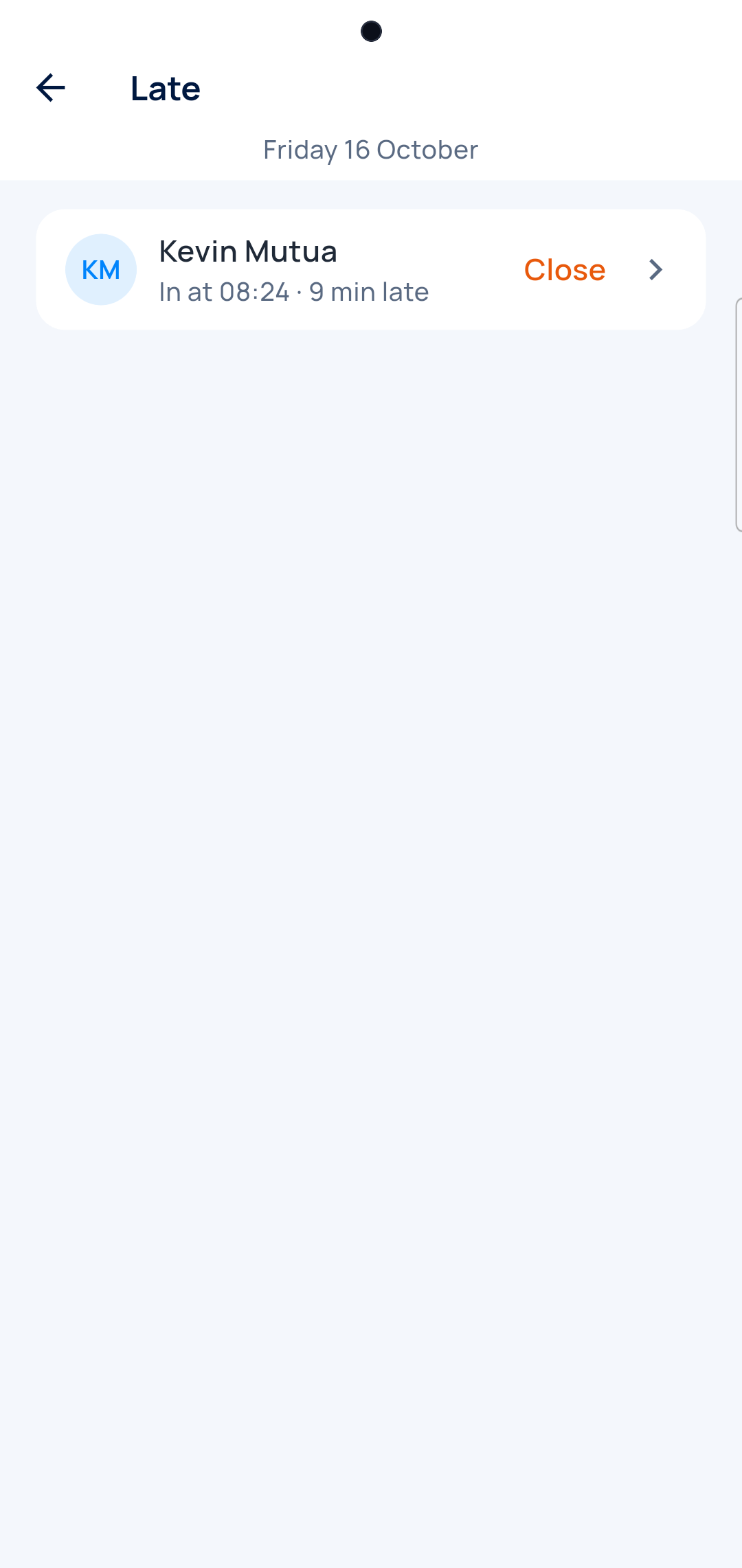
Who was late
And by how much.
-
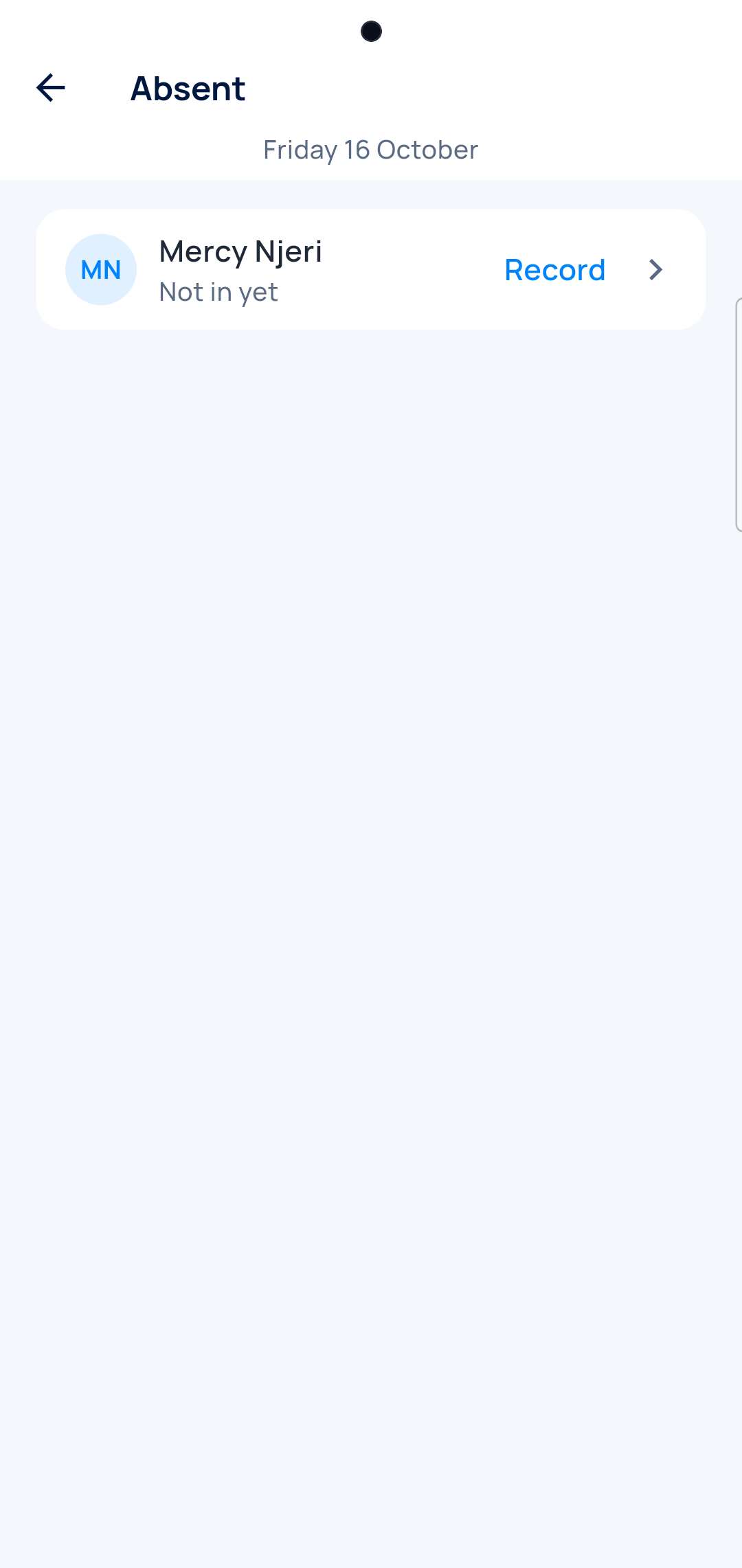
Who is missing
Record why in one tap.
-
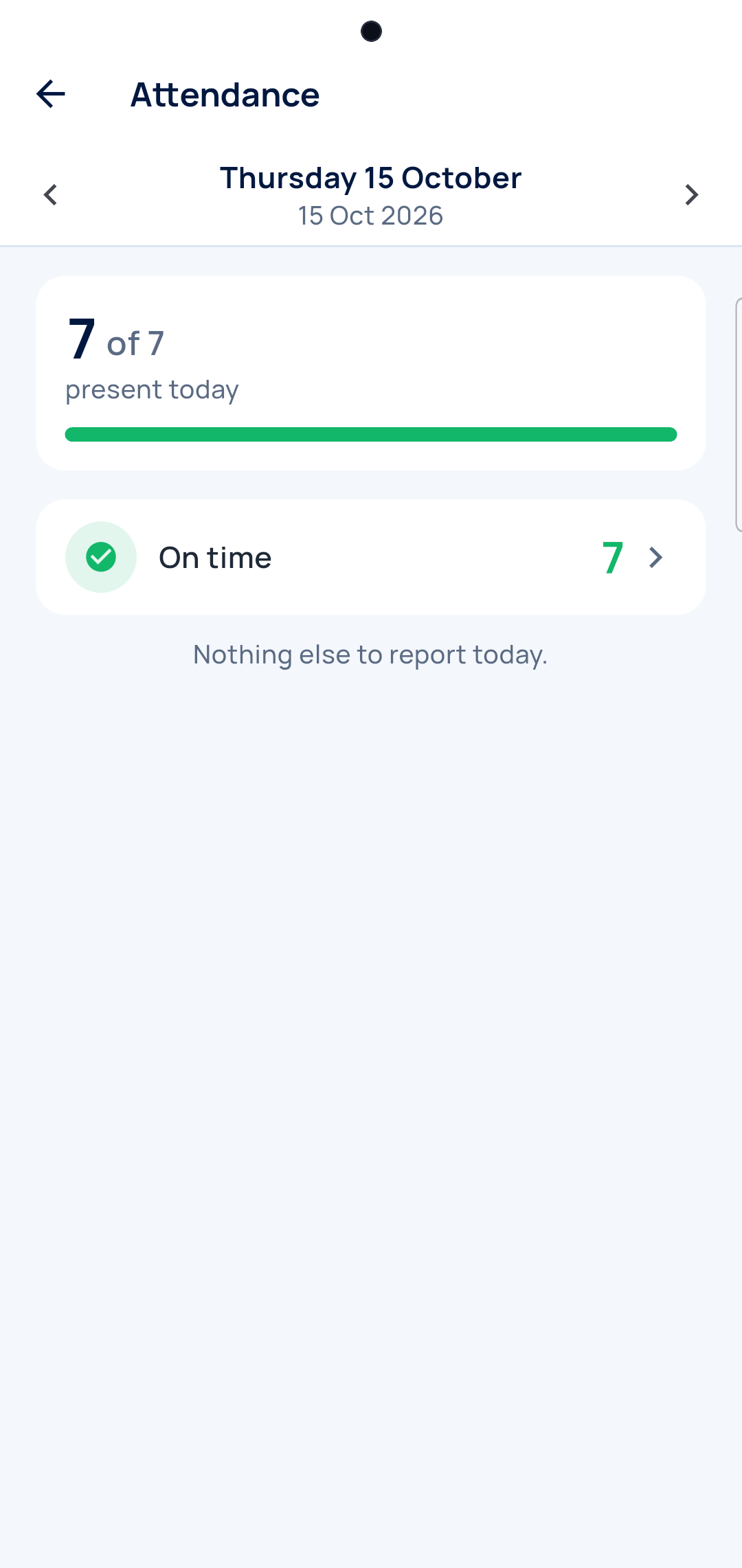
Yesterday too
Go back a day to see what happened.
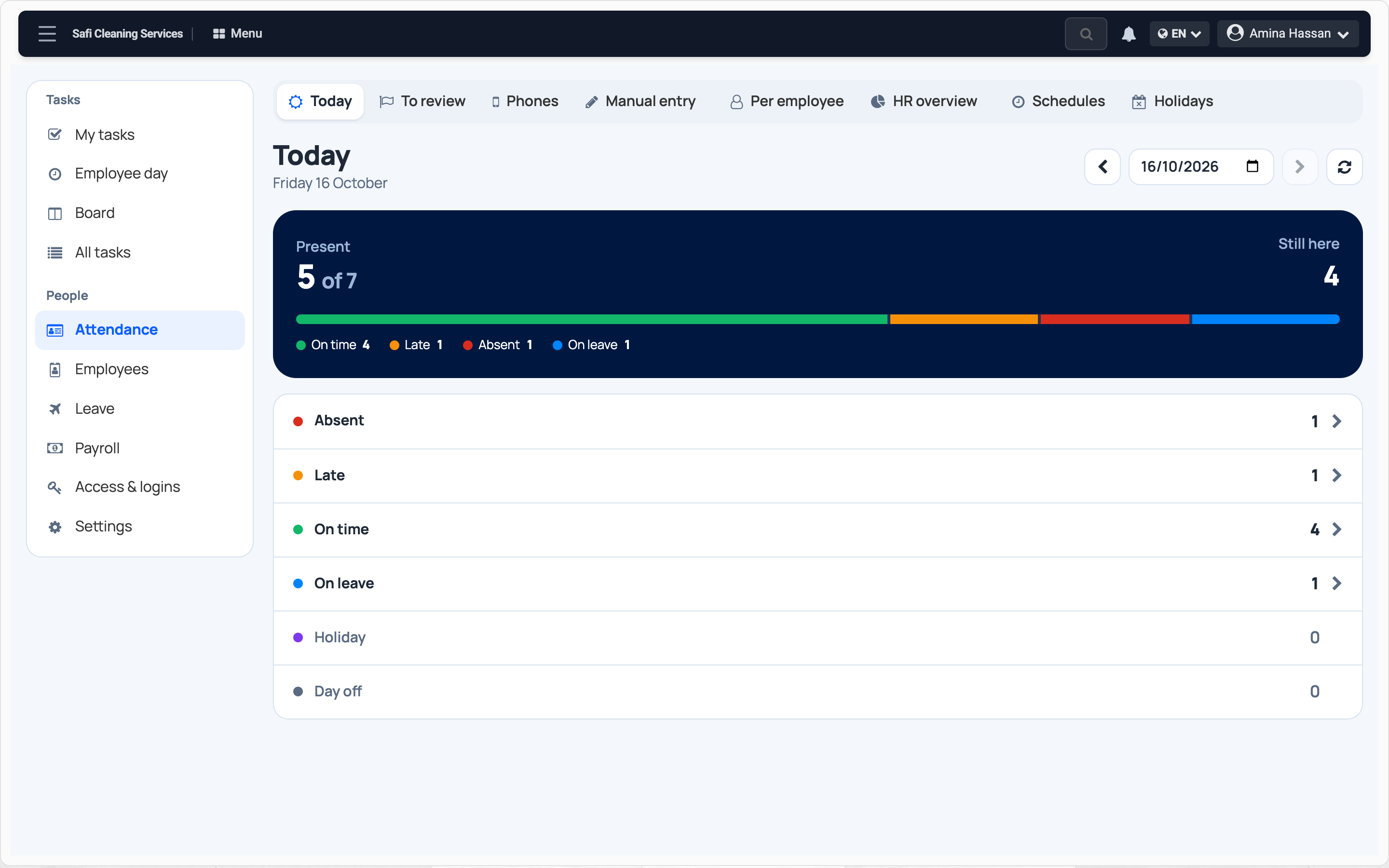
Today, on the computer
Everyone's arrival, and who has not come in yet.
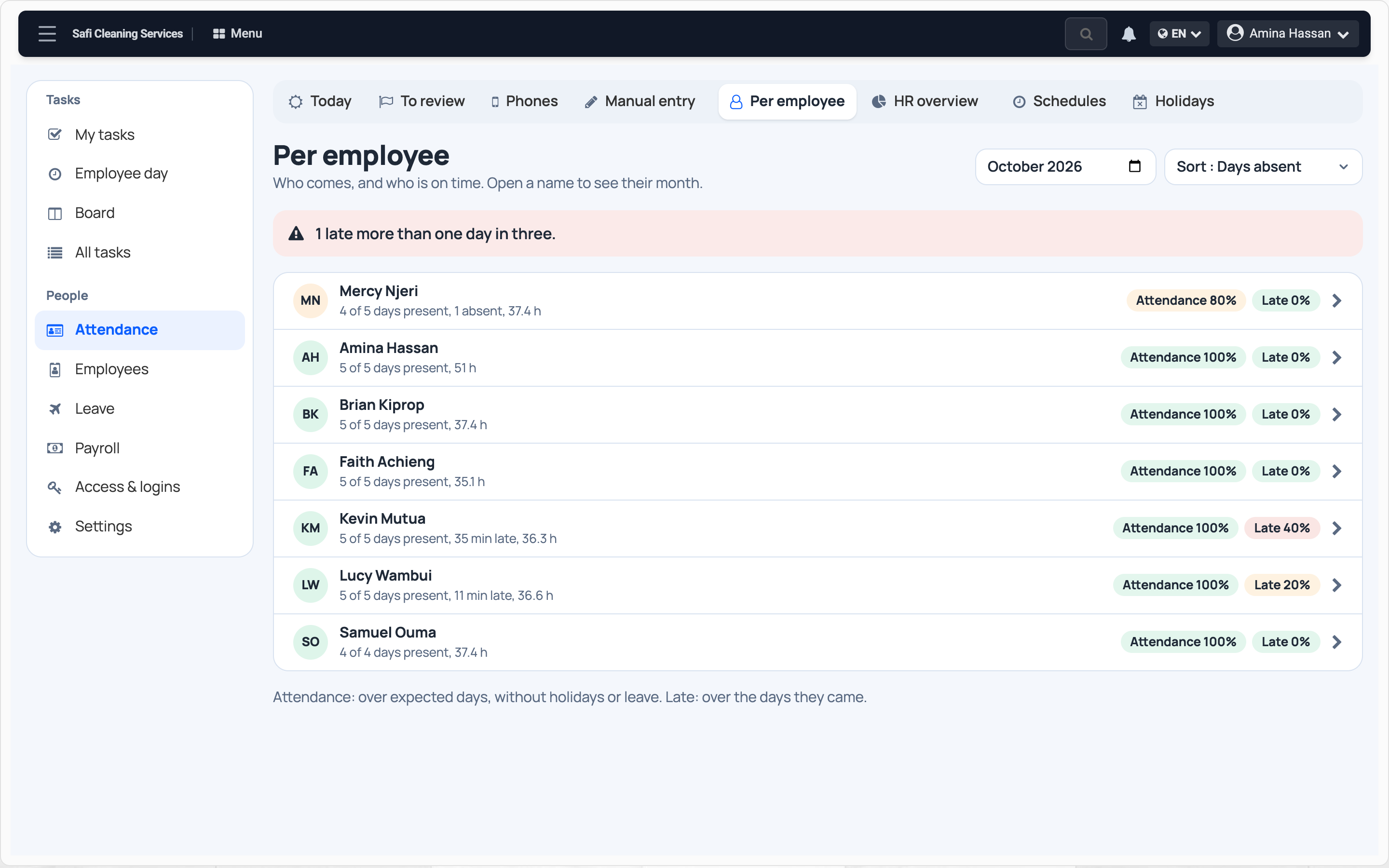
Who is late most
Each person's month: days in, late arrivals, absences.
One person's month
Day by day, with the time in and out.
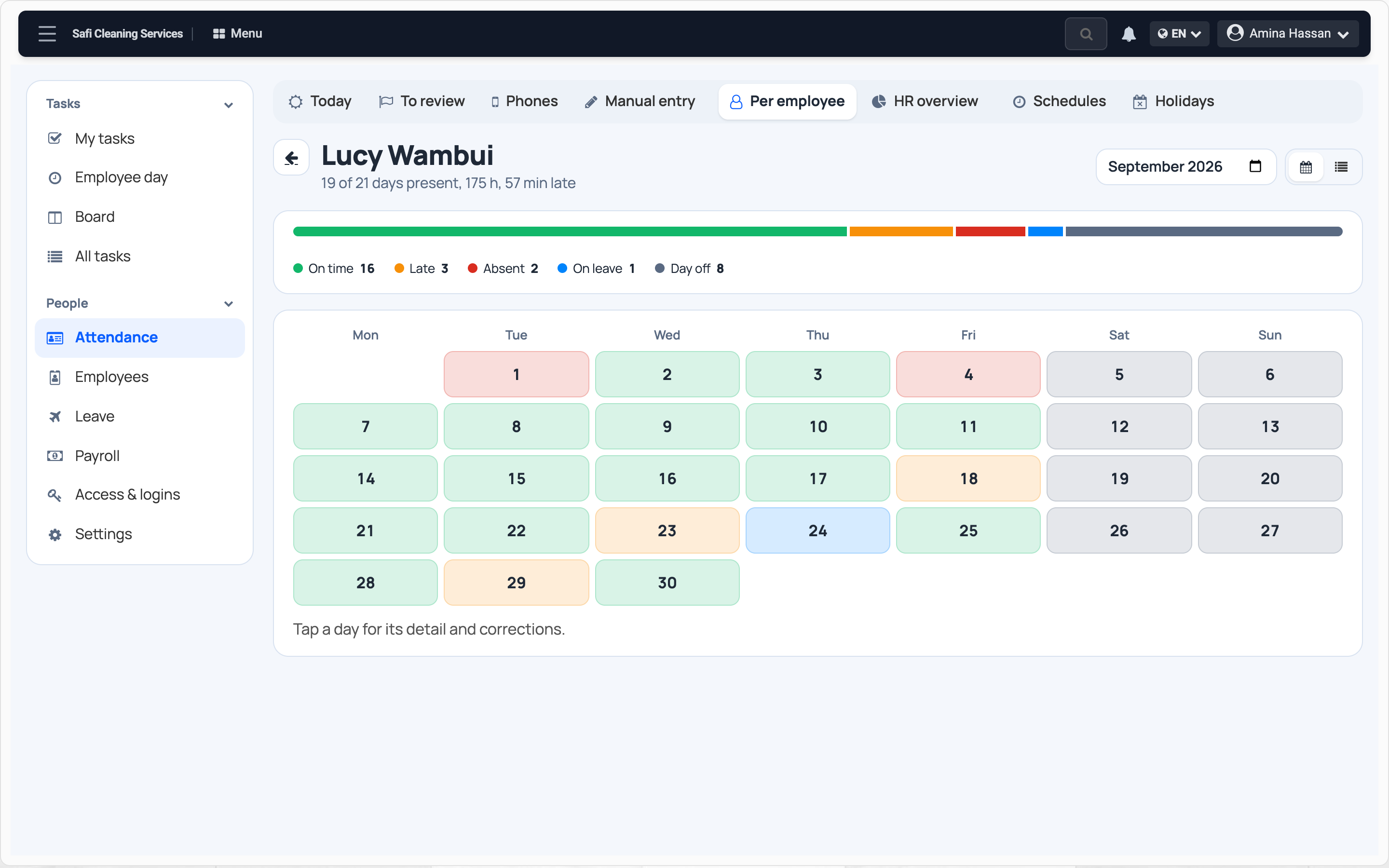
Punches to check
Away from the site, or one phone for two people: you see it.
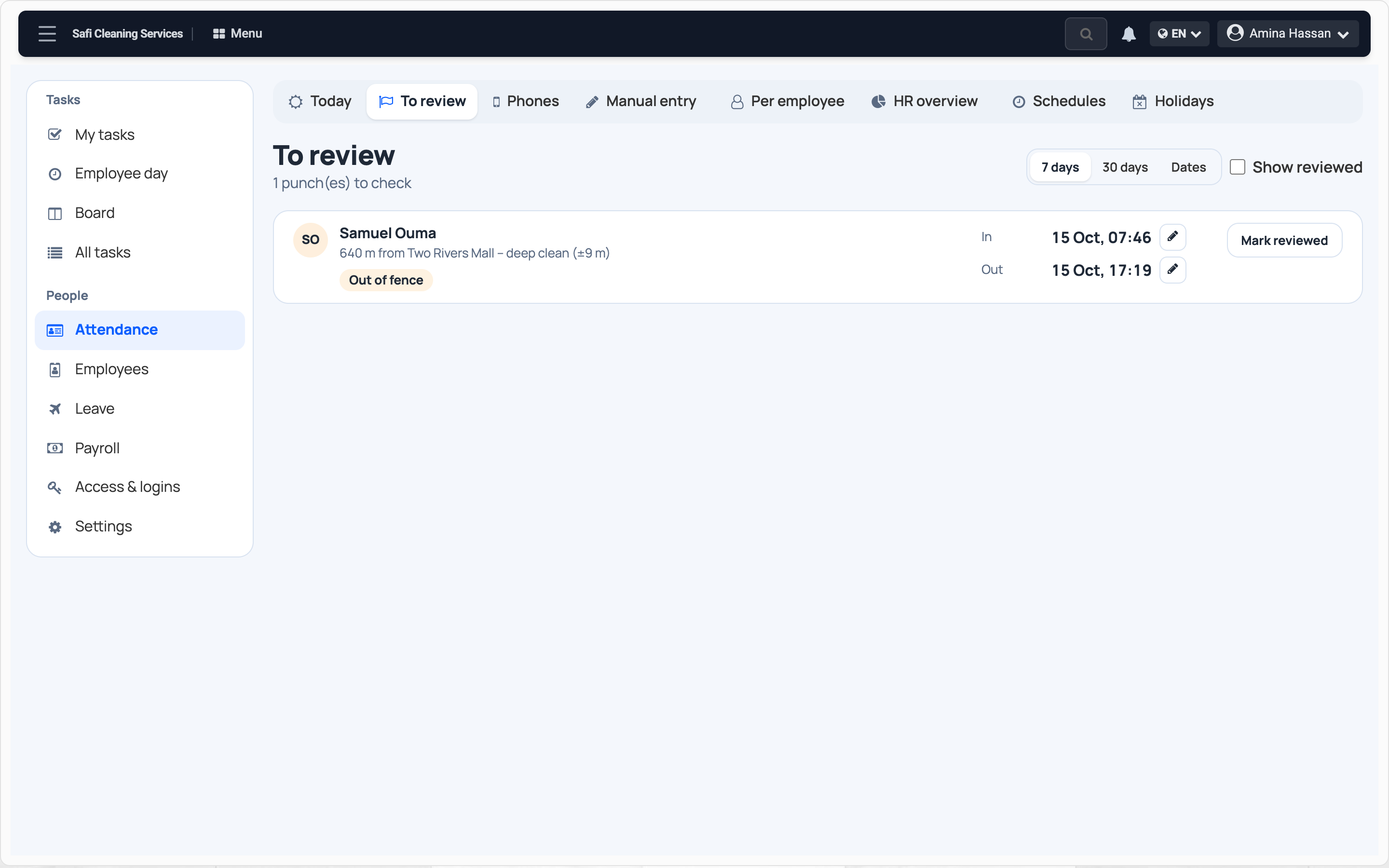
Your team sees it too
Everyone sees their hours and their leave, on their own phone.
-
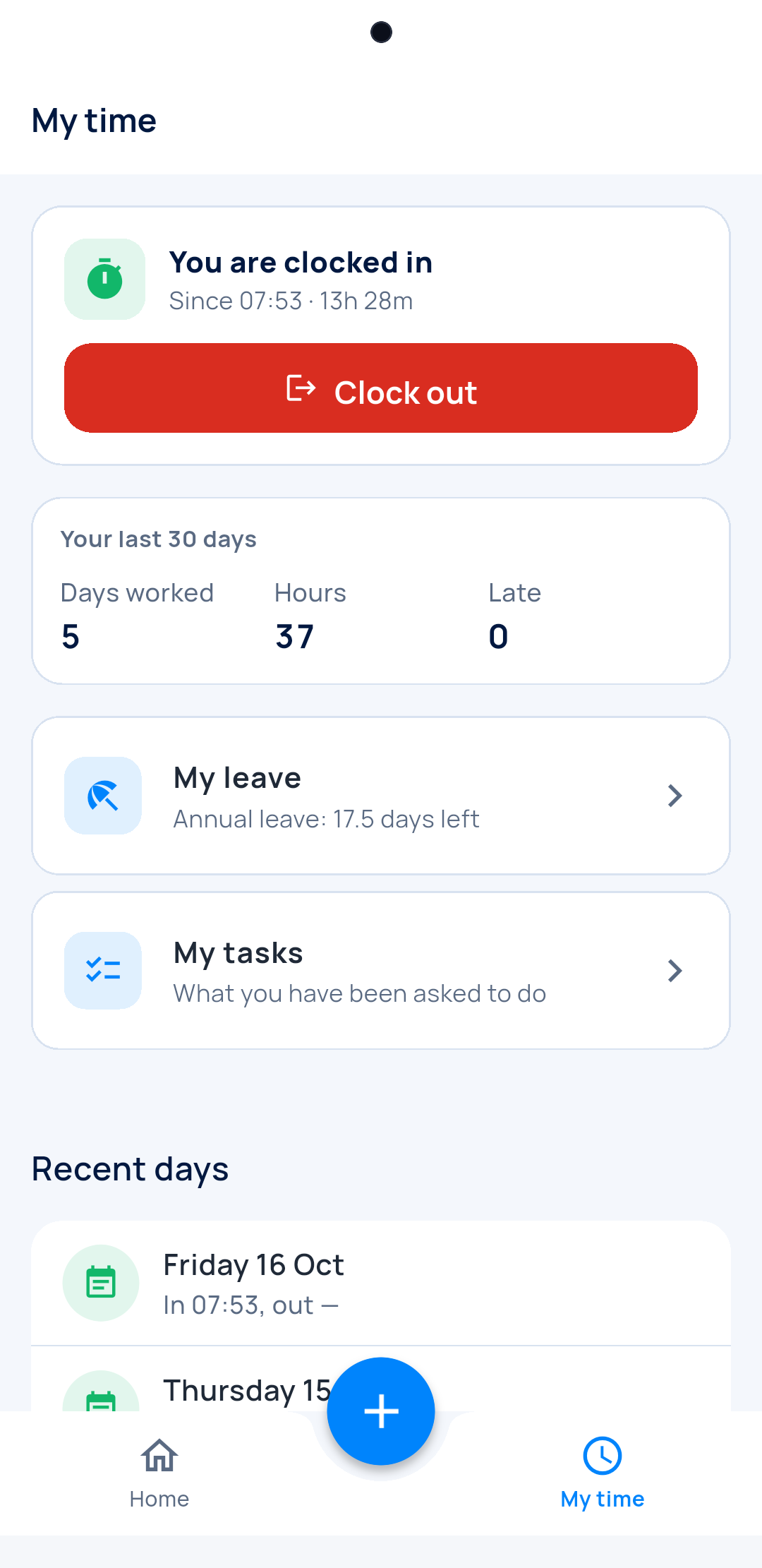
My time
My hours, my days, my late arrivals.
-
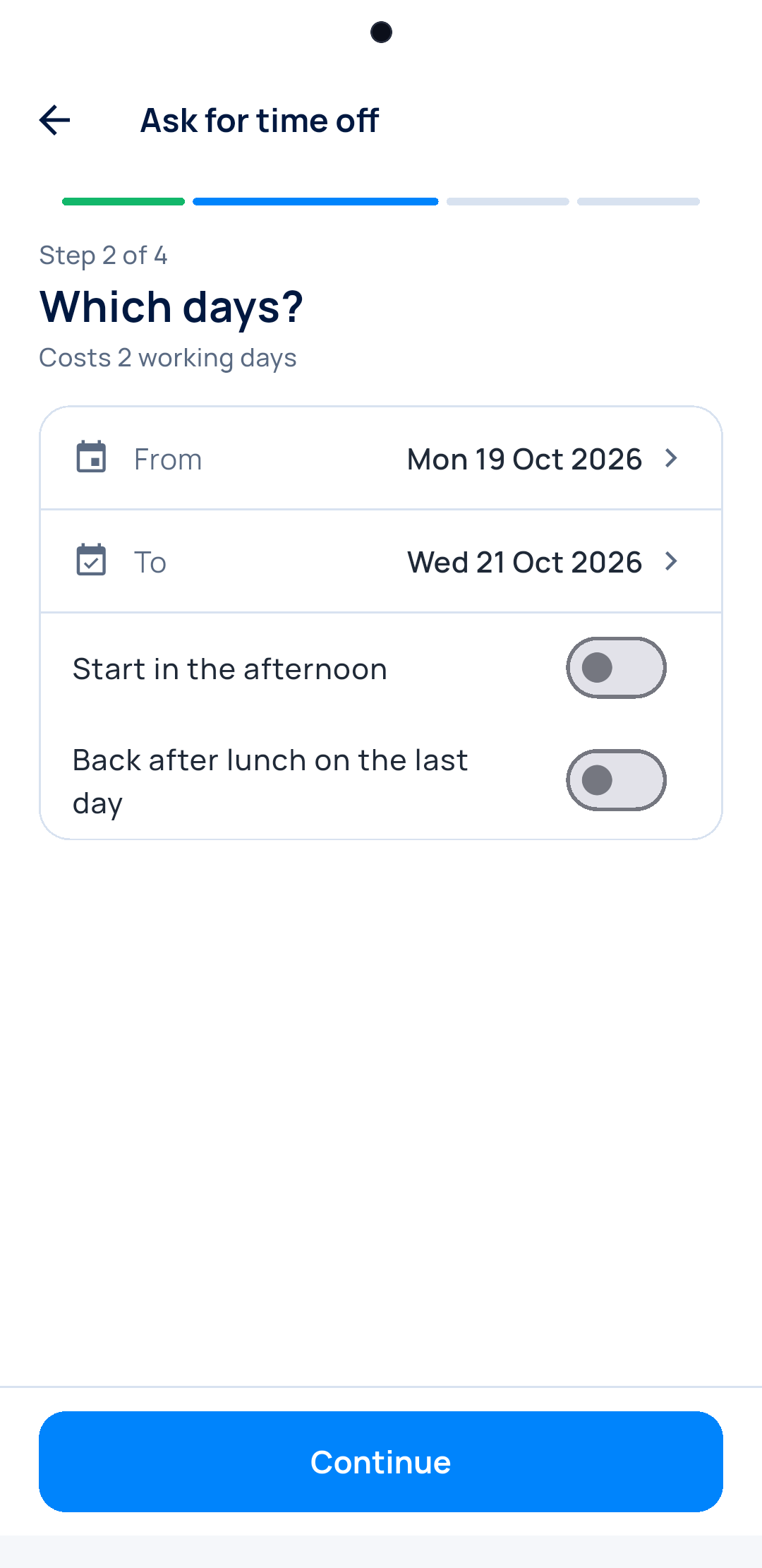
Ask for time off
Working days are counted. Public holidays cost nothing.
-
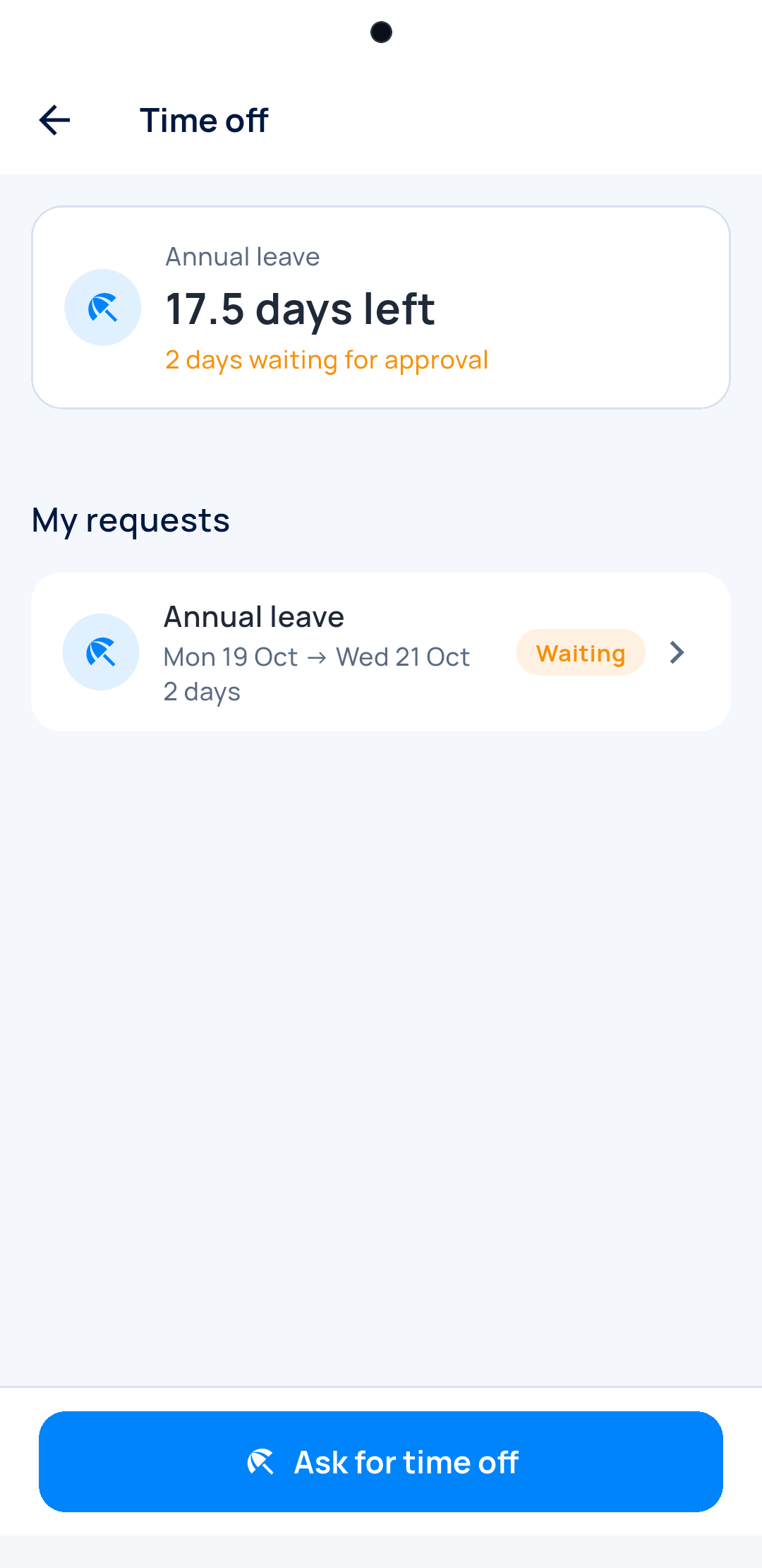
Days left
Everyone sees the leave they have left.
-
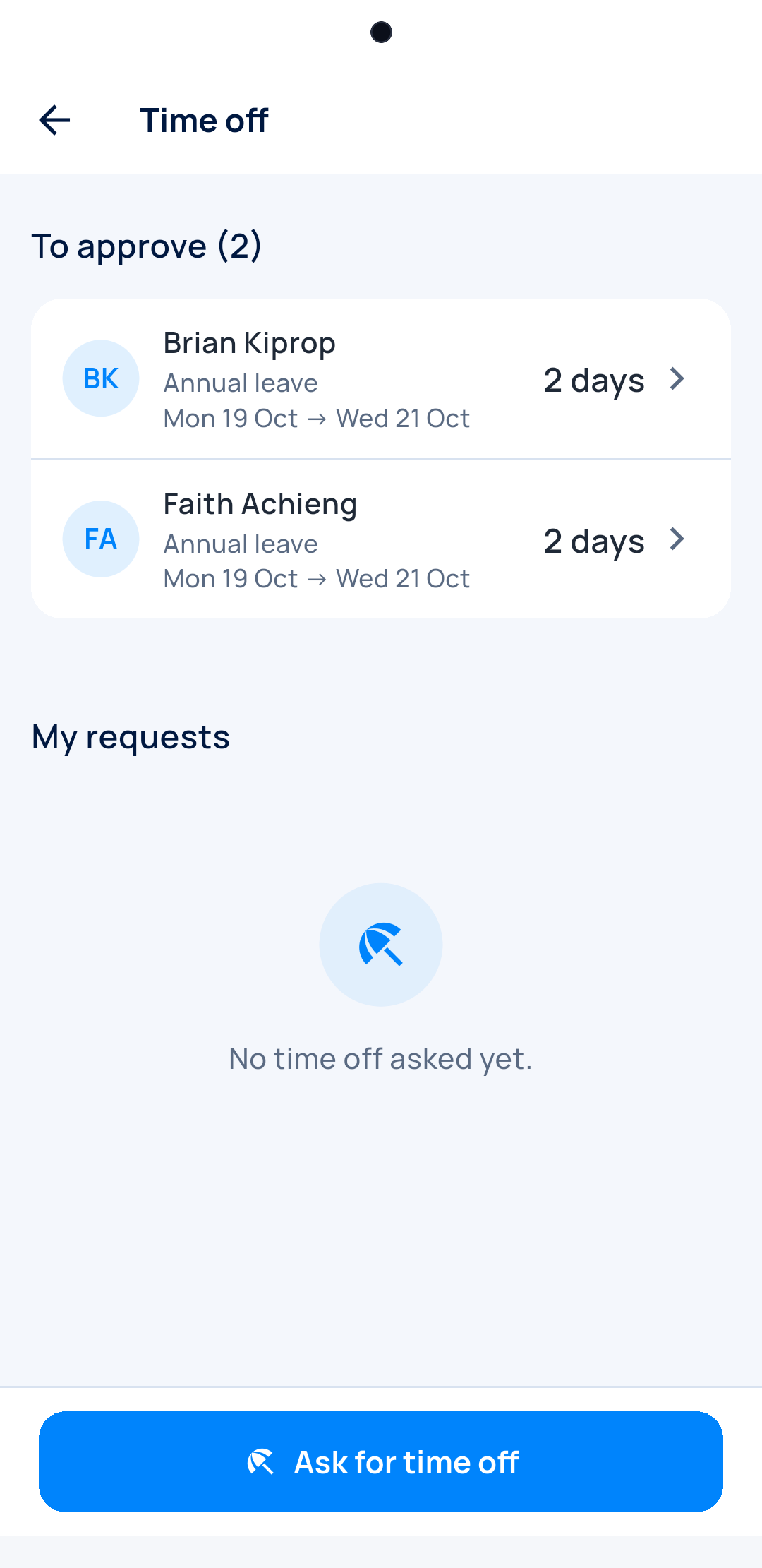
You answer in one tap
Approve or refuse, from your phone.
And the rest of HR
Attendance is the start. Leave, schedules and payroll sit right next to it.
Time off
Requests waiting for you come first. Days left per person.
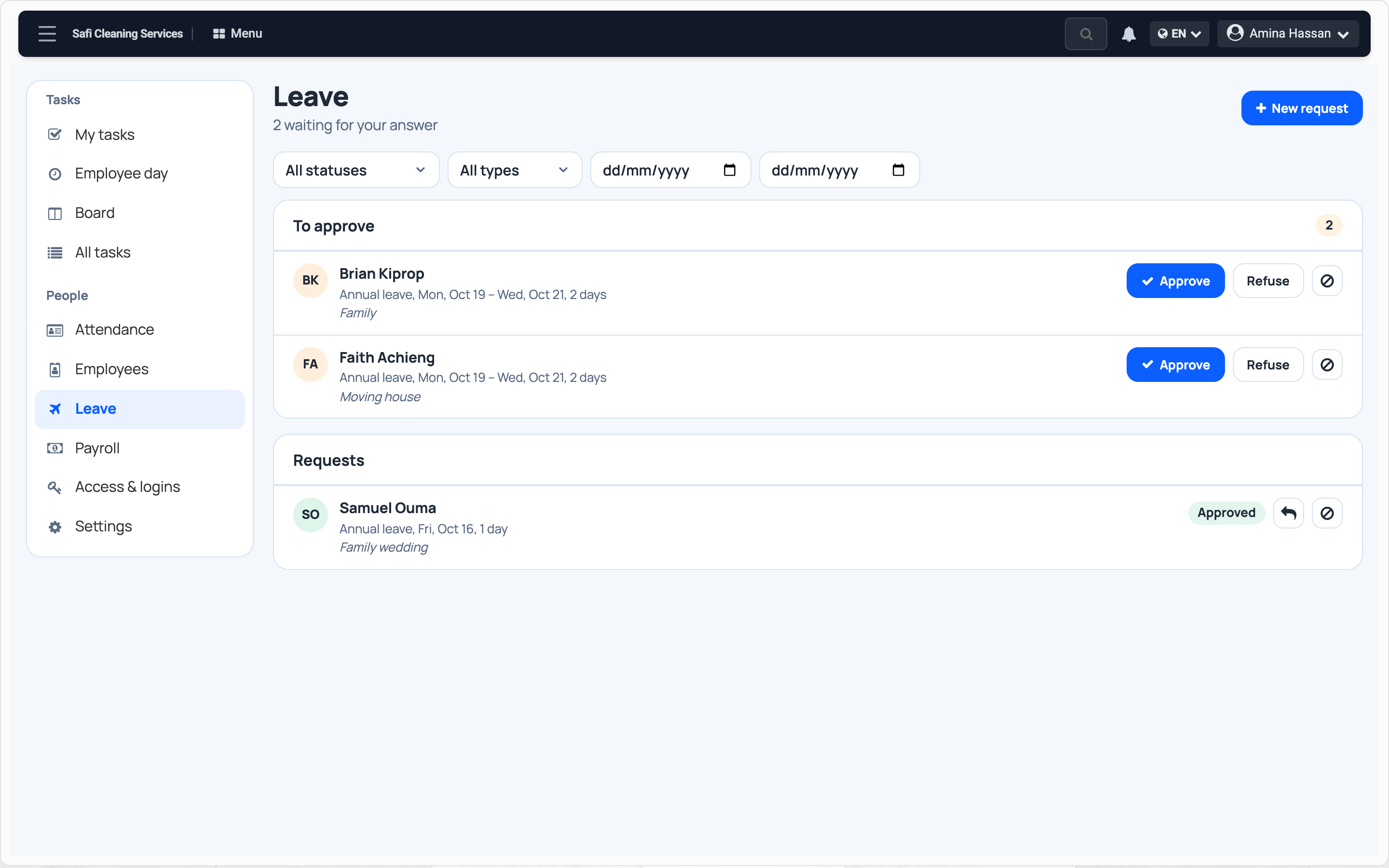
Schedules
The hours you expect, and the working days.
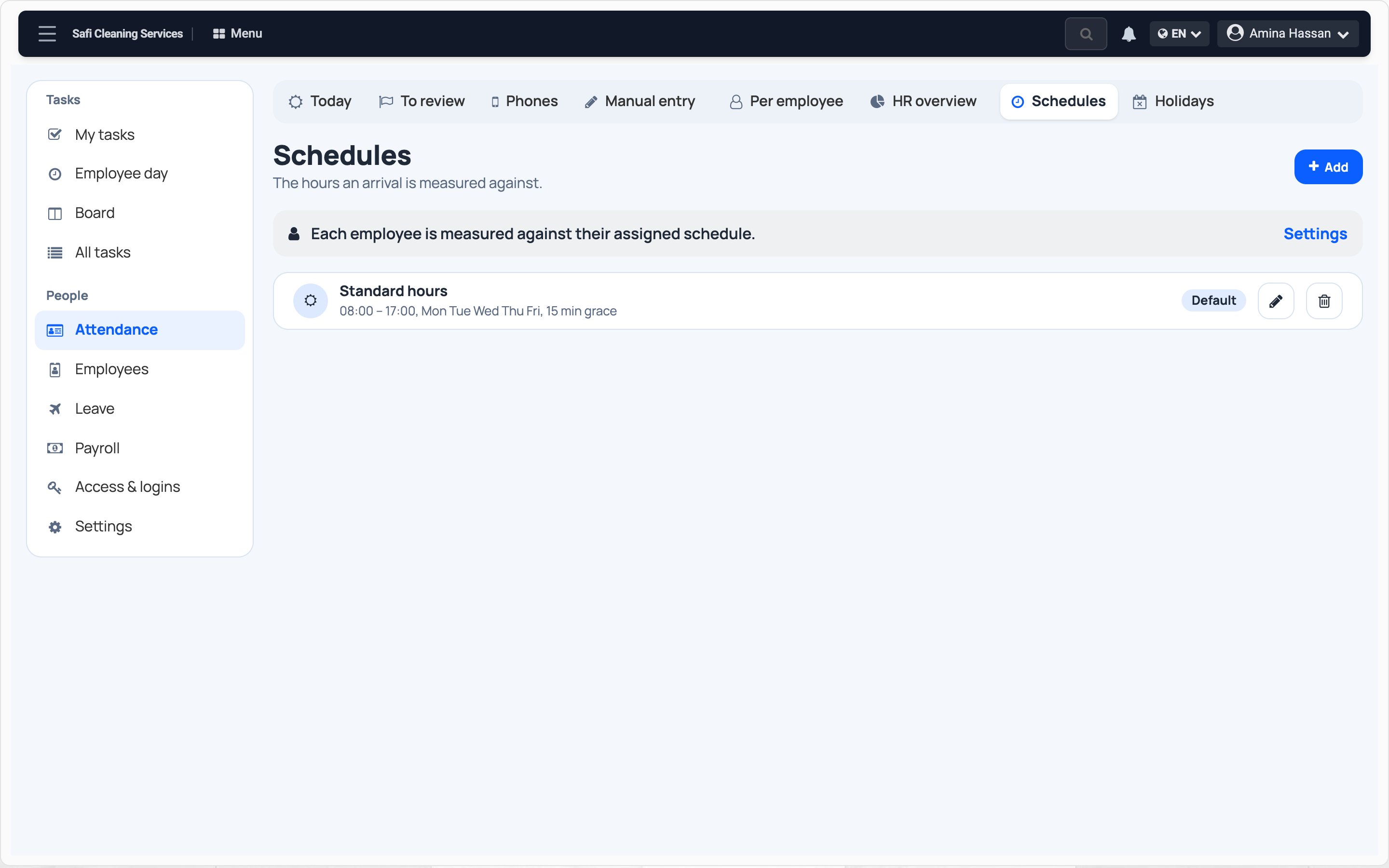
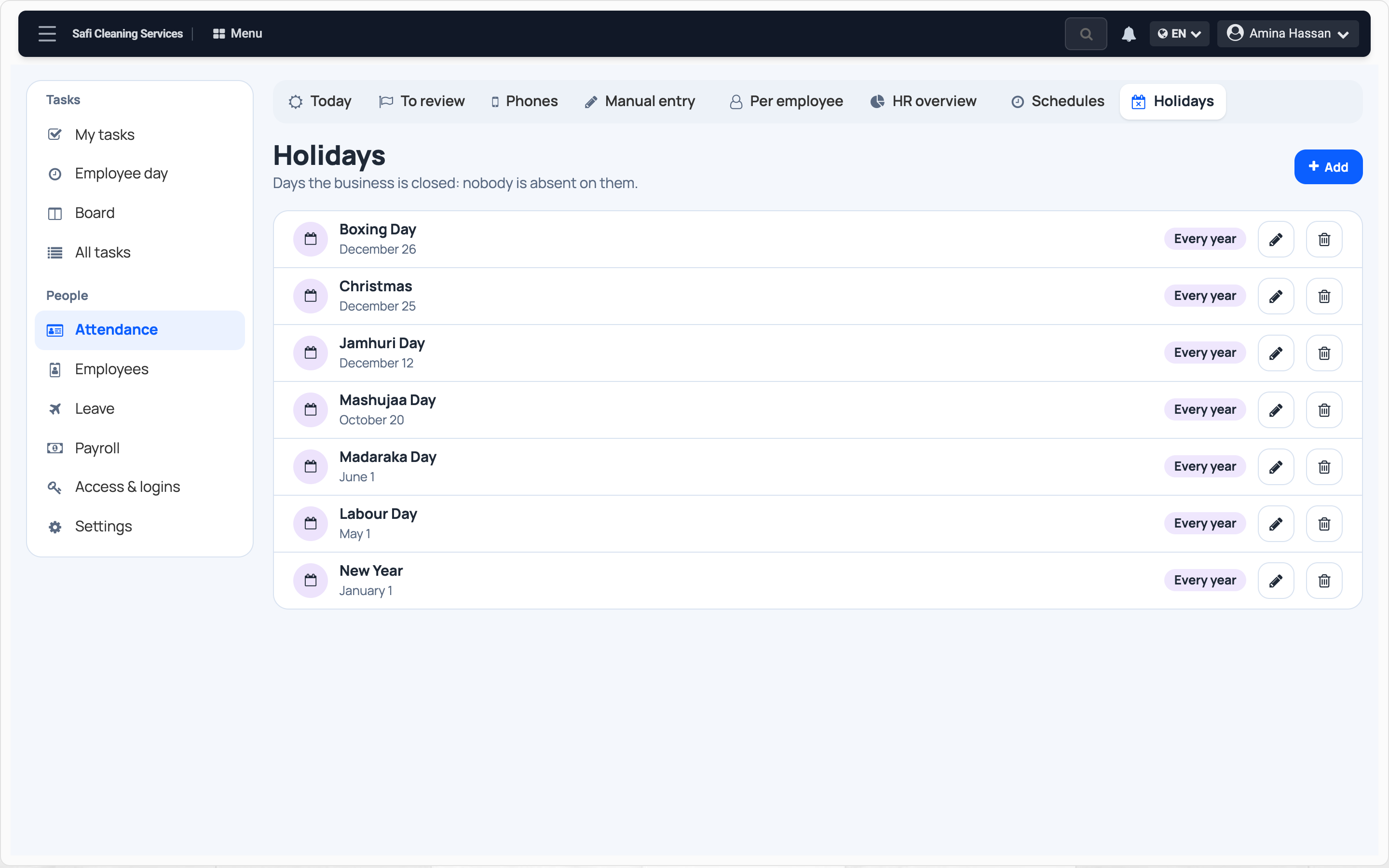
Public holidays
Add them once, they come back every year. They never count as absences.
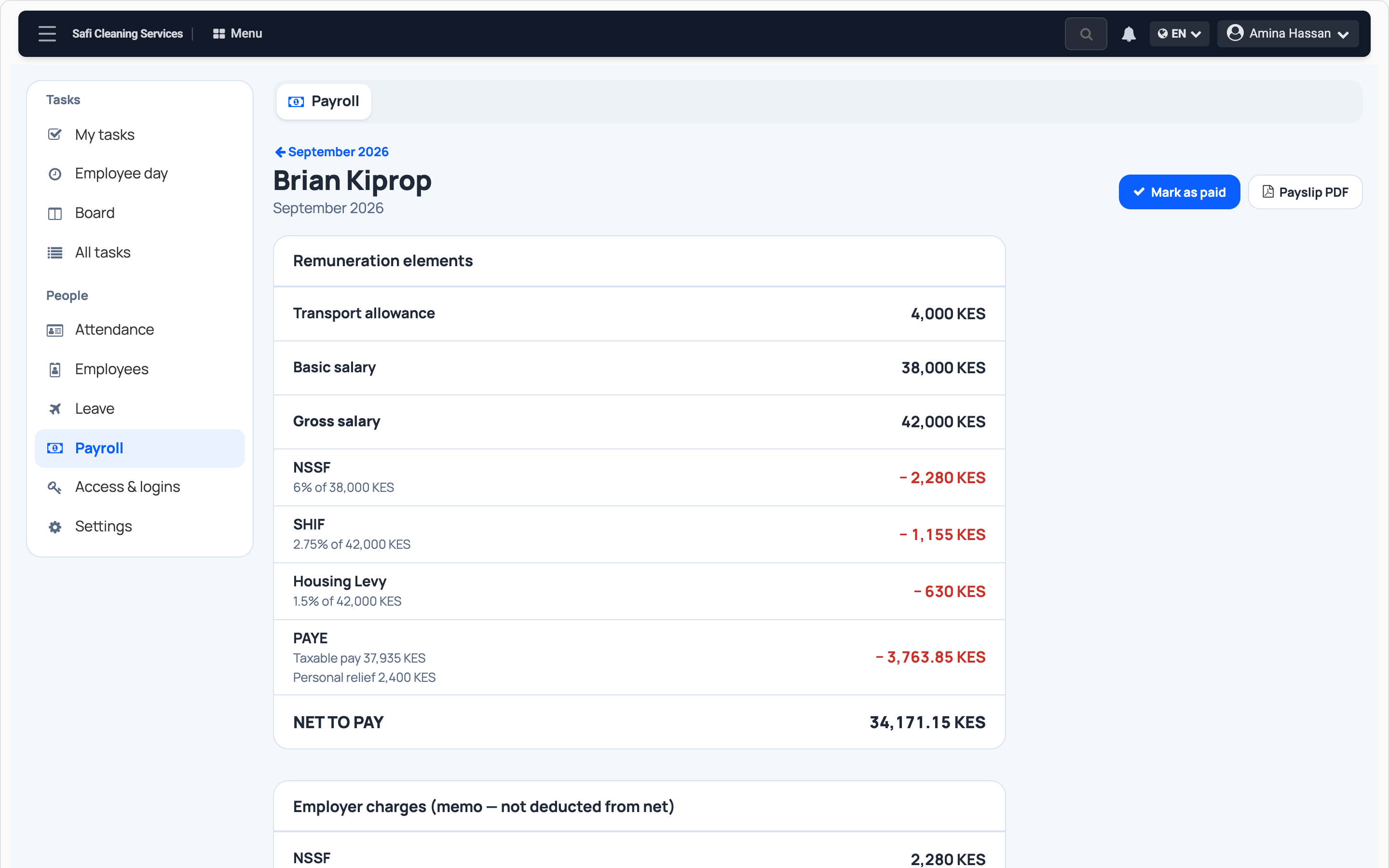
Payroll
NSSF, SHIF, housing levy and PAYE worked out. A PDF payslip for each person.
Coming soon
Your clock at the door
Already have a fingerprint or face terminal, such as ZKTeco? Its punches will land in the same place.
Questions
Do I need a device at the door?
No. Everyone clocks in with their own phone.
Is the face sent to you?
No. It stays on the employee's phone. Only the result is sent.
What if the camera fails?
You can allow a punch without the face. It is flagged.
My team works at clients' sites?
Add a work site on the map, for as long as the job lasts.
Is leave counted?
Yes, in working days, with each person's days left.
Who helps if I get stuck?
A real person, on WhatsApp.
Start tomorrow morning.
From / month + VAT