 Aser One
Check the VAT you owe
The VAT collected, the VAT you can deduct, and what is left to pay for the month.
On the computer, 5 steps
Guide 9 of 14 in Accounting
-
Open tax reports
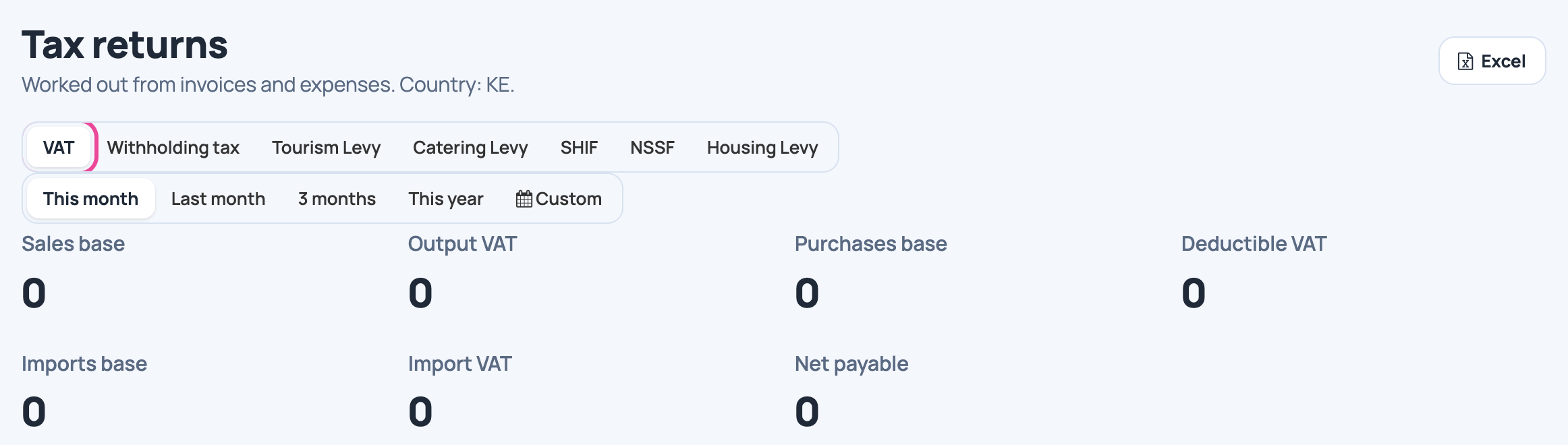
In Accounting › Tax Reports, click VAT.
-
Pick the month
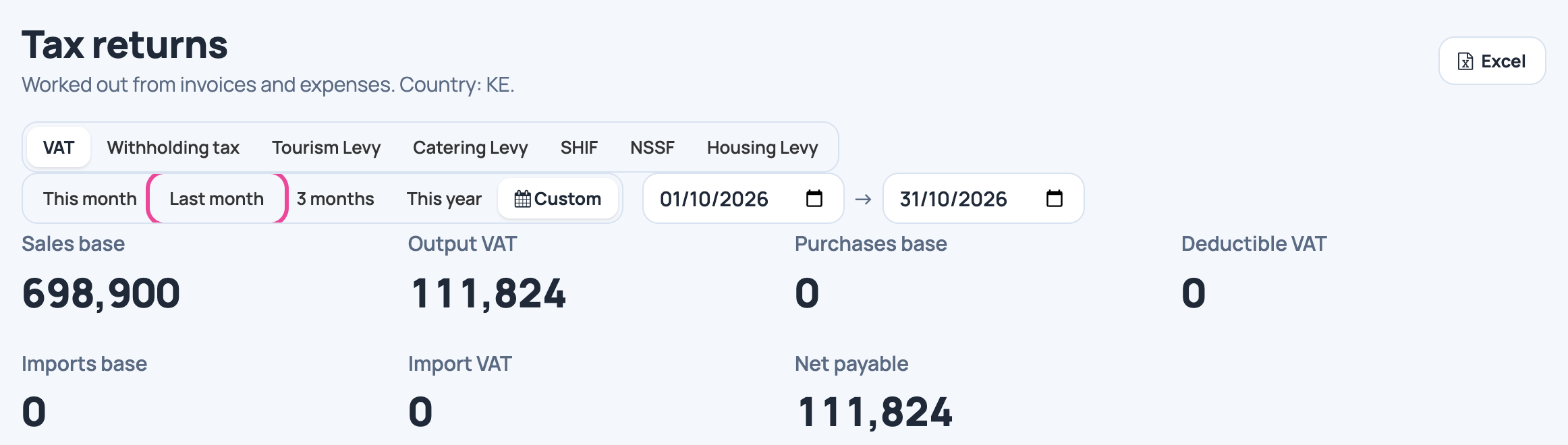
Click Last month: the month you declare.
-
Read what you owe
Net payable is the VAT collected minus the deductible VAT.

-
See each rate
VAT by tax lists each rate with its base and amount.

-
Keep the figures
Click Excel to download them for your return.

Next step
More guides
- 1Invite your accountantName and e-mail, and they get their sign-in details.
- 2Move your books inYour old journal, account by account, checked.
- 3Open your booksCheck the opening, then open the books.
- 4Add an accountA new account under the right parent.
- 5Classify a movementGive an untyped expense its account.
- 6Record a journal entryType the lines, check the balances, send.
- 7Lock a monthClose a finished month to any change.
- 8Reopen a monthAsk to reopen a locked month, then approve it.
- 11Read your balance sheetAssets, liabilities and equity on one page.
- 12Check your trial balanceDebits equal credits, account by account.
- 13See an account’s historyOne account, line by line, back to the sale or expense.
- 14See who owes youCustomers and suppliers, sorted by age.
- The Accounting appAccounting
- All guidesLearn