Aser One
-
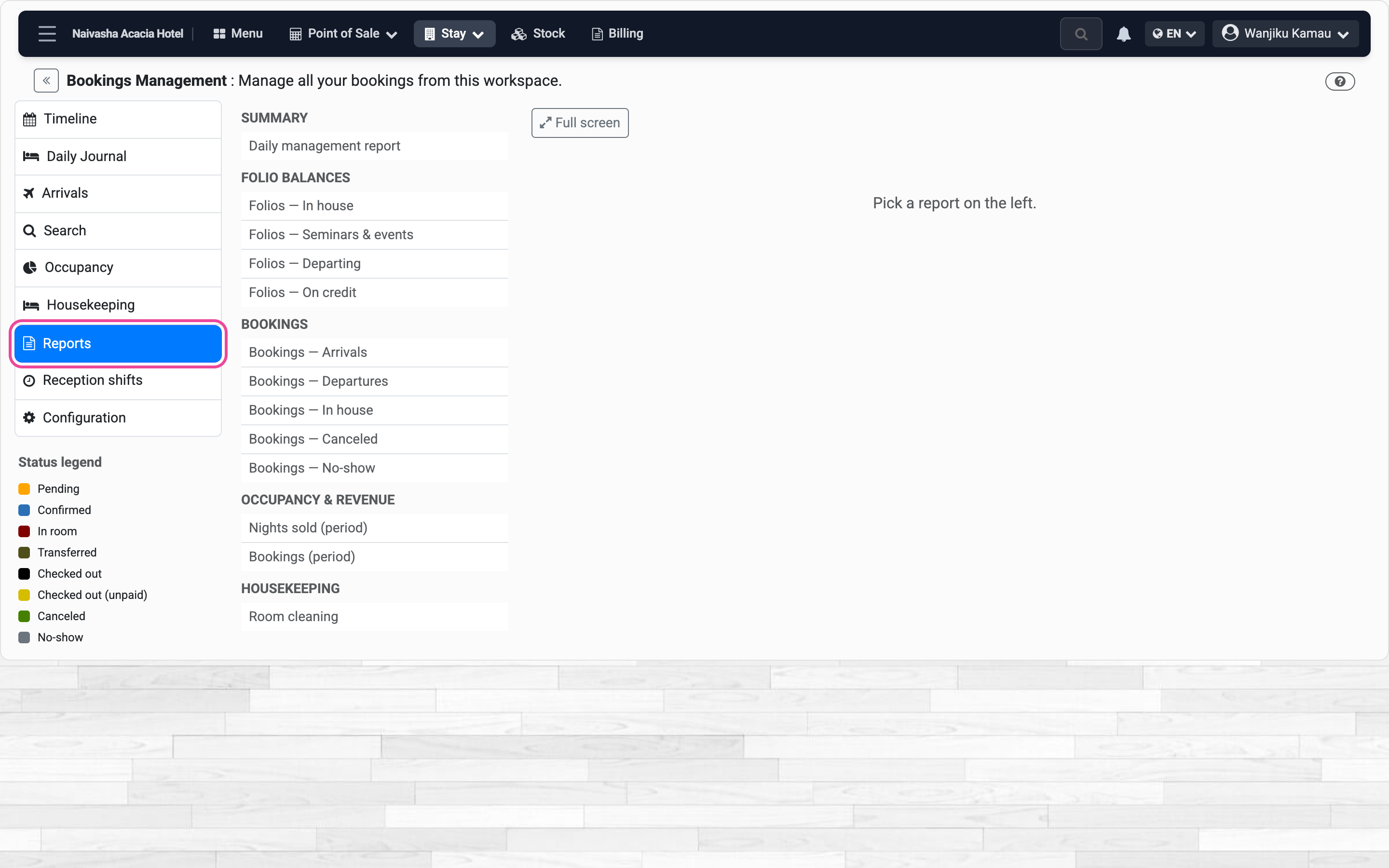
Open the reports
In Stay, open Reports. They are grouped by topic.
-
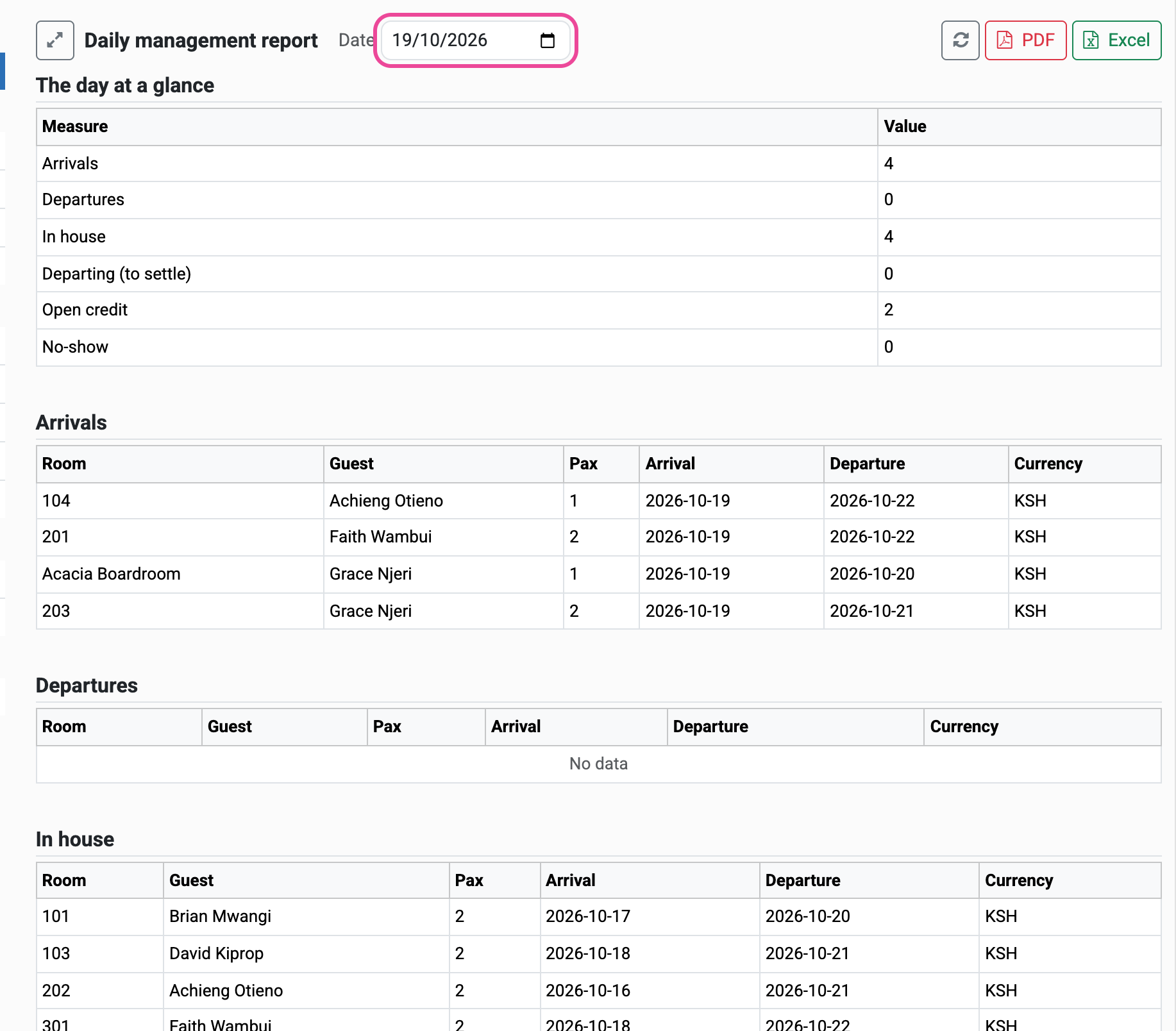
The day at a glance
Pick Daily management report and a date: arrivals, departures, guests in house, open credit.
-
A period
Pick Nights sold and set From and To. Bookings, guests, nights and revenue.

-
Print or send it
PDF to print, Excel for your accountant.

-
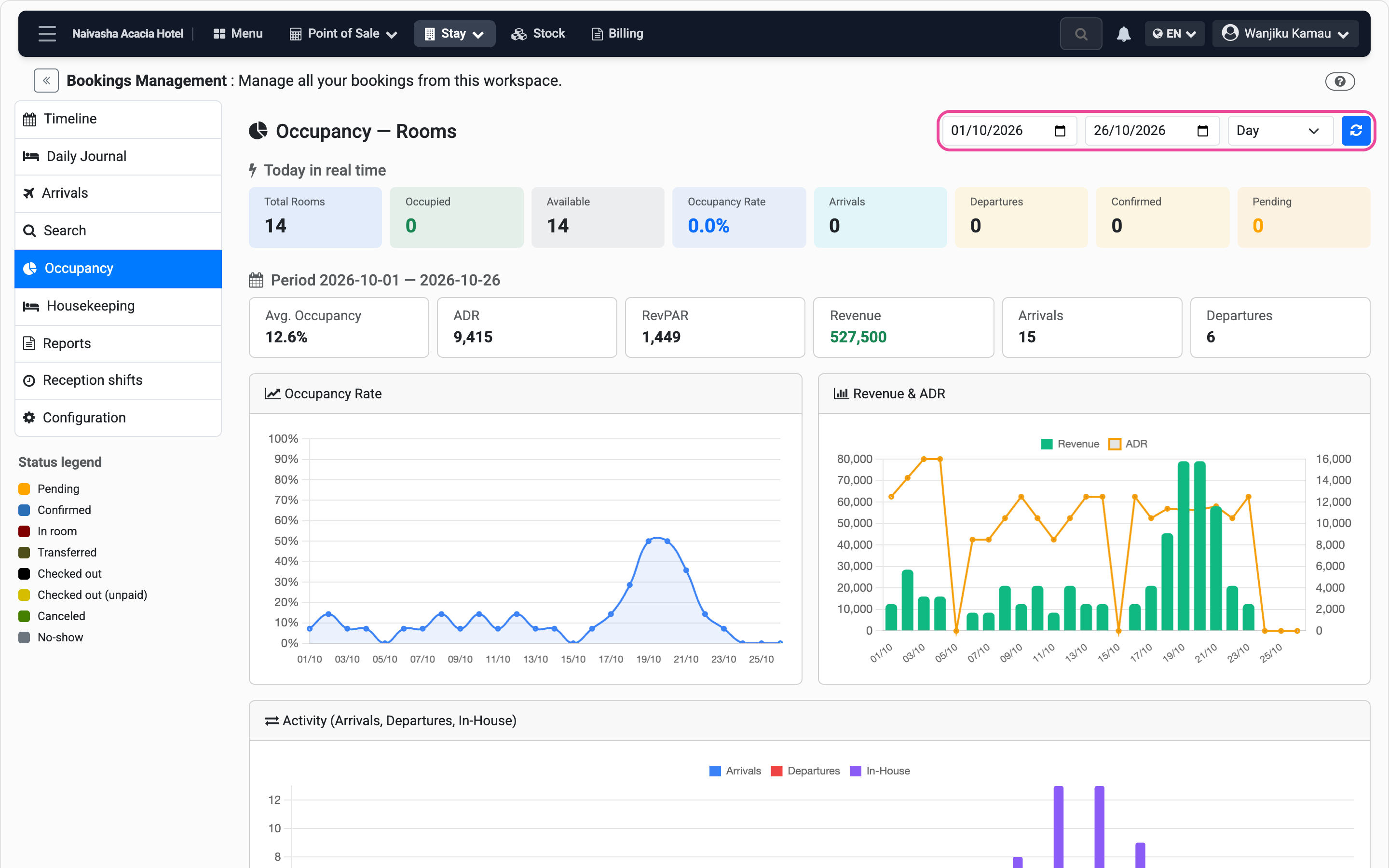
Your occupancy
In Occupancy, set the dates: the rate, revenue and ADR, day by day.