Aser One
-
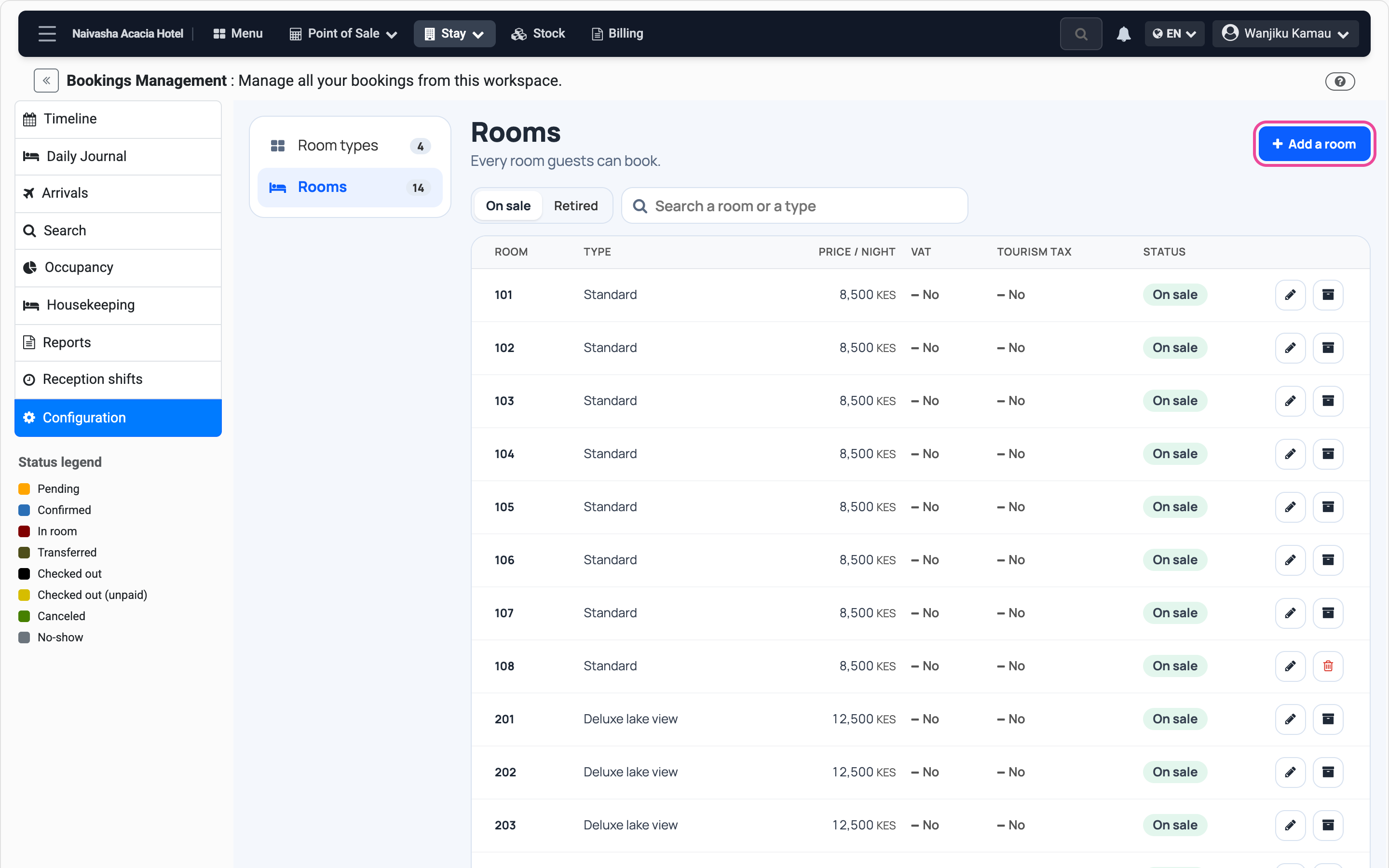
Open the rooms
In Stay › Configuration, open Rooms and press Add a room.
-
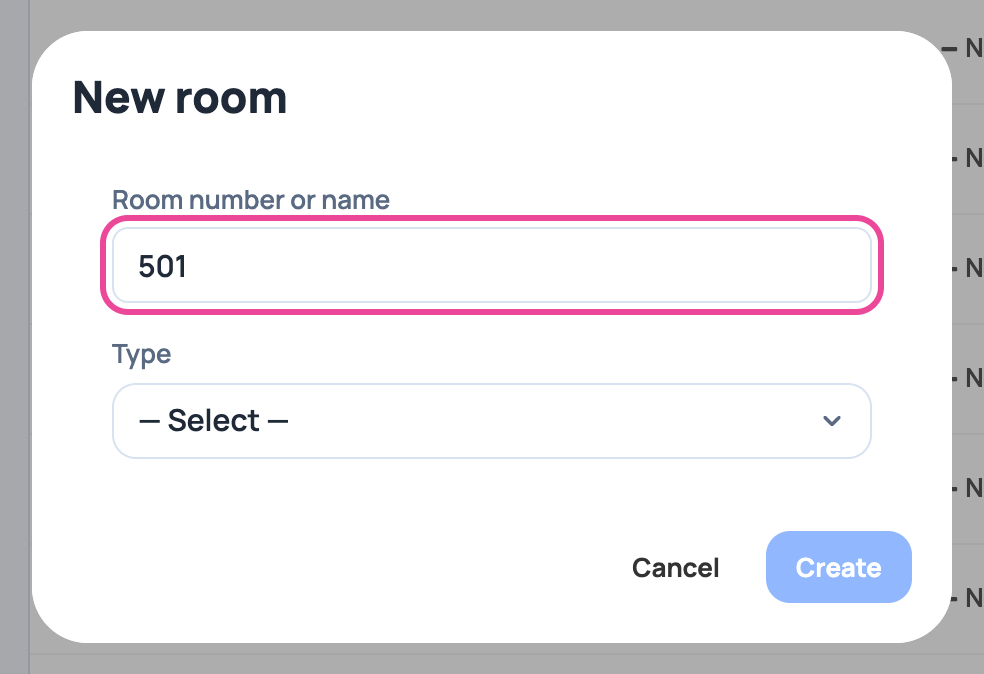
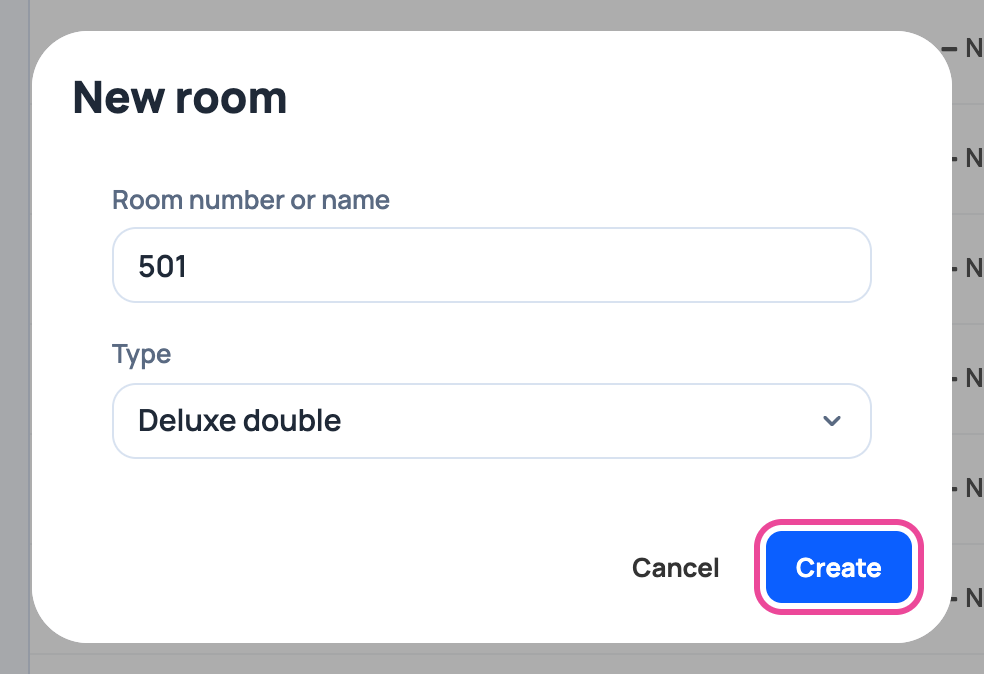
Its number
The number on the door, like 501.
-
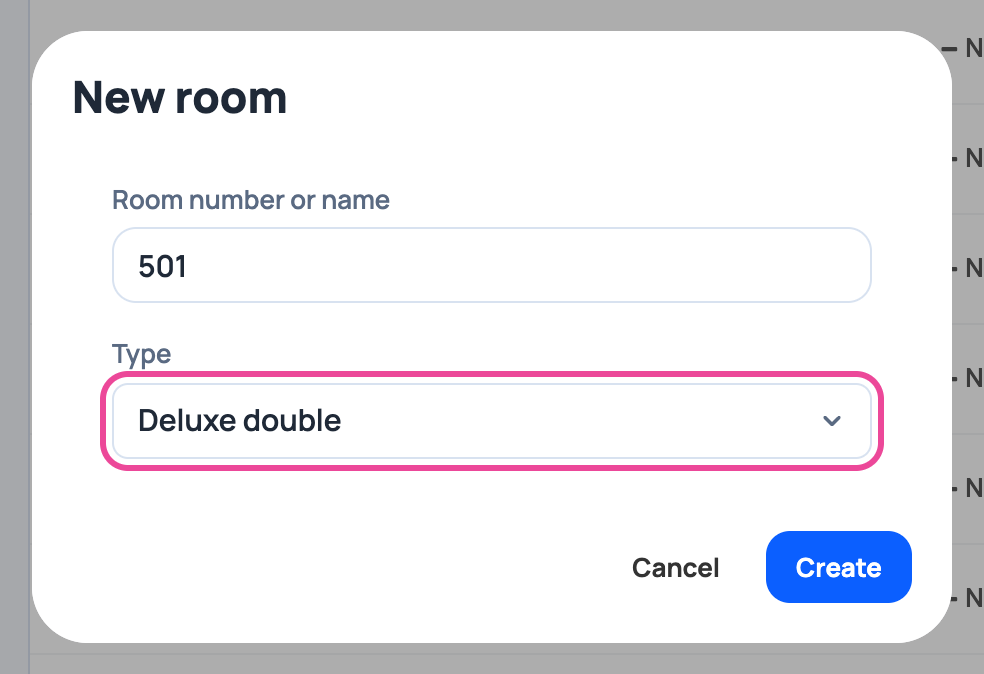
Its type
Pick the type. The price and capacity come from it.
-
Create it
Press Create.
-
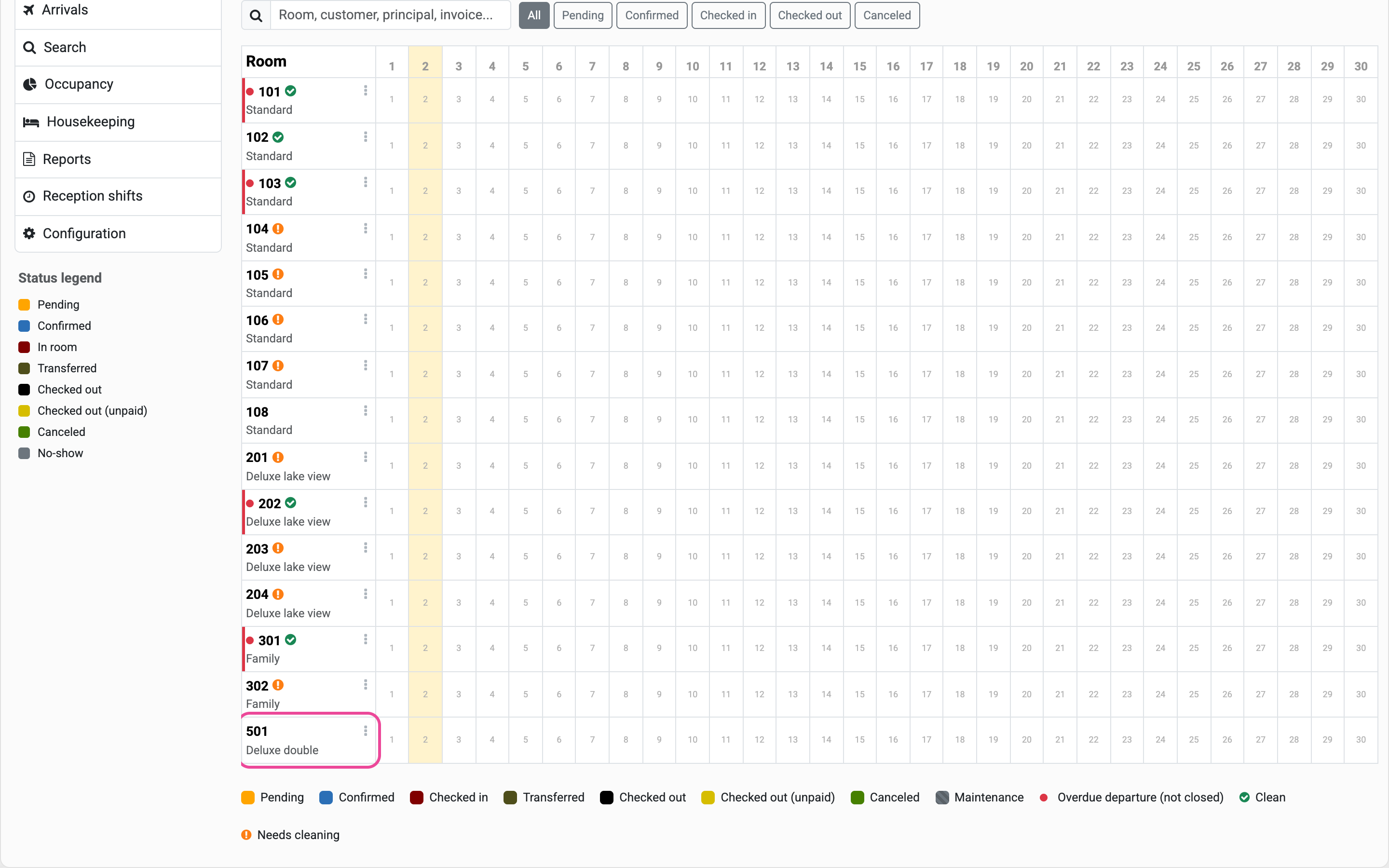
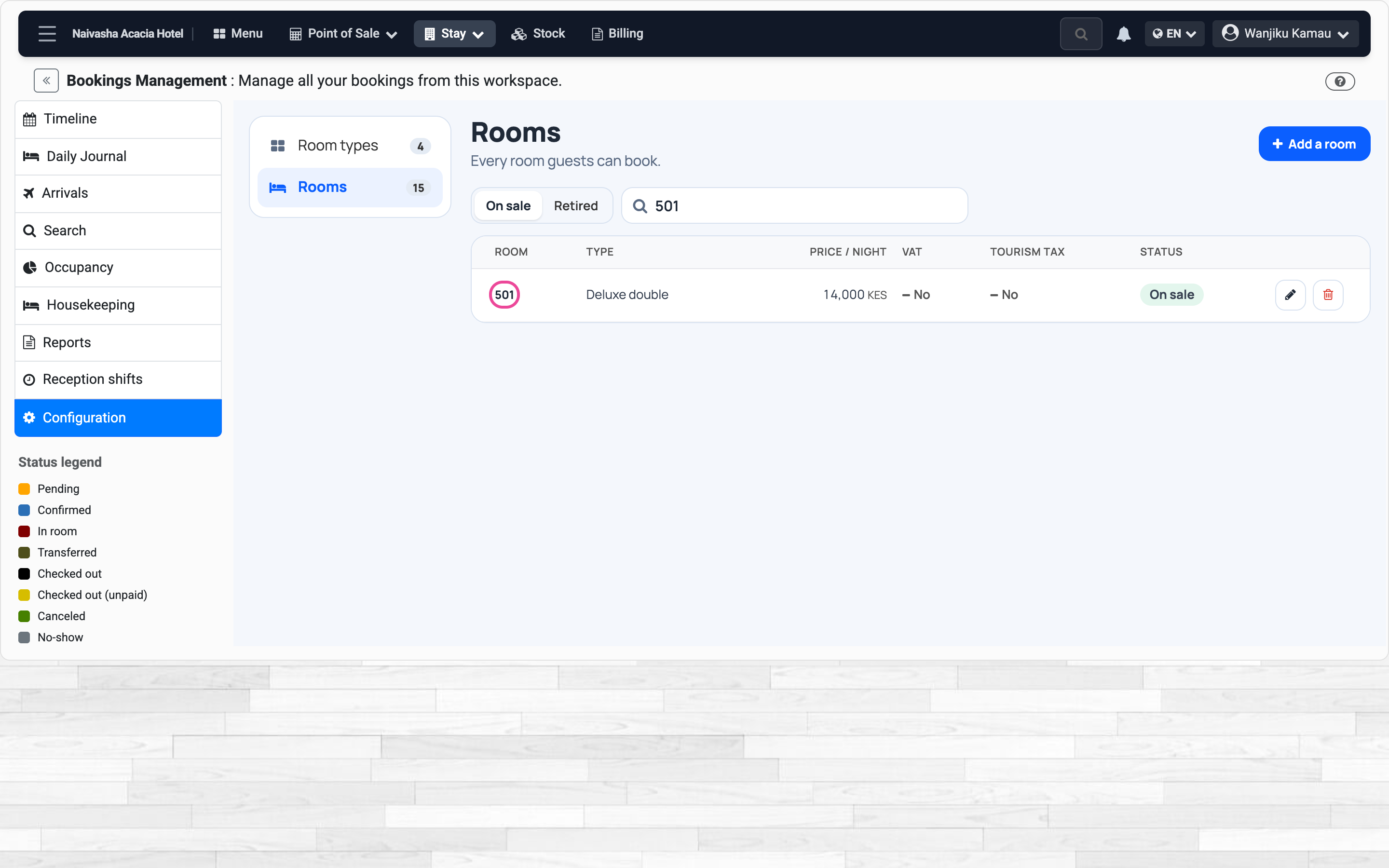
In the list
Search its number: it is on sale at its type’s price.
-
Ready to book
It is on the calendar, ready for its first booking.