Aser One
-
Open the bookings
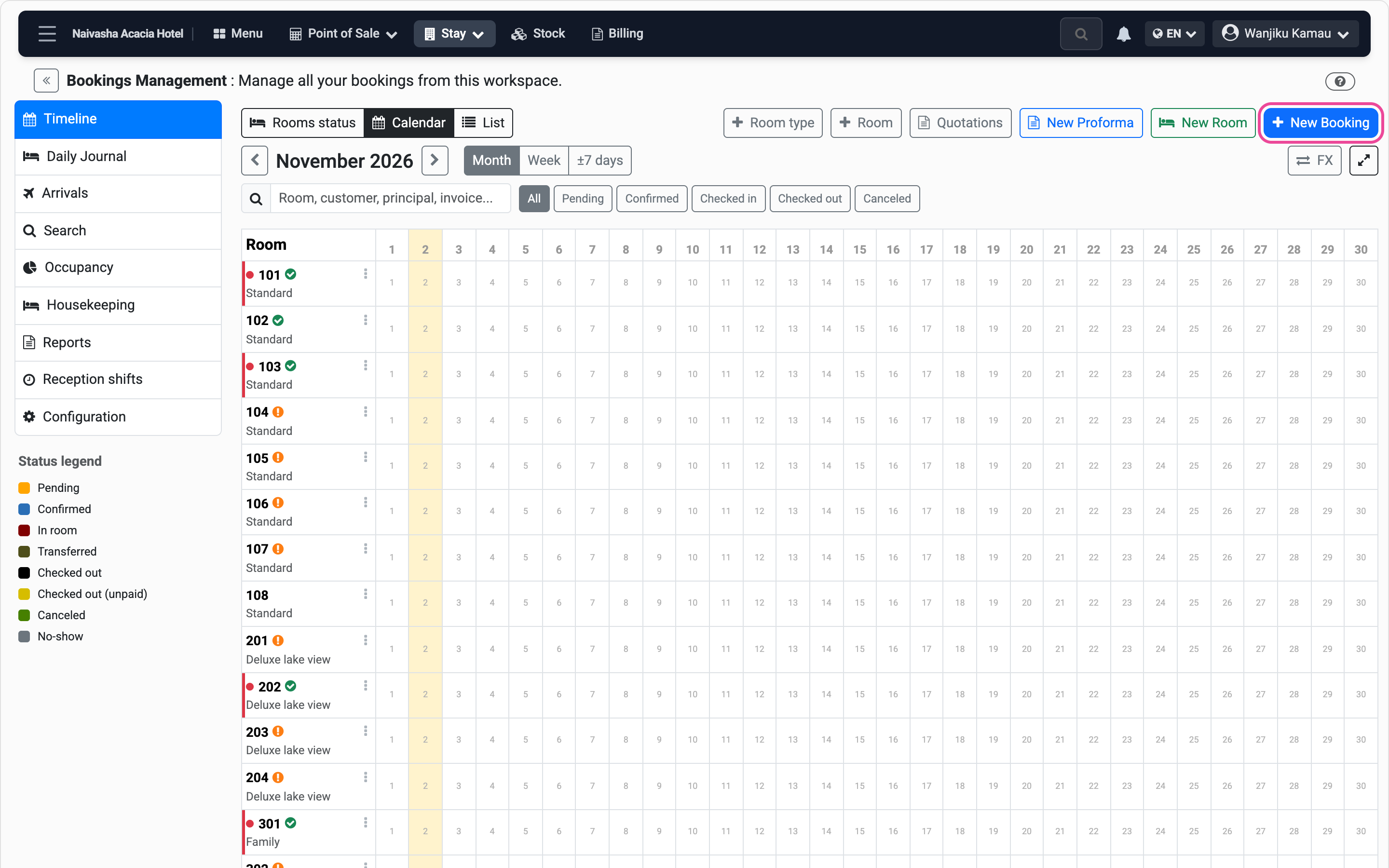
In Stay, open the calendar and press New Booking.
-
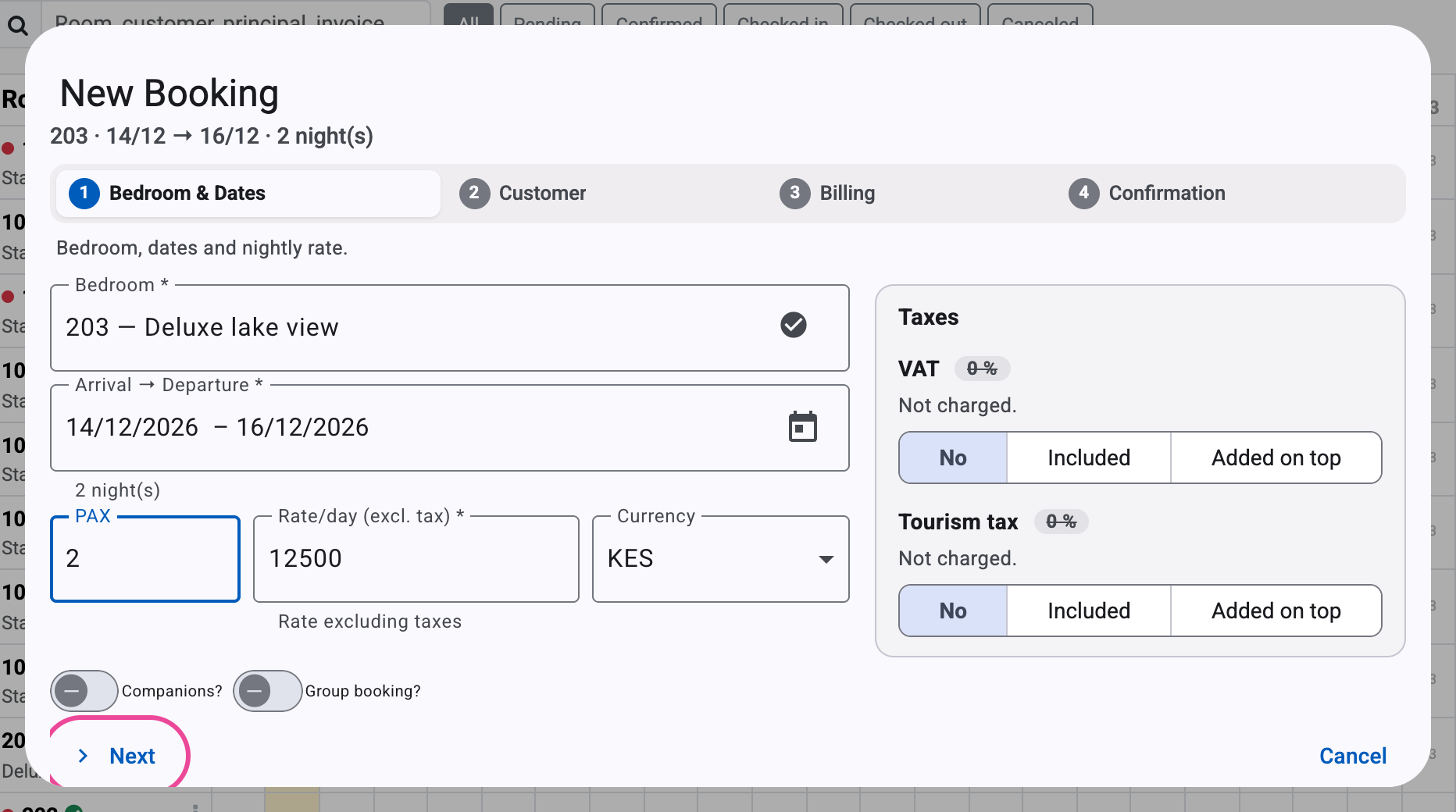
Room and dates
Pick the arrival and departure on the calendar, then the room. Its rate fills in.
-
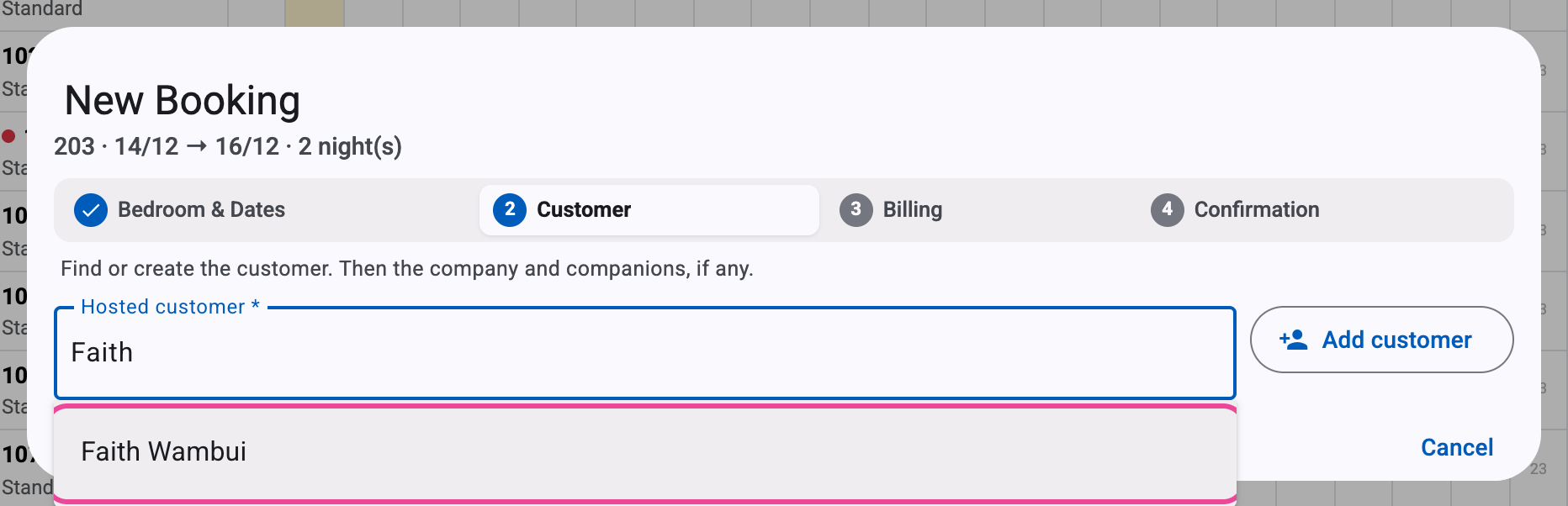
The guest
Type a few letters and pick them. Someone new? Add customer.
-
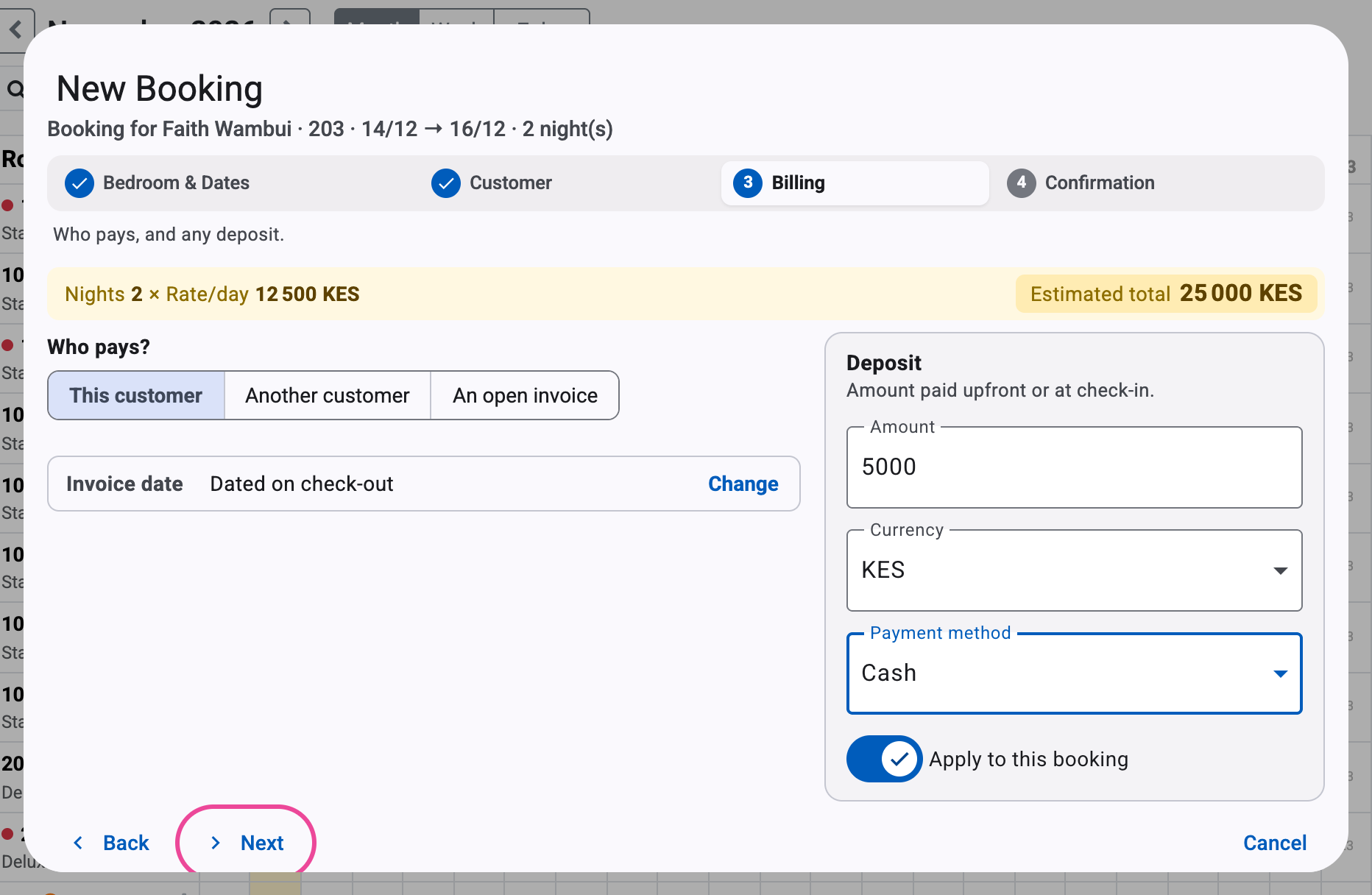
Who pays, and the deposit
The guest pays unless you choose otherwise. Type any deposit and how it was paid.
-
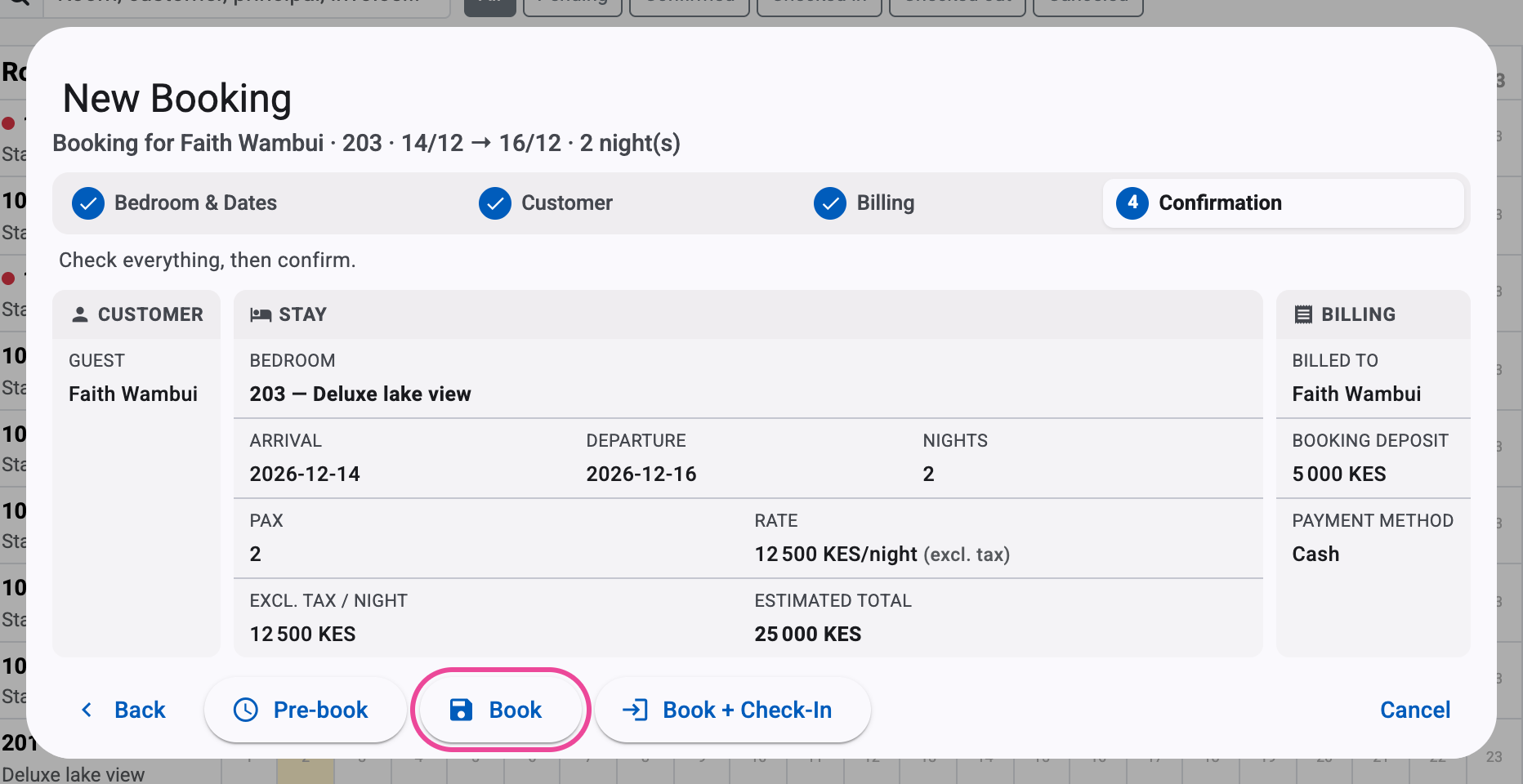
Check, then book
Read it over and press Book. Pre-book keeps it pending.
-
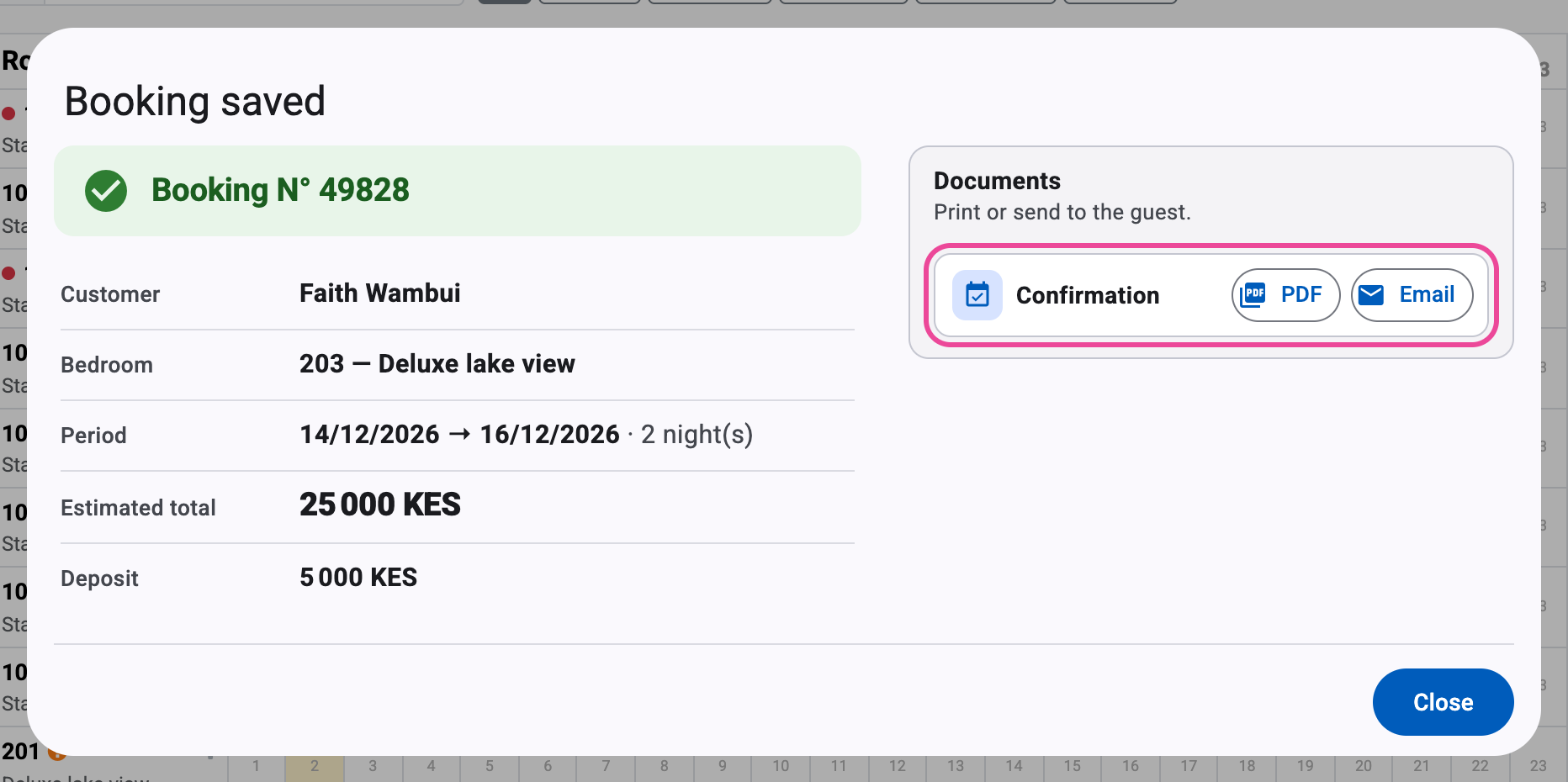
Send the confirmation
Print the PDF or e-mail it to the guest.
-
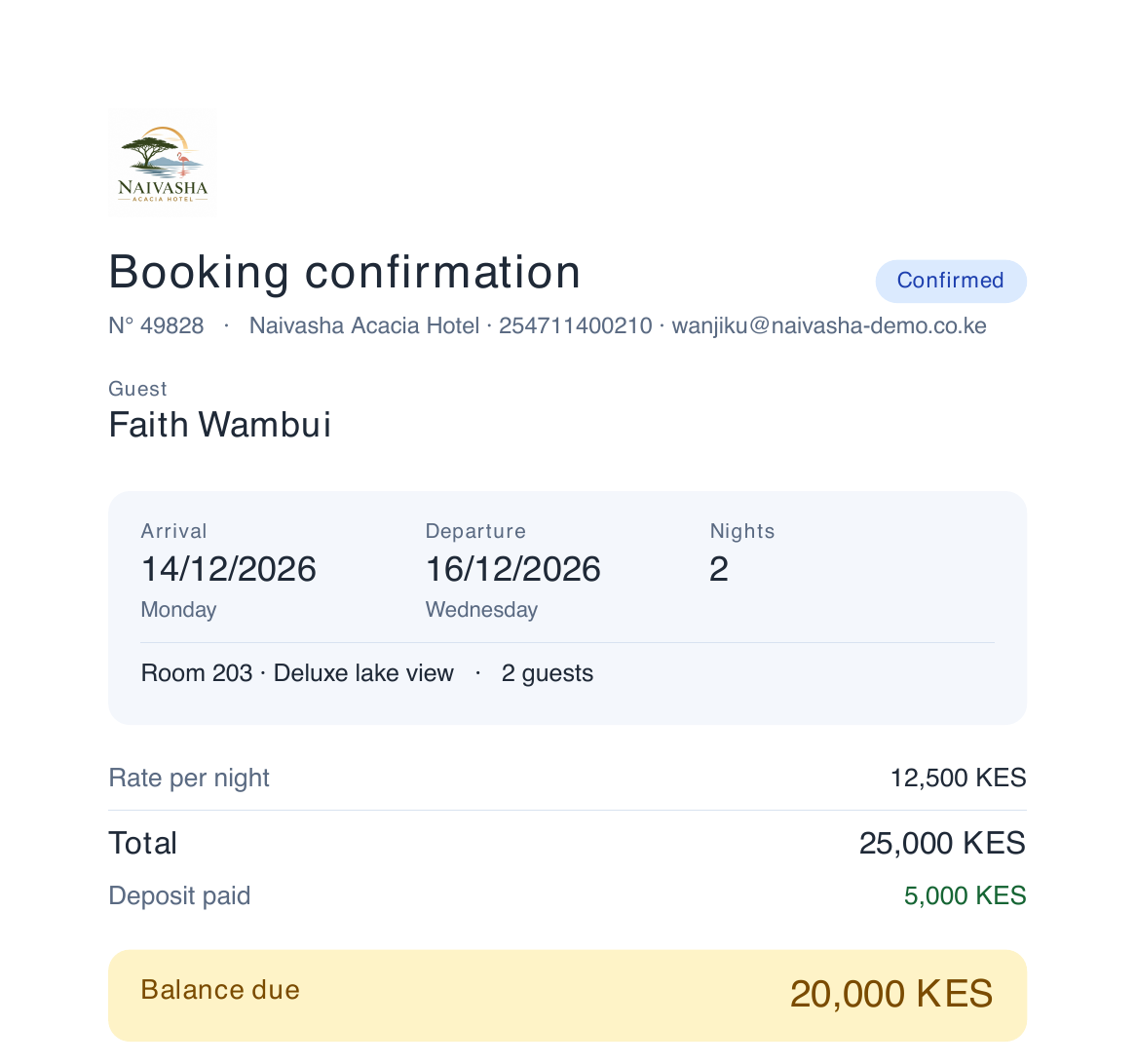
What the guest gets
Your logo, the dates, the deposit and what is left to pay.