 Aser One
-
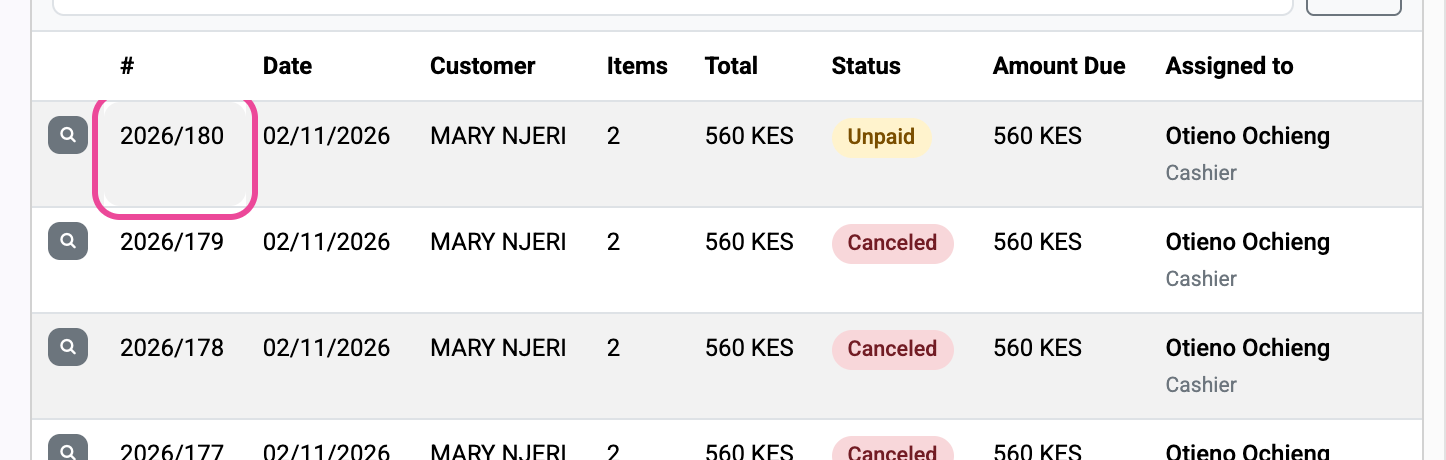
Open the sale
At the till, click the sale in the Invoices list.
-
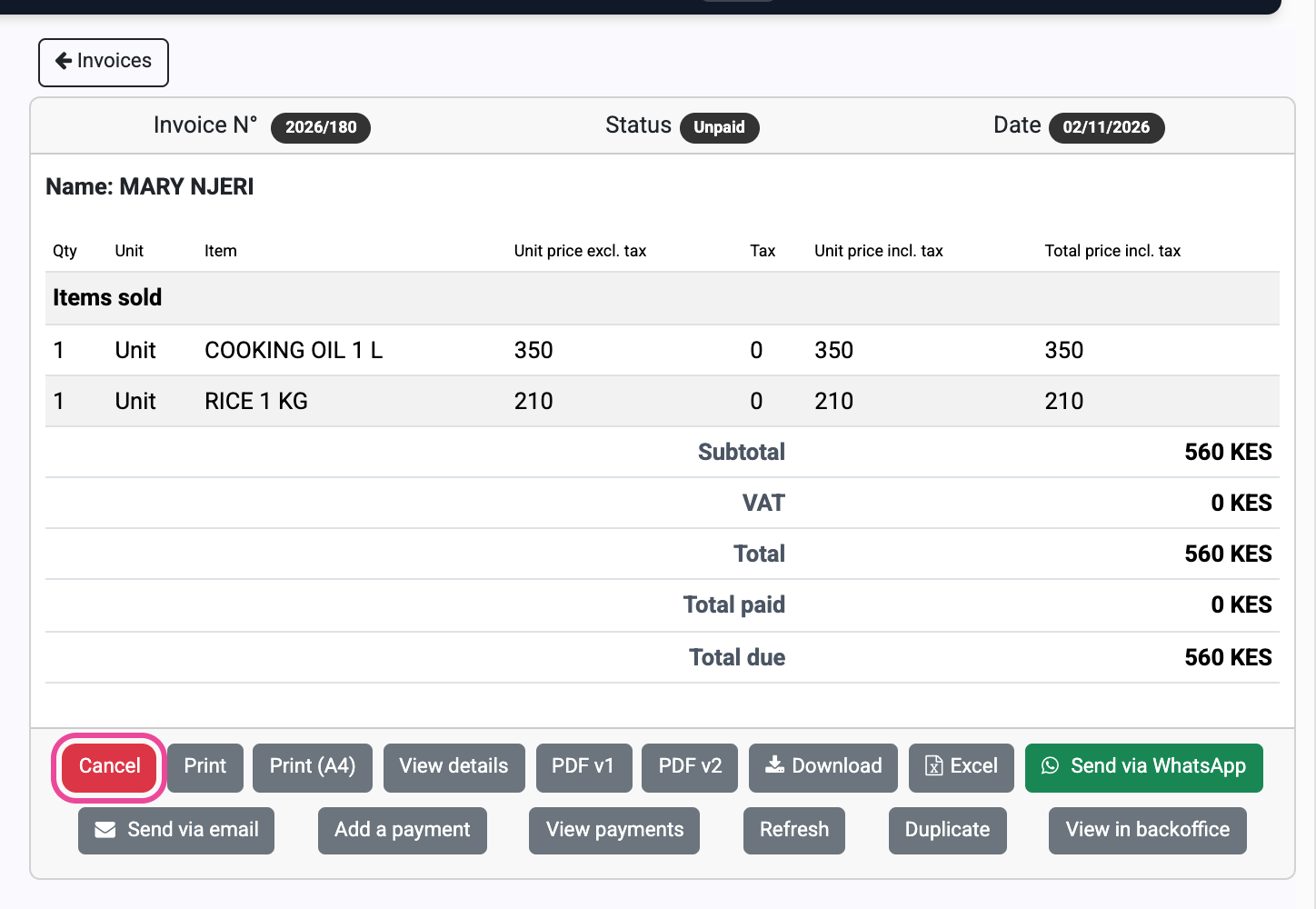
Cancel it
Click Cancel, type the reason, then click OK.
-
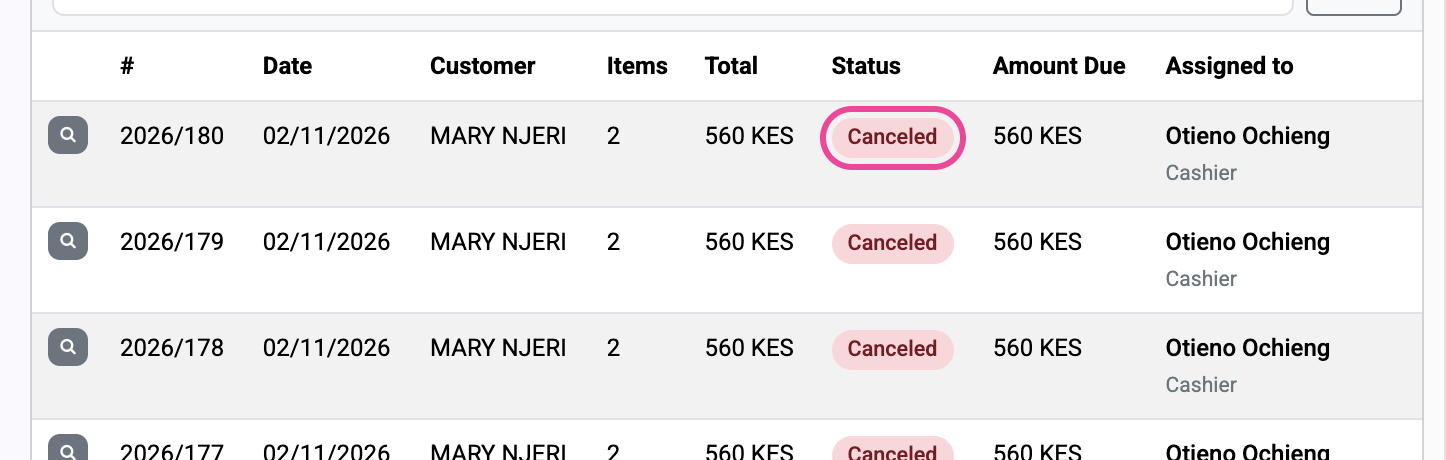
Canceled
The sale shows Canceled and its items are back in stock.
-
The trace
In Billing › Invoices, open it: History shows who canceled it, and when.

Next step
More guides
- 1Sell and get paidRing up a sale and record how the customer paid.
- 2Sell on creditSell now, get paid later, and keep track of who owes.
- 3Record a paymentMark an unpaid invoice as paid, in cash or M-Pesa.
- 4Check a customer’s accountOne customer’s invoices and payments, and every open debt.
- The Sales appSales
- All guidesLearn