Aser One
-
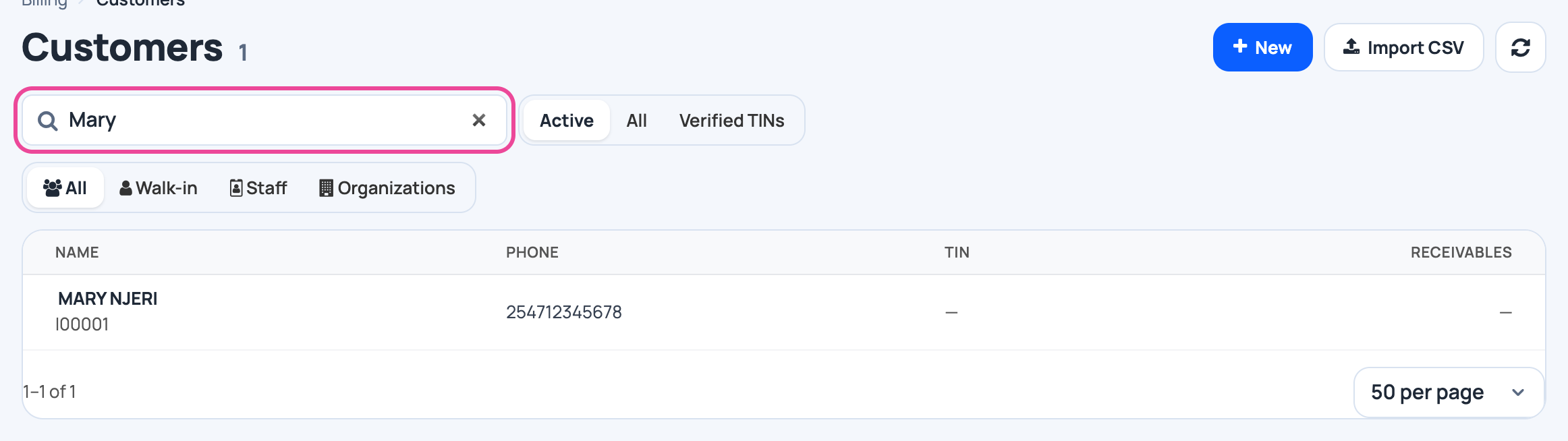
Find the customer
In Billing › Customers, type a name in the search box, then click the customer.
-
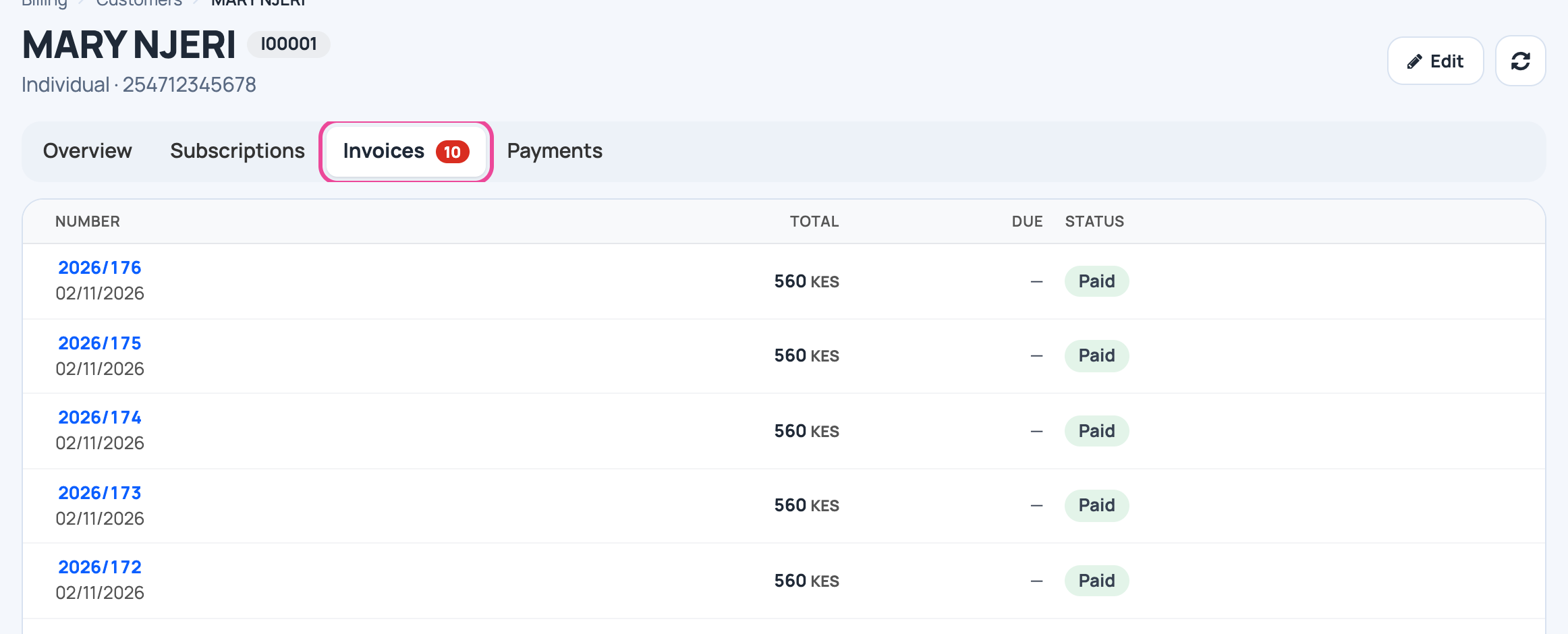
Their invoices
Click Invoices: every sale, what is still due, and its status.
-
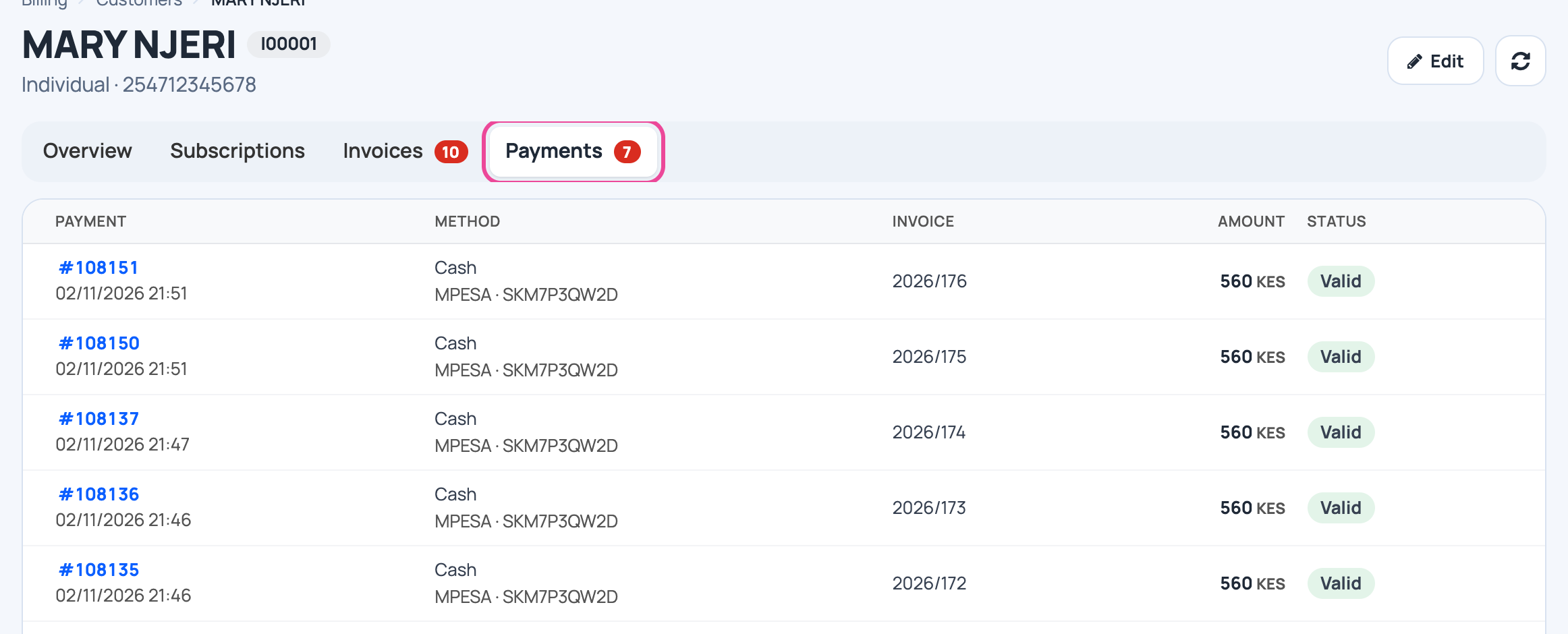
Their payments
Click Payments: each payment, how it was paid, and for which invoice.
-
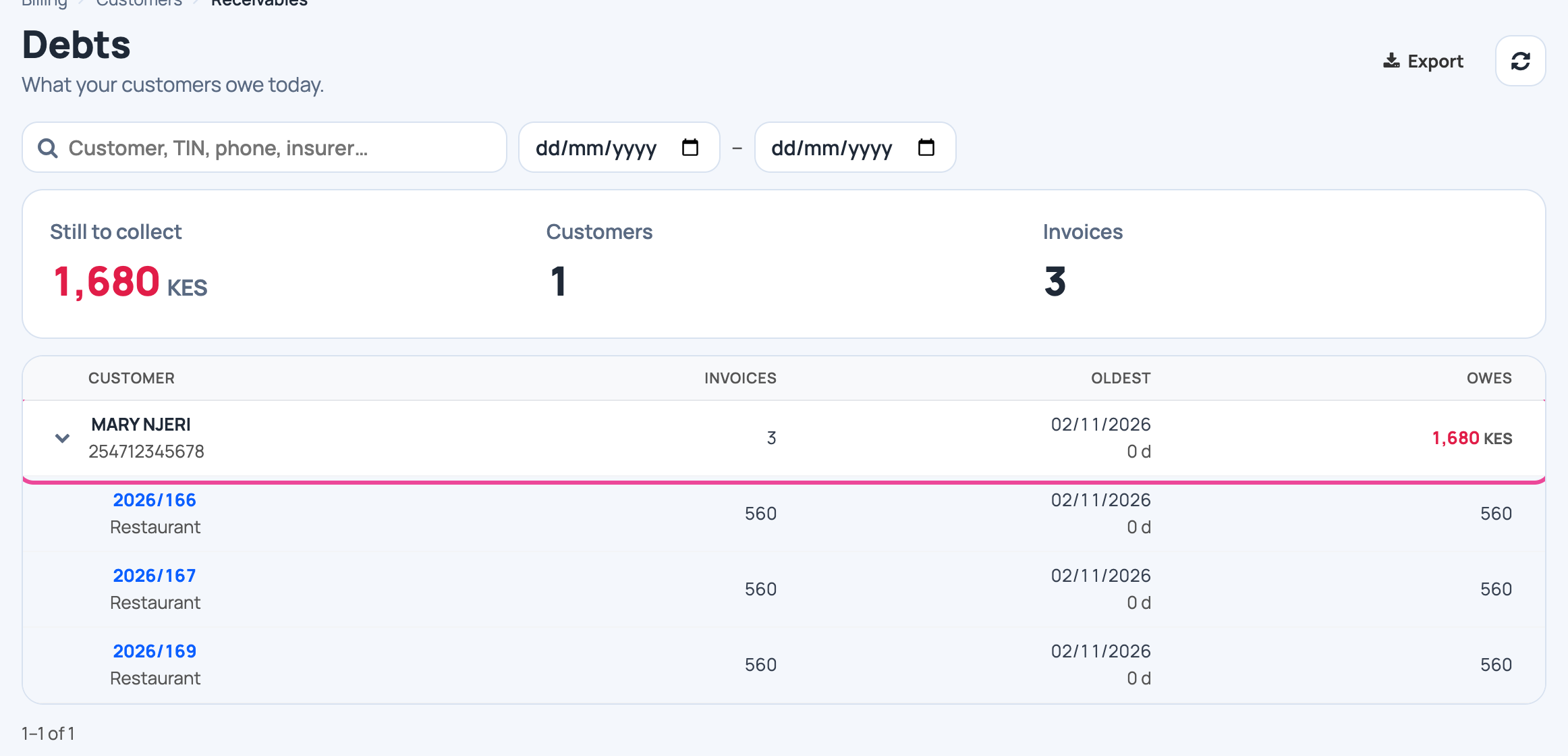
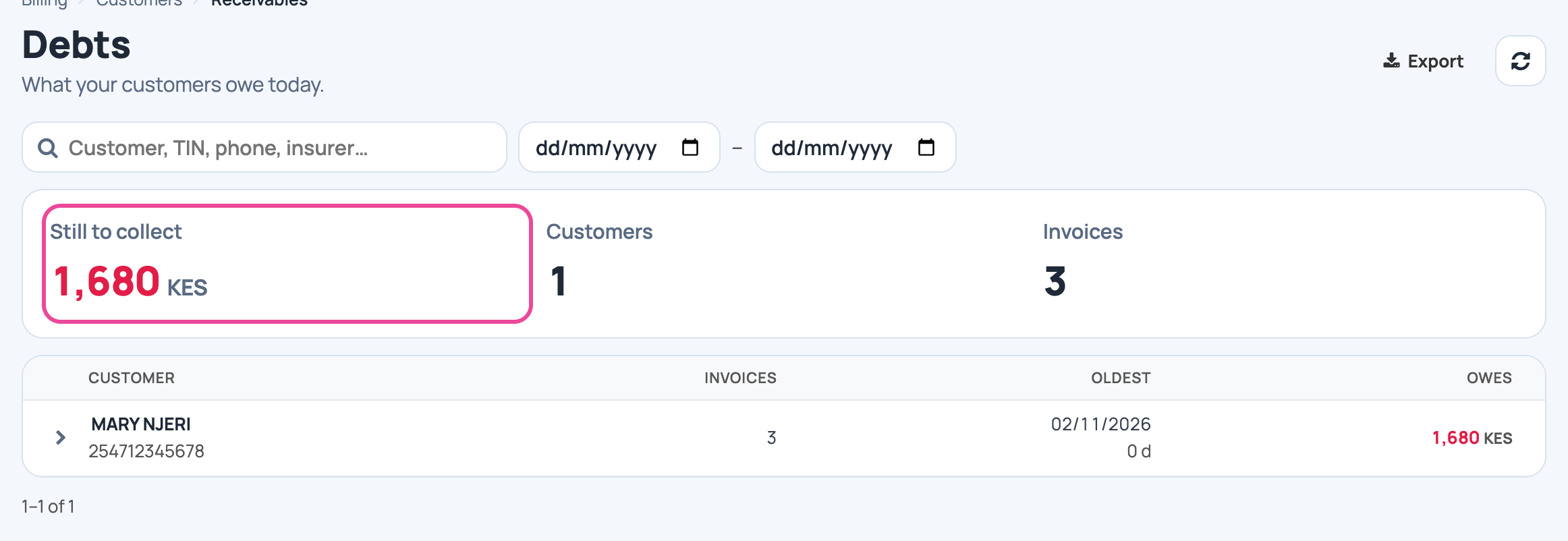
Who owes you
Customers › Receivables: what customers owe today, oldest debt first.
-
The unpaid invoices
Click a customer to list their unpaid invoices. Export downloads the list.