 Aser One
-
Find what is owed
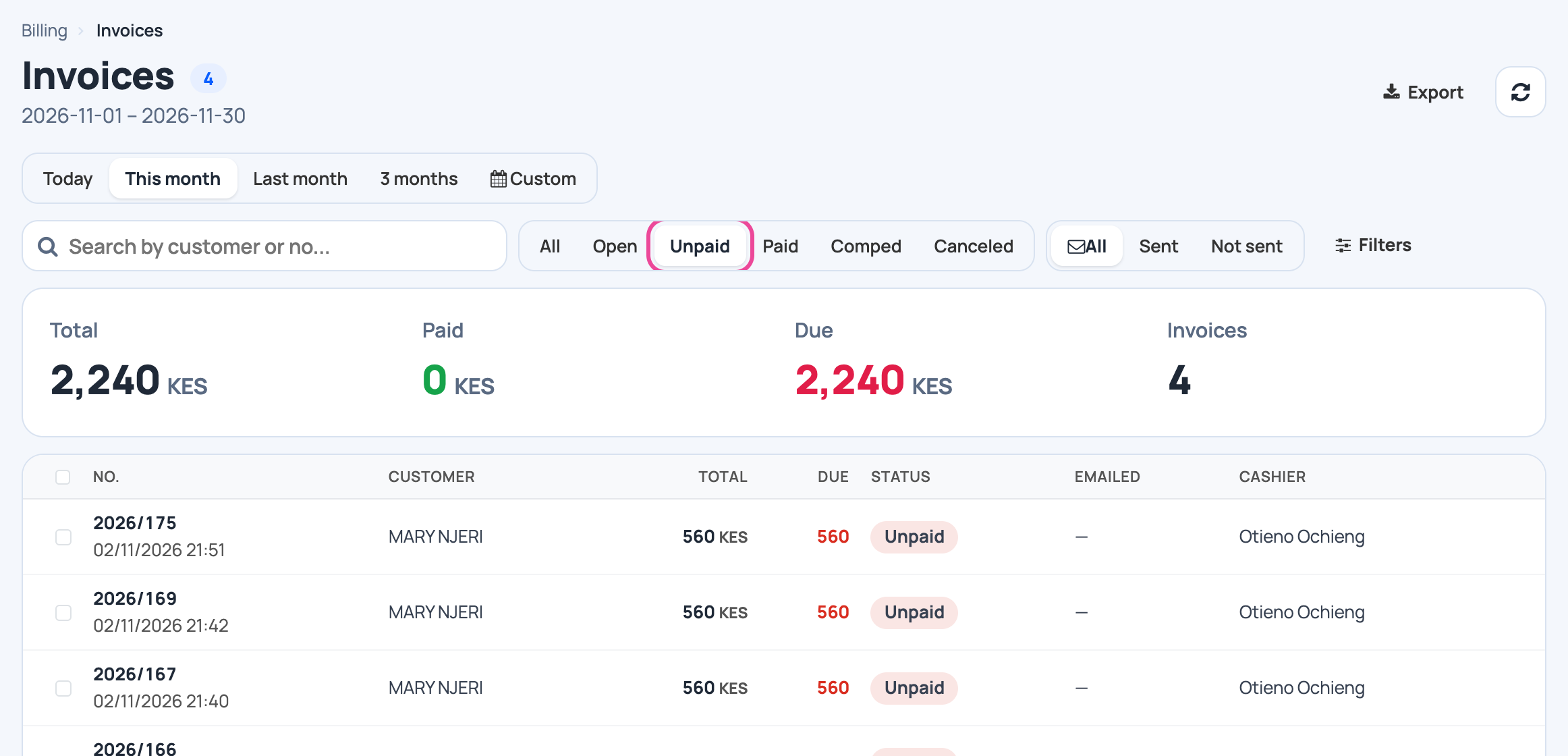
In Billing › Invoices, click Unpaid. The total due is at the top.
-
Open the invoice
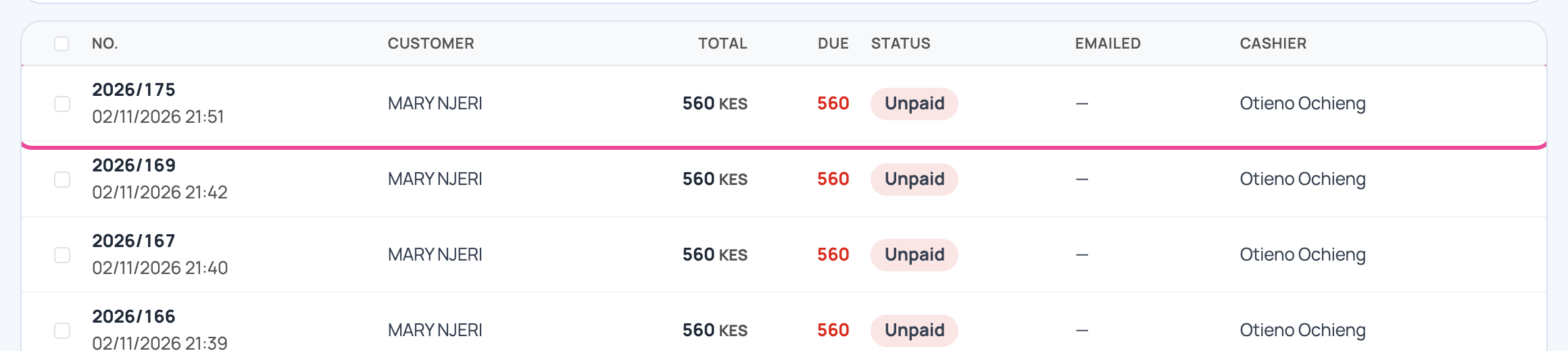
Click the customer’s invoice.
-
Add a payment
Click Add a payment.

-
How they paid
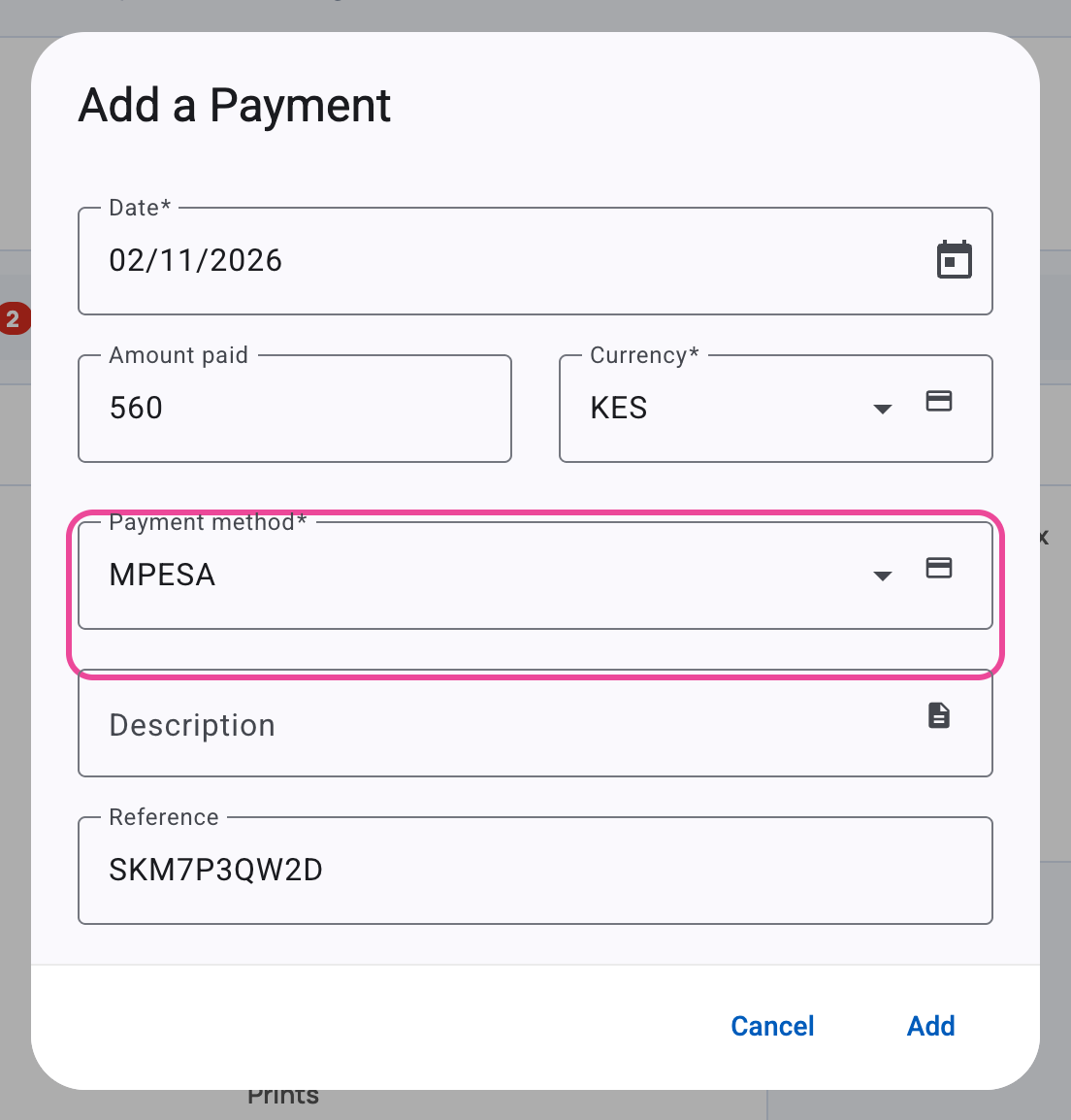
The amount due is filled in. Pick the method, add the M-Pesa code, then click Add.
-
Paid
The invoice is Paid and nothing is left due.
