 Aser One
-
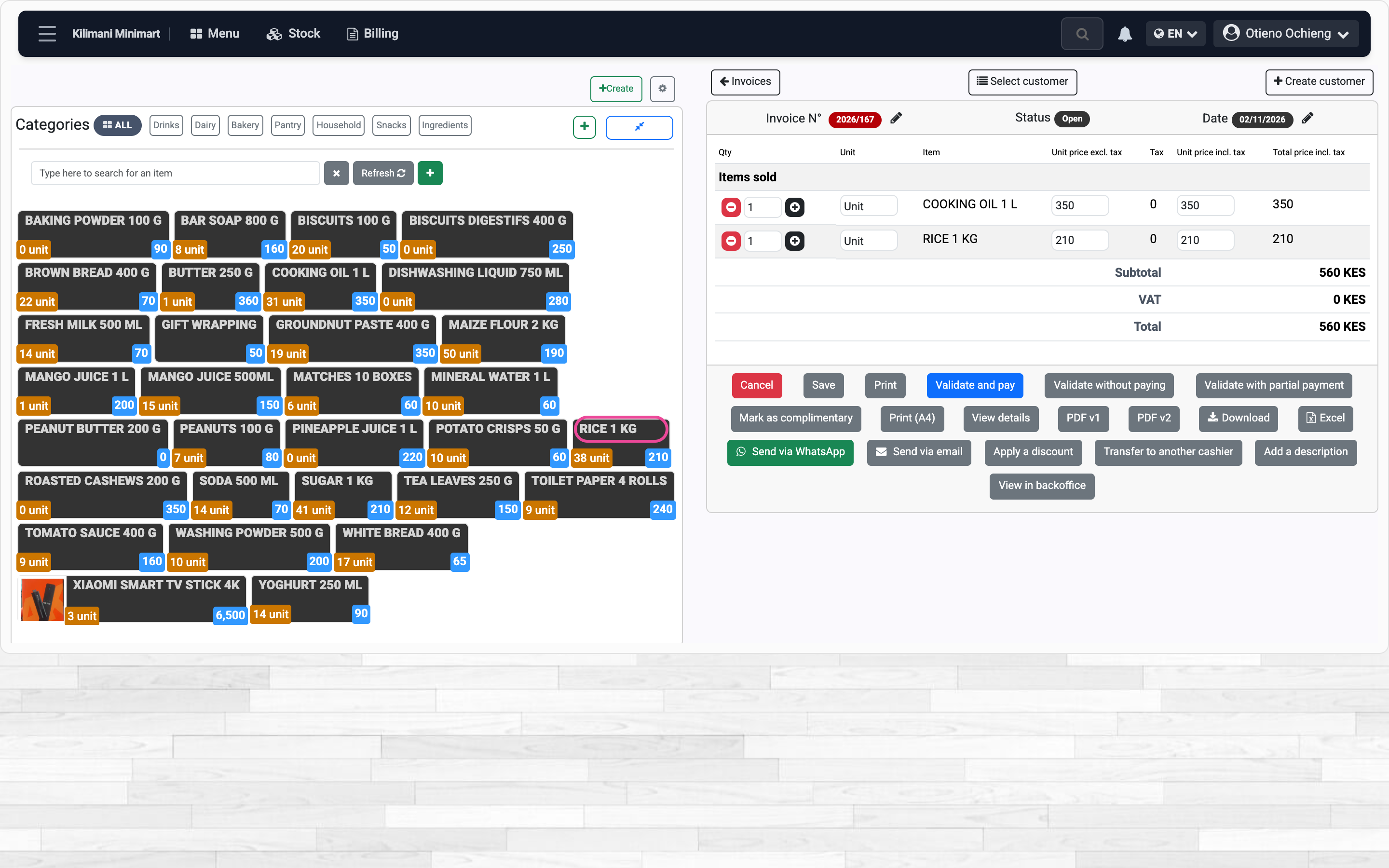
Tap the items
In Menu › Sales & invoicing › Till, tap each item. The sale opens with the first one.
-
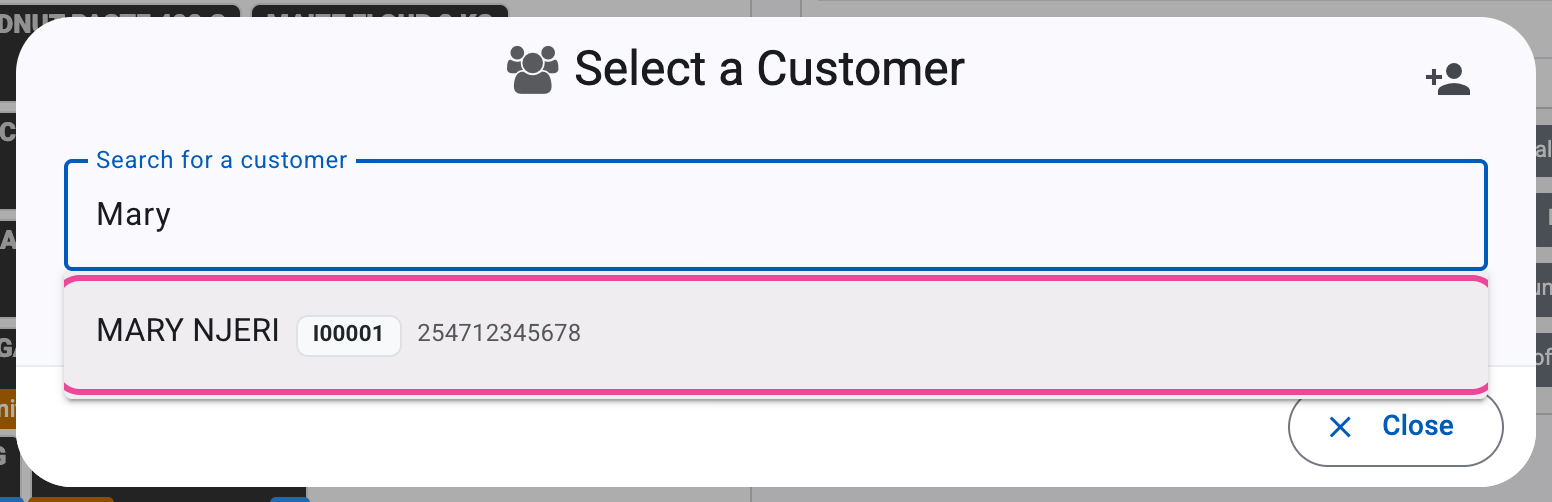
Pick the customer
Click Select customer, type a few letters and pick them.
-
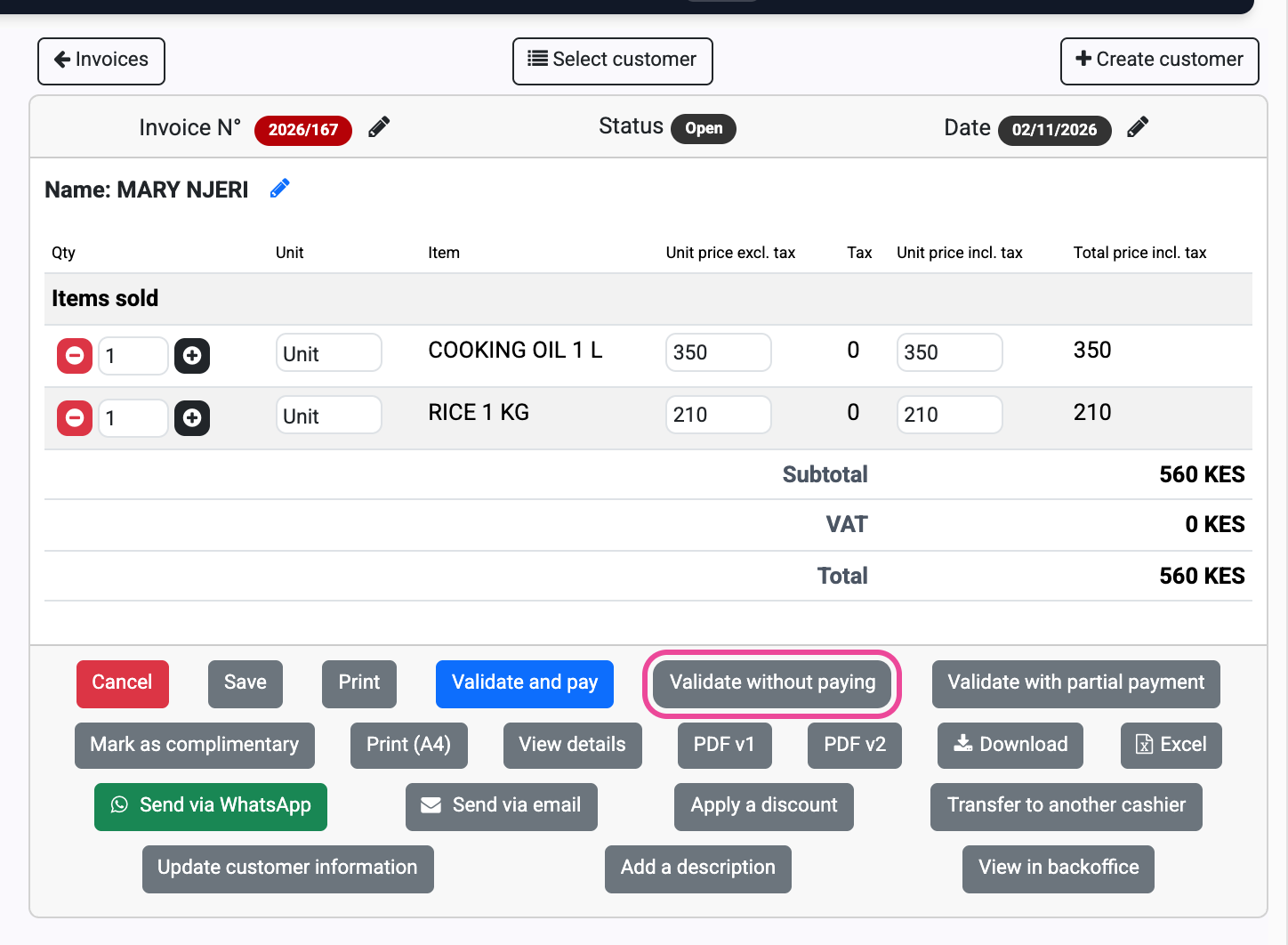
Validate without paying
Check the total, then click Validate without paying.
-
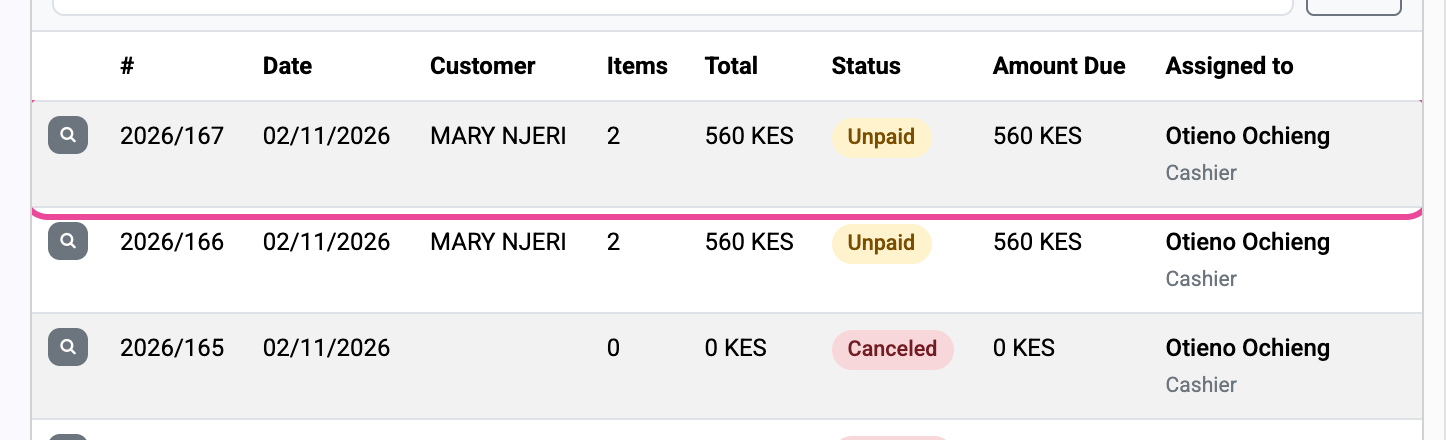
Unpaid
The sale shows as Unpaid, with the amount still due.
Next step
More guides
- 1Sell and get paidRing up a sale and record how the customer paid.
- 4Check a customer’s accountOne customer’s invoices and payments, and every open debt.
- 5Cancel a saleCancel a validated sale and keep the trace.
- 6Check your salesRead your sales, debts and best sellers.
- The Sales appSales
- All guidesLearn