 Aser One
Check your cash flow
How much came in, how much went out, and where, for any period.
On the computer, 6 steps
Guide 7 of 7 in Cash flow & expenses
-
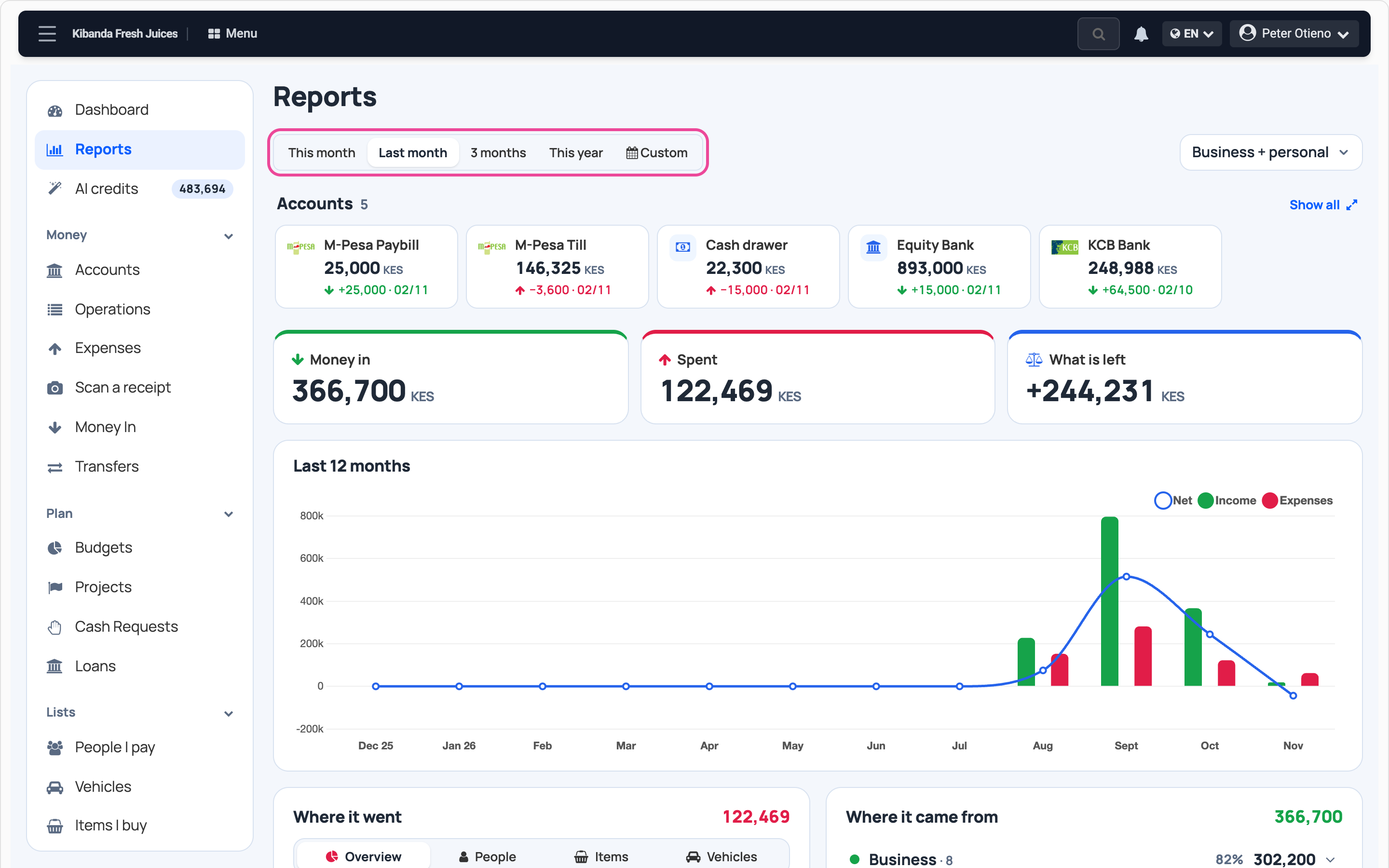
Pick the period
In Cash flow, open Reports and press Last month, or another period.
-
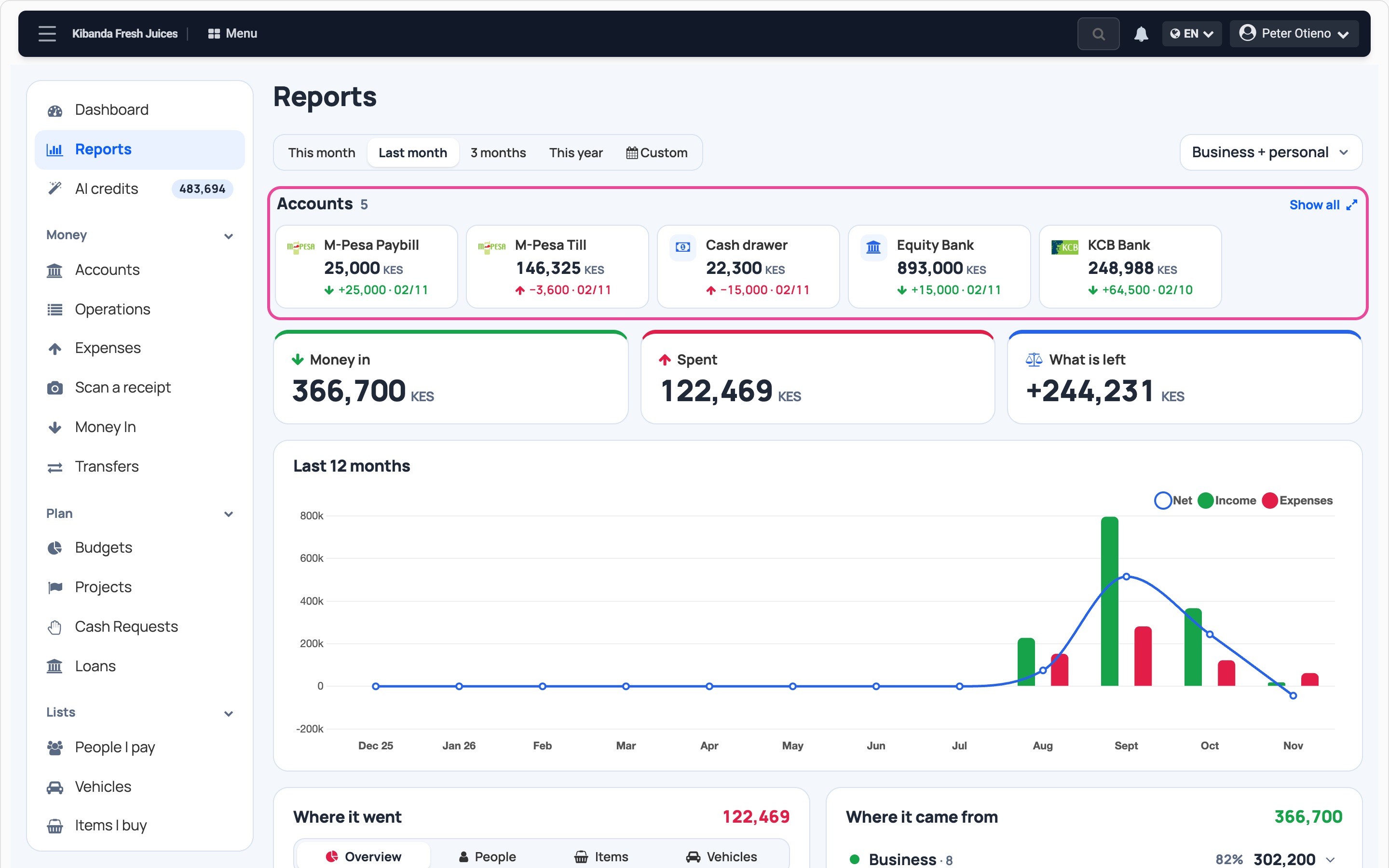
Your accounts
Each box shows its balance today and its last movement.
-
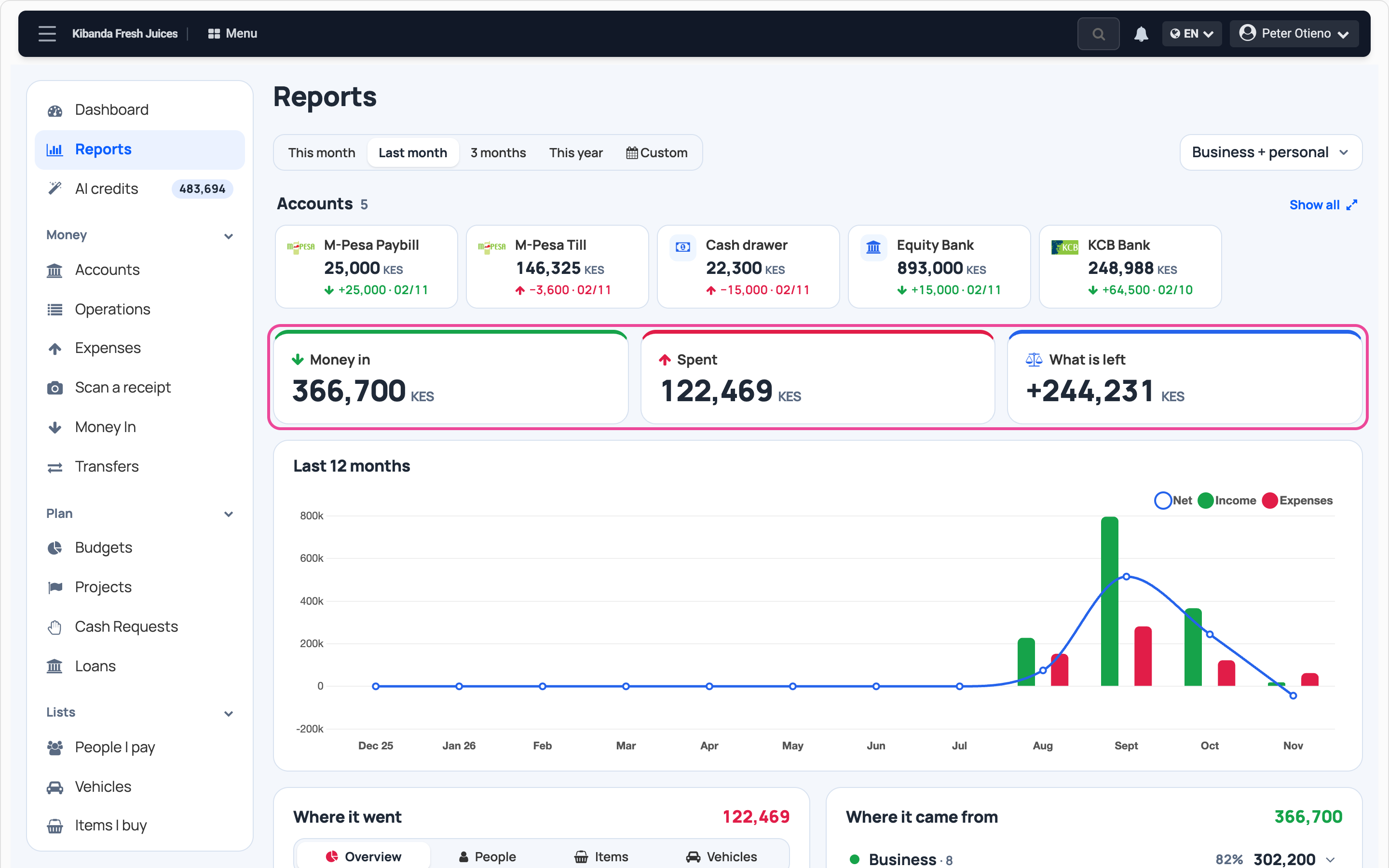
In, out, what is left
Money in, Spent and What is left are the totals for the period.
-
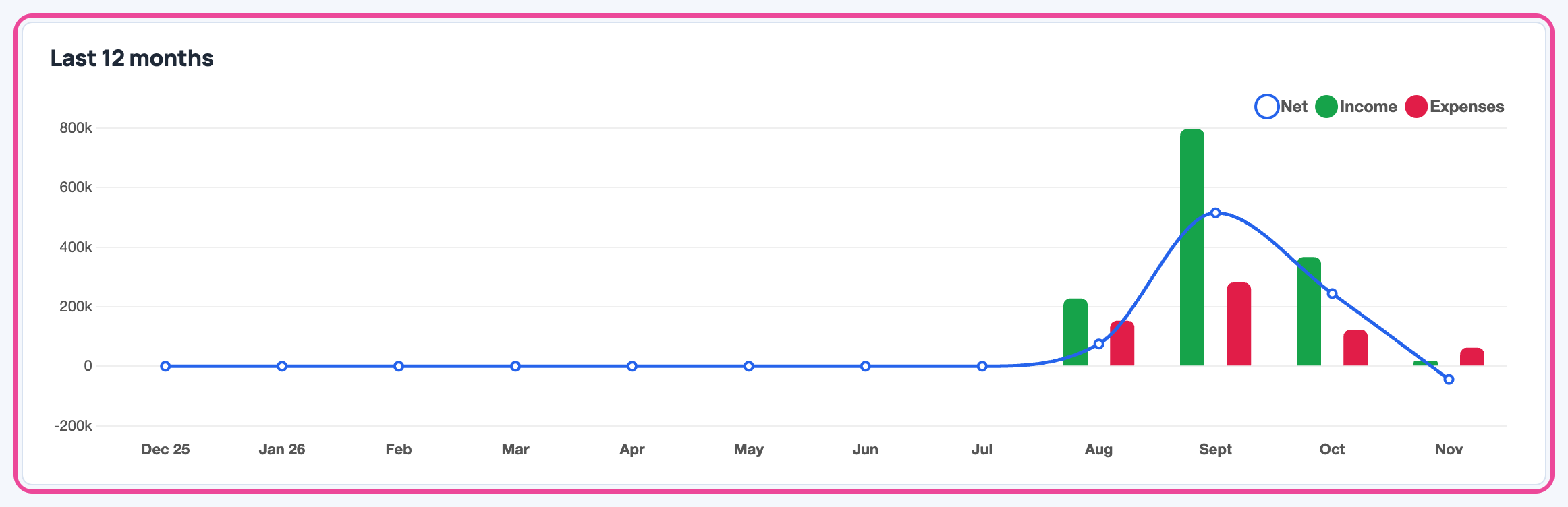
The last 12 months
Green is money in, red is spent, the line is what is left each month.
-
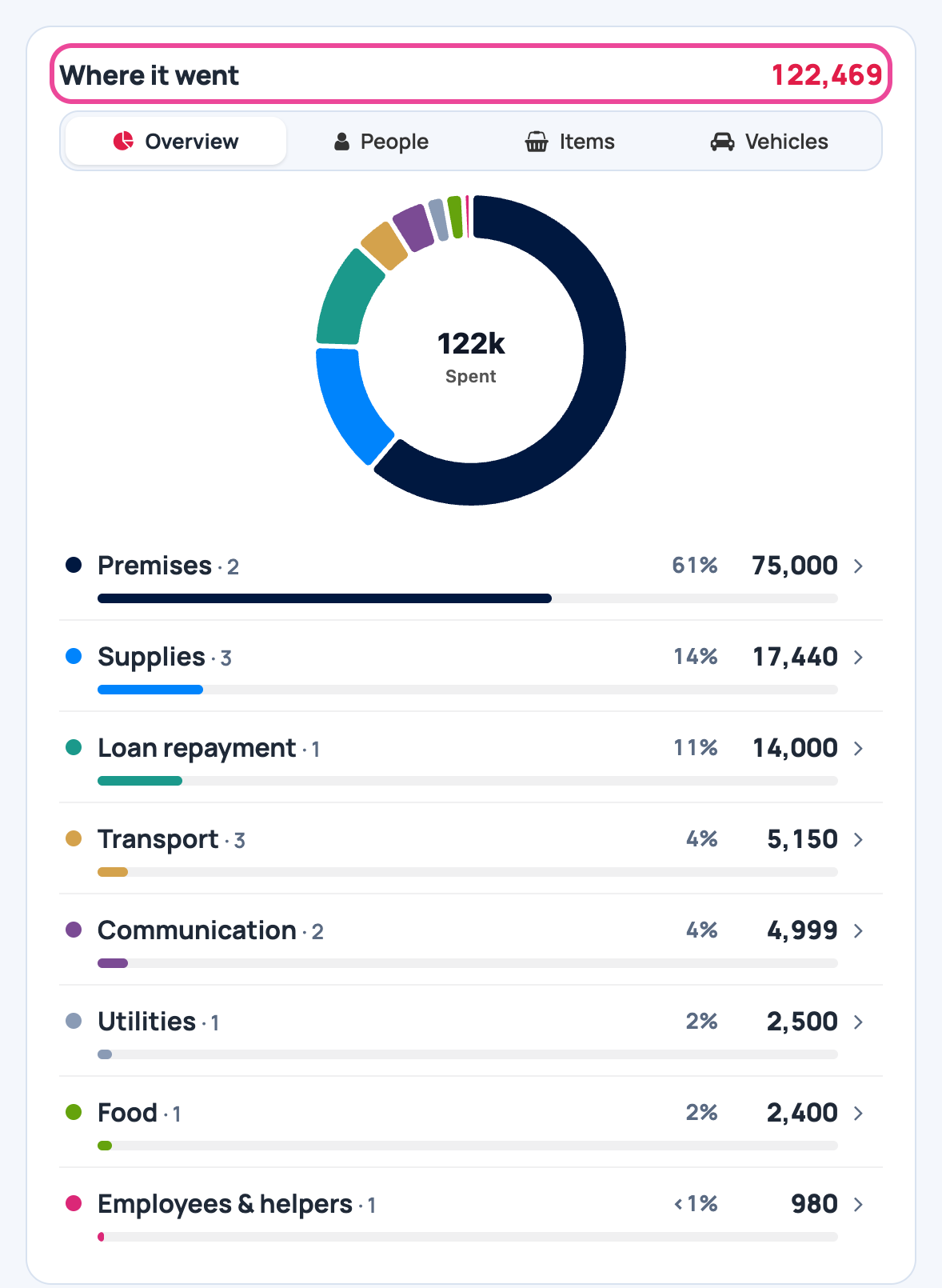
Where it went
Spending by category, biggest first. Press a category to see its expenses.
-
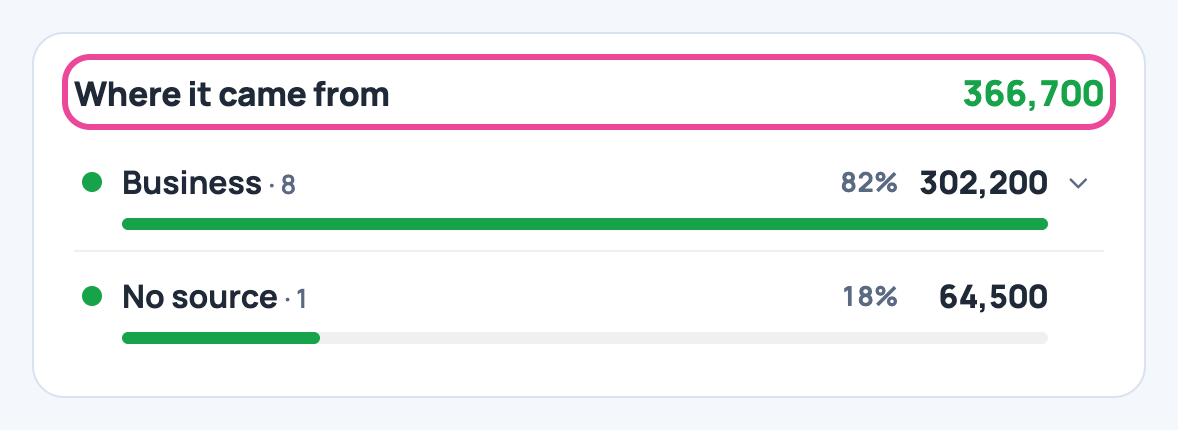
Where it came from
Money in by source, biggest first.
More guides
- 1Add a money boxAdd your cash, bank or mobile money account.
- 2Record an expenseNote what you spend, with its receipt.
- 3Record money inNote sales and other money you receive.
- 4Move money between boxesCash to the bank, M-Pesa to cash, and back.
- 5Plan a budgetSet a limit per line and see what is left.
- 6Send receipts to your accountantOne zip of a month’s expenses and receipts.
- The Cash flow & expenses appCash flow & expenses
- All guidesLearn