 Aser One
Send receipts to your accountant
Every expense of a period with its receipt, in one zip your accountant can open.
On the computer, 4 steps
Guide 6 of 7 in Cash flow & expenses
-
Open the card
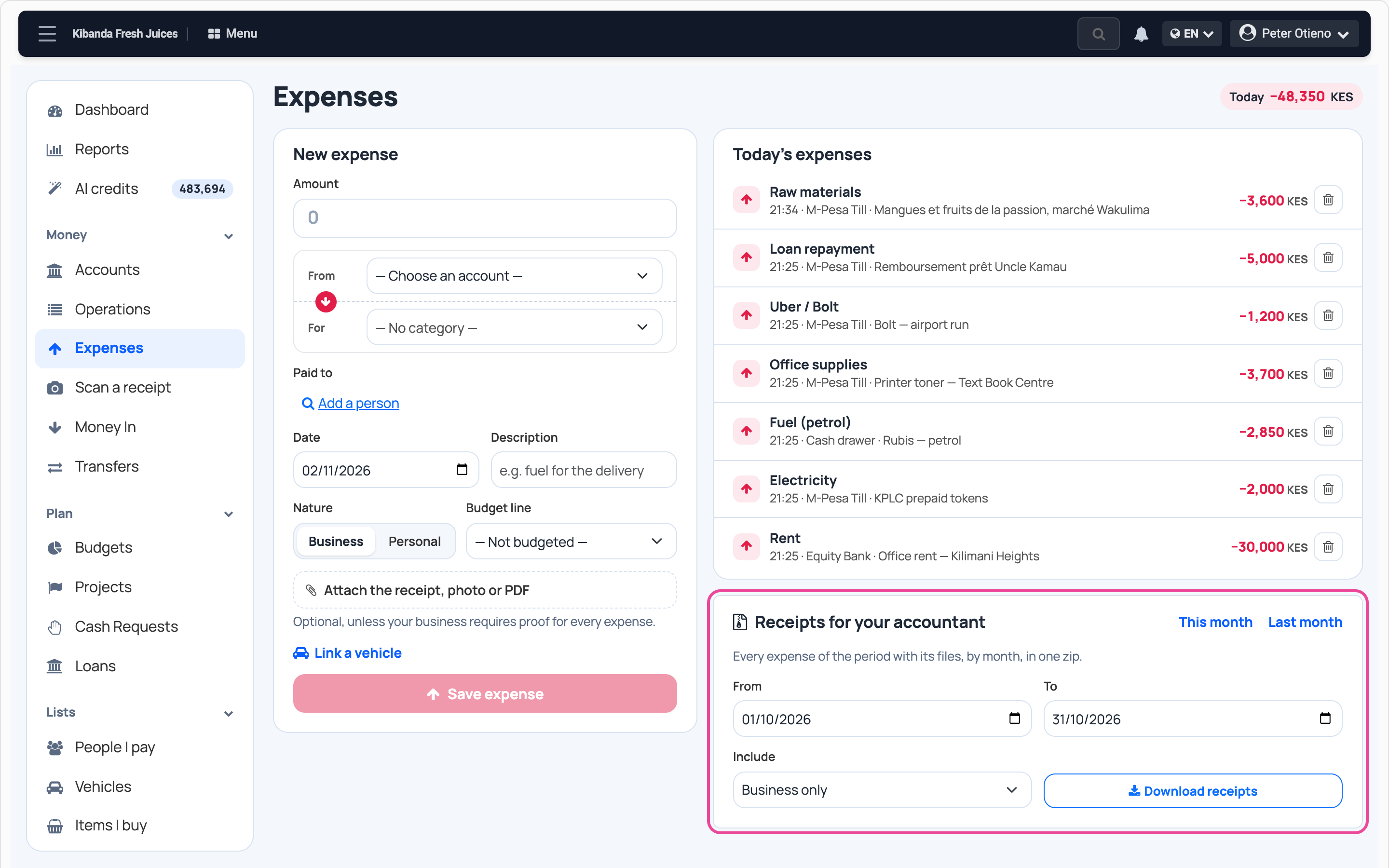
In Cash flow, open Expenses. Receipts for your accountant is under today’s expenses.
-
Pick the period
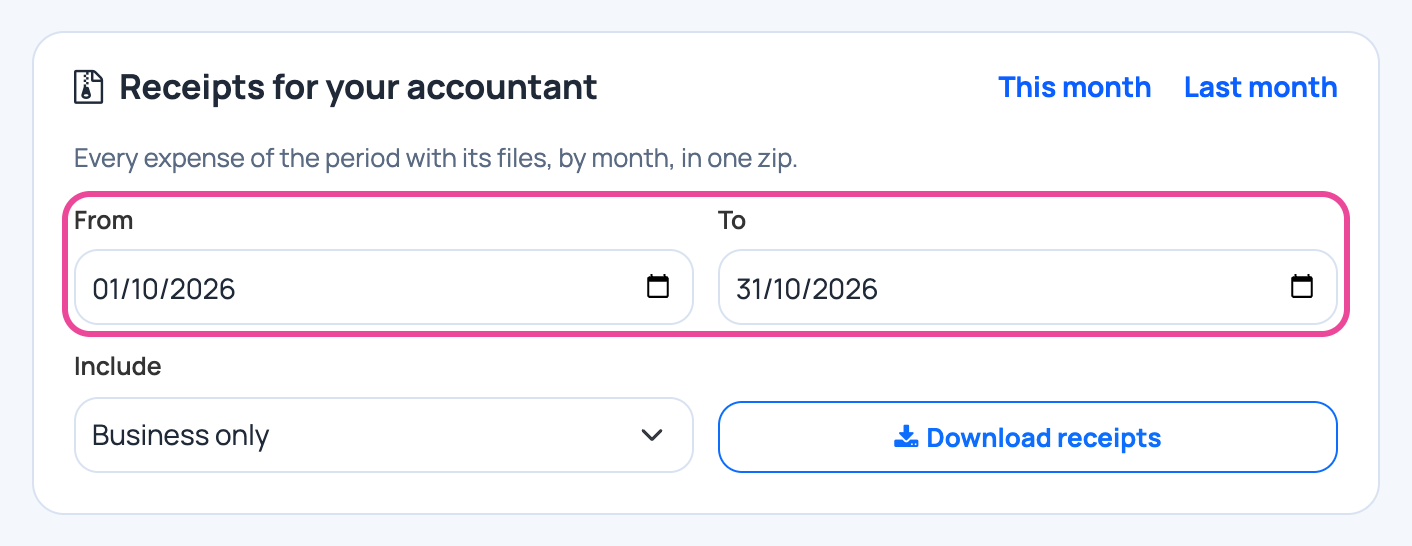
Press Last month, or set From and To.
-
Choose what to include
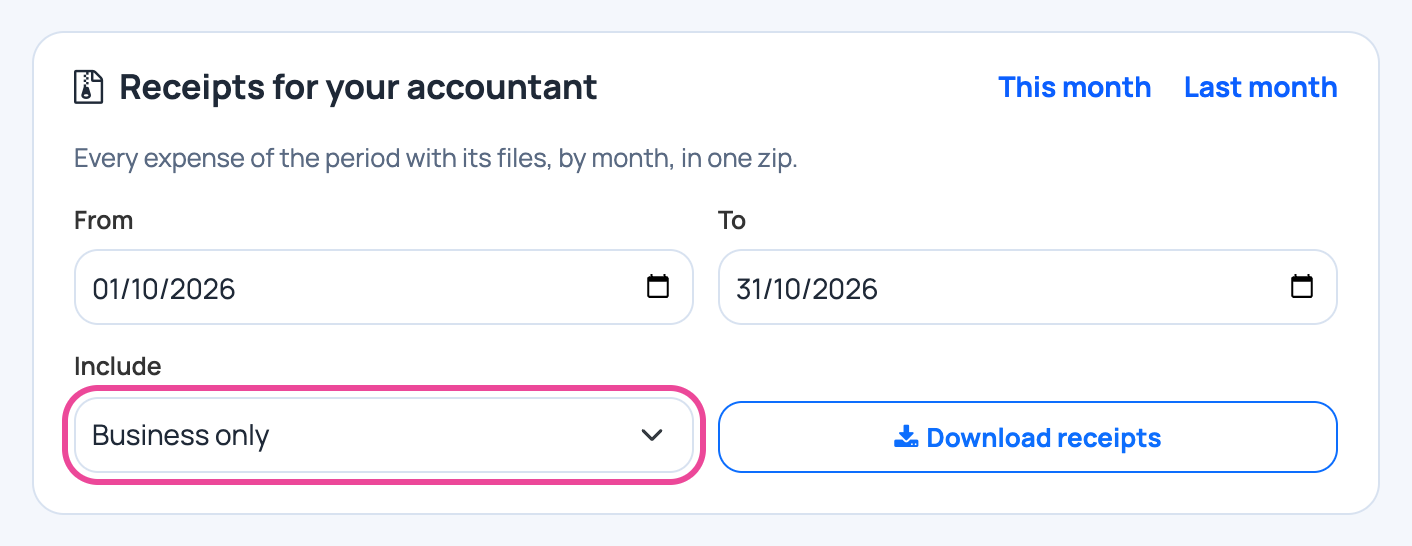
Keep Business only to leave out personal expenses.
-
Download
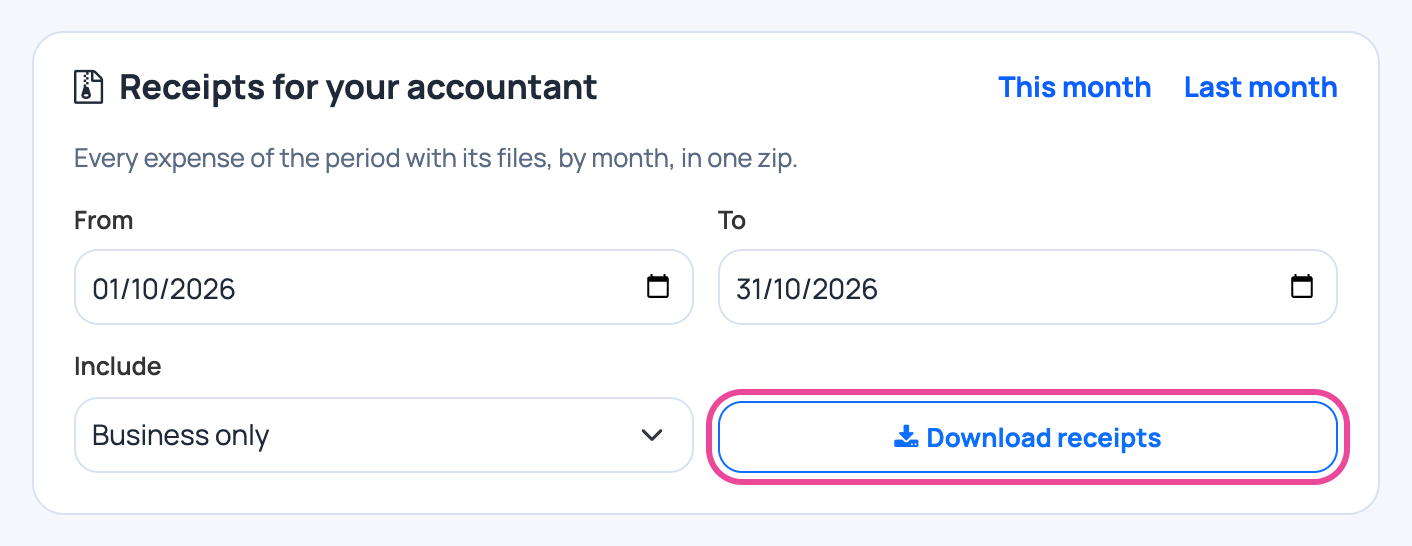
Press Download receipts. The zip has a spreadsheet of the expenses and a folder per expense with its receipt.
Next step
More guides
- 1Add a money boxAdd your cash, bank or mobile money account.
- 2Record an expenseNote what you spend, with its receipt.
- 3Record money inNote sales and other money you receive.
- 4Move money between boxesCash to the bank, M-Pesa to cash, and back.
- 5Plan a budgetSet a limit per line and see what is left.
- The Cash flow & expenses appCash flow & expenses
- All guidesLearn