Aser One
Approve leave
Answer a day-off request and see the days left.
On the computer, 4 steps
Guide 3 of 6 in People & payroll
-
The request waits
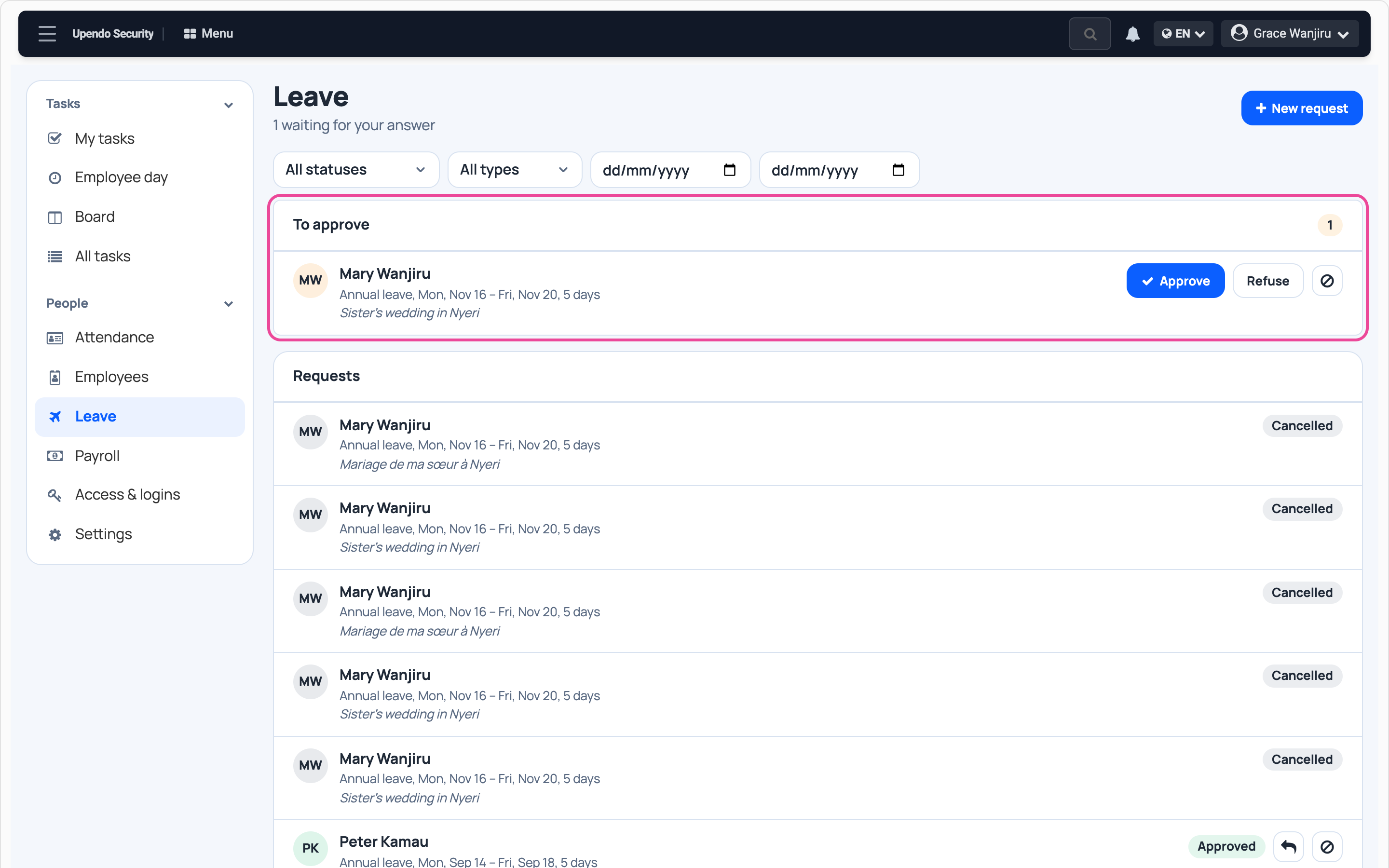
In People › Leave, new requests wait under To approve.
-
Approve
Check the dates and press Approve. Refuse says no.

-
Approved
The request shows Approved and the days come off their balance.

-
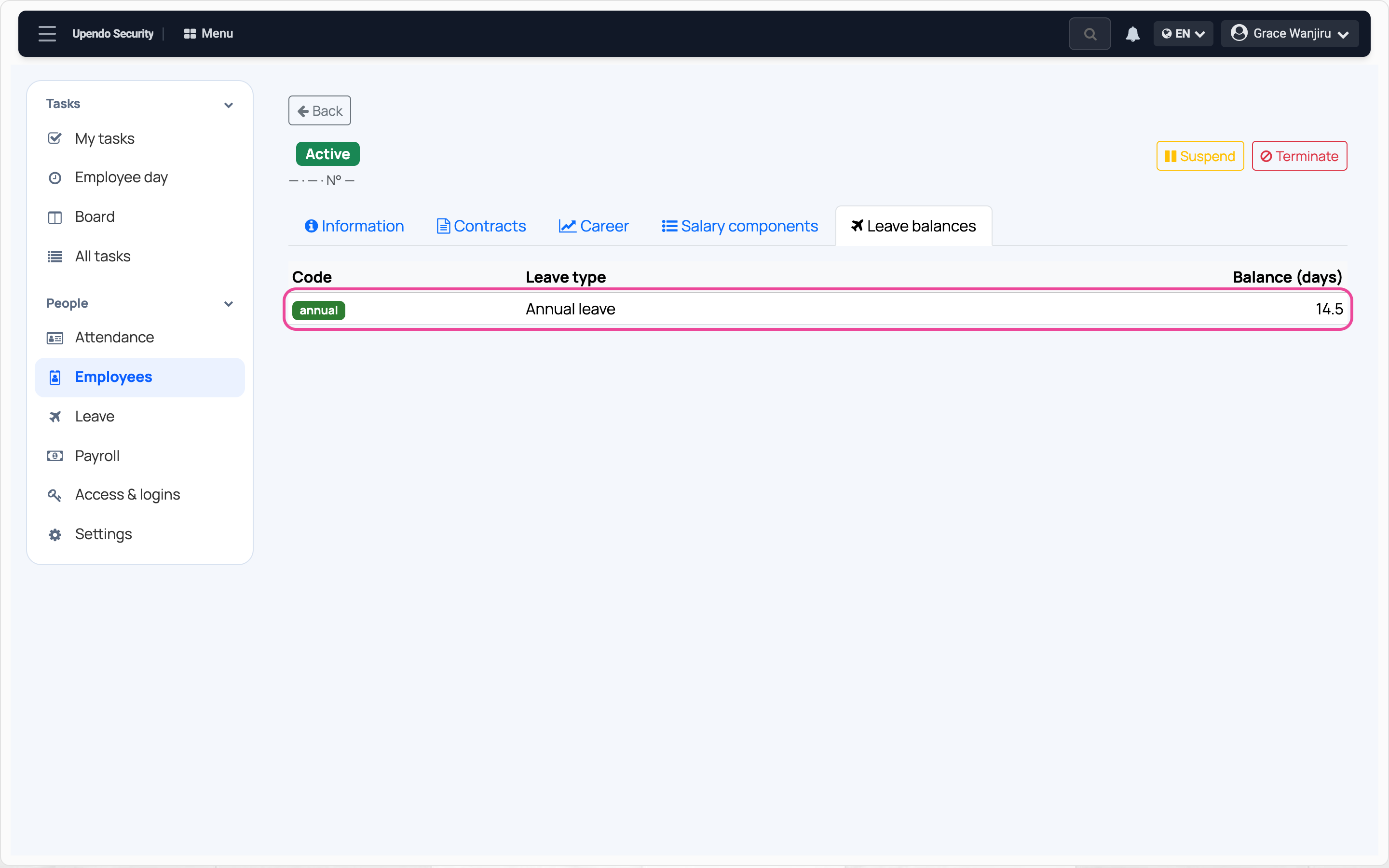
Days left
In Employees, open the person, then Leave balances.