 Aser One
Pay payroll taxes
Pay PAYE, NSSF, SHIF, Housing Levy and NITA for a closed month, line by line.
On the computer, 5 steps
Guide 6 of 6 in People & payroll
-
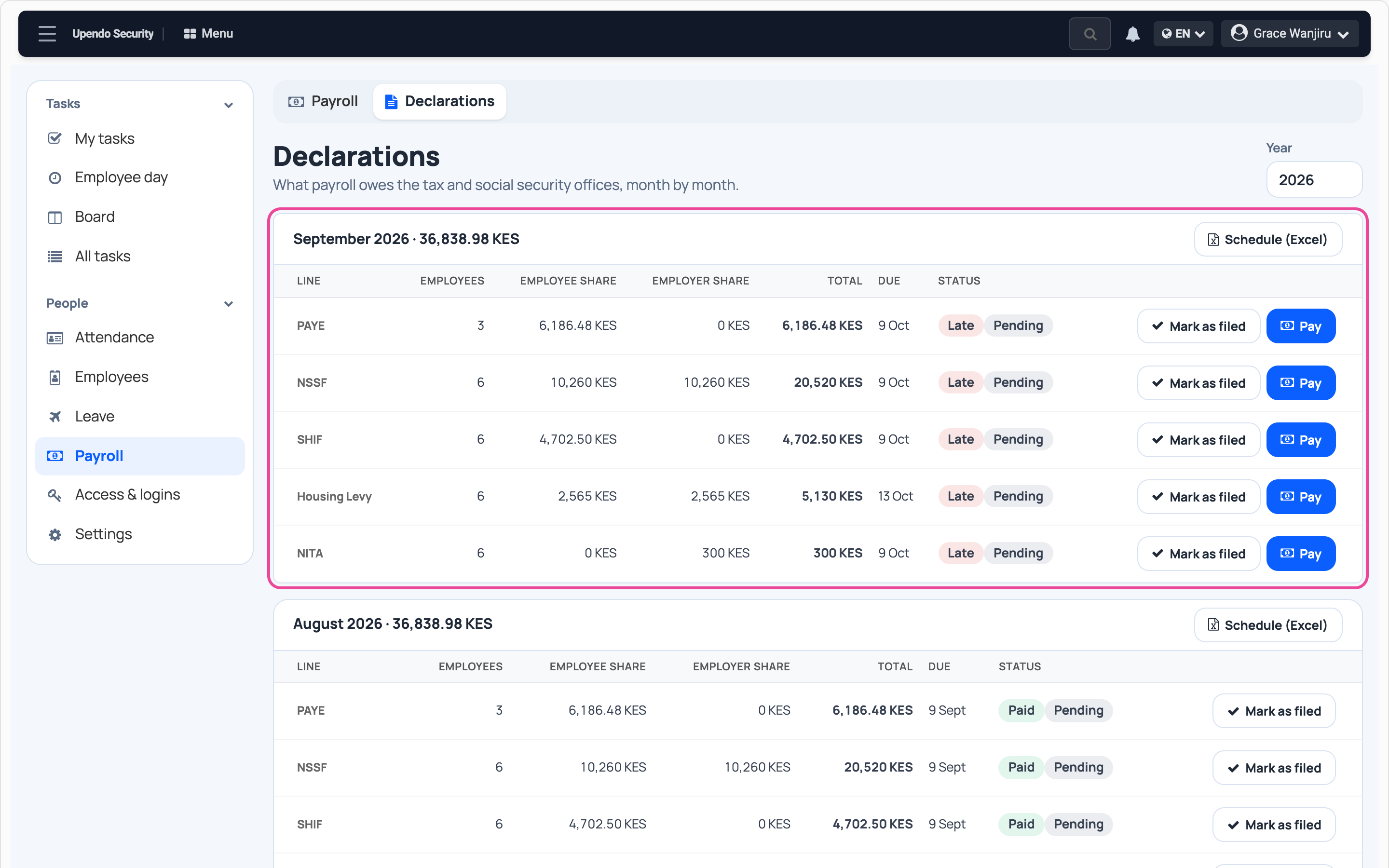
Open the declarations
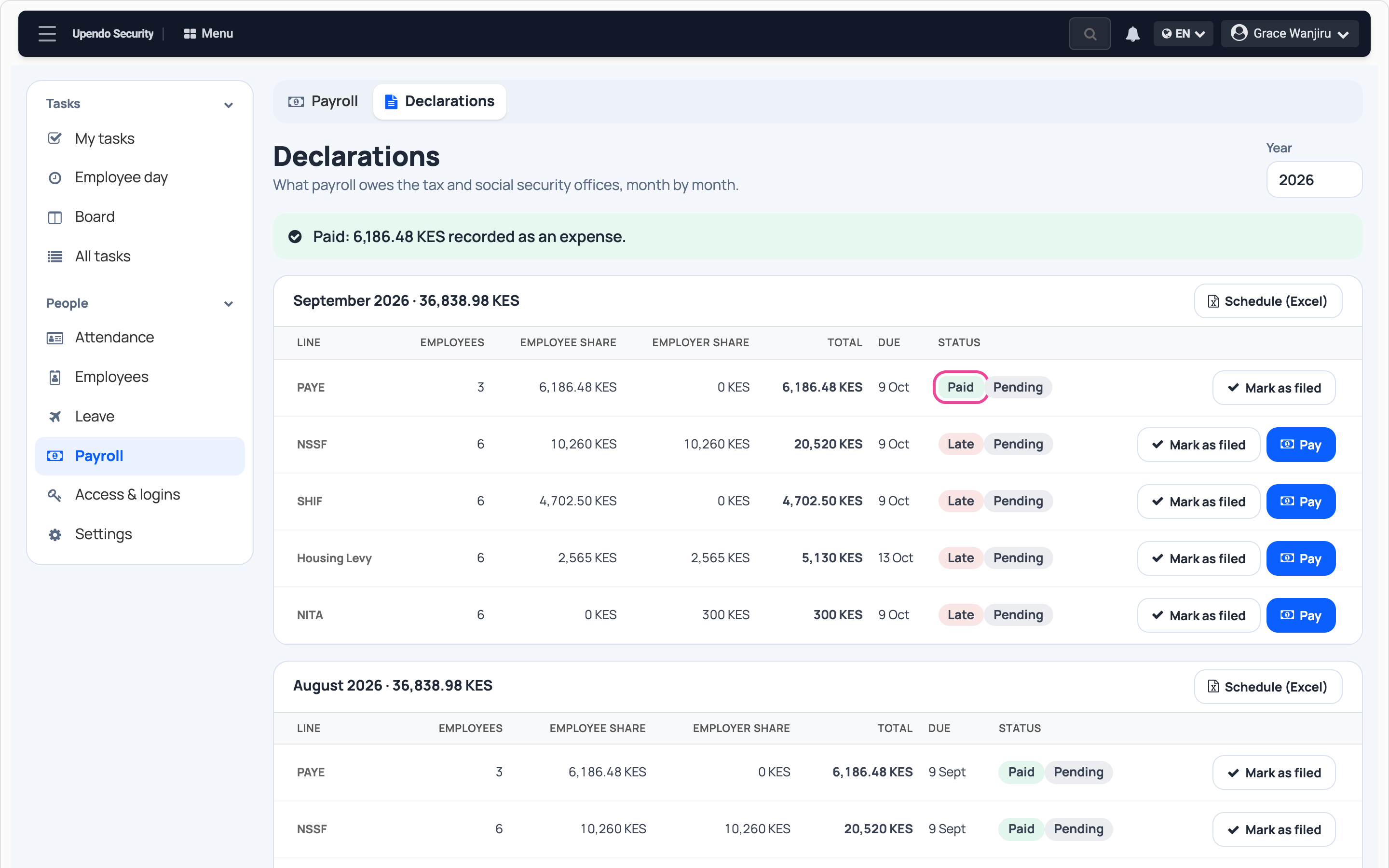
In People › Payroll, open Declarations. Each closed month lists what it owes and when.
-
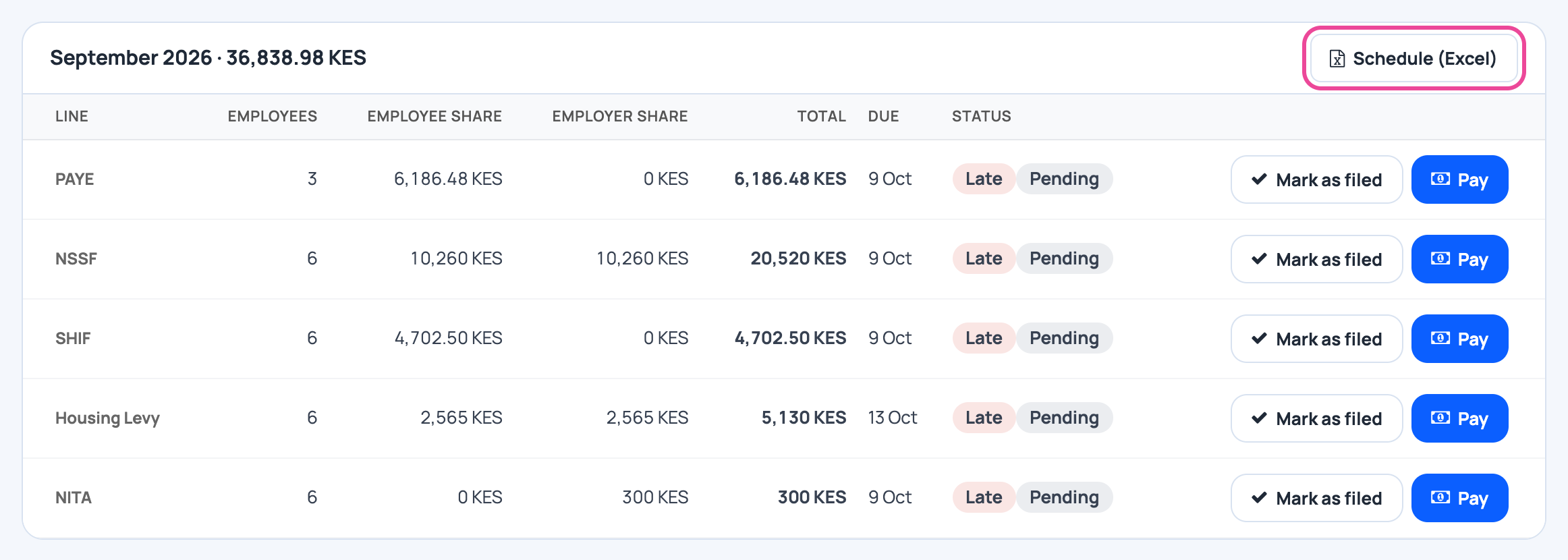
The schedule
Schedule (Excel) gives the per-employee list to upload on the tax portals.
-
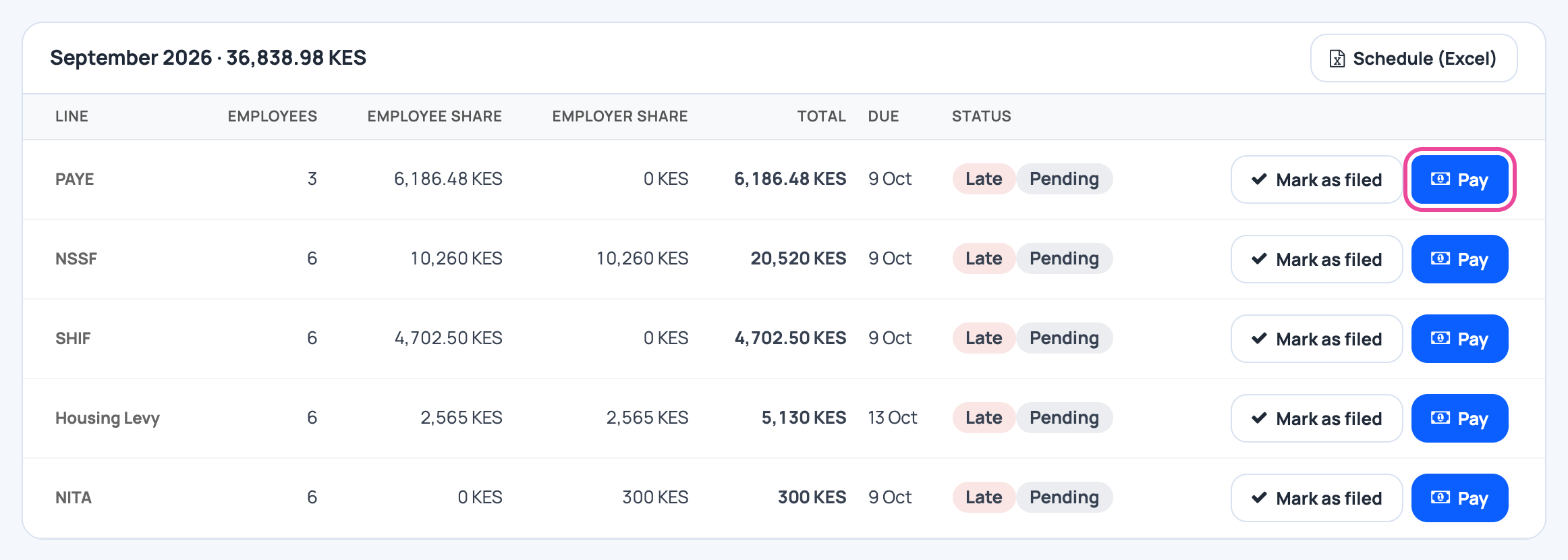
Pay a line
Press Pay on the line you paid, here PAYE.
-
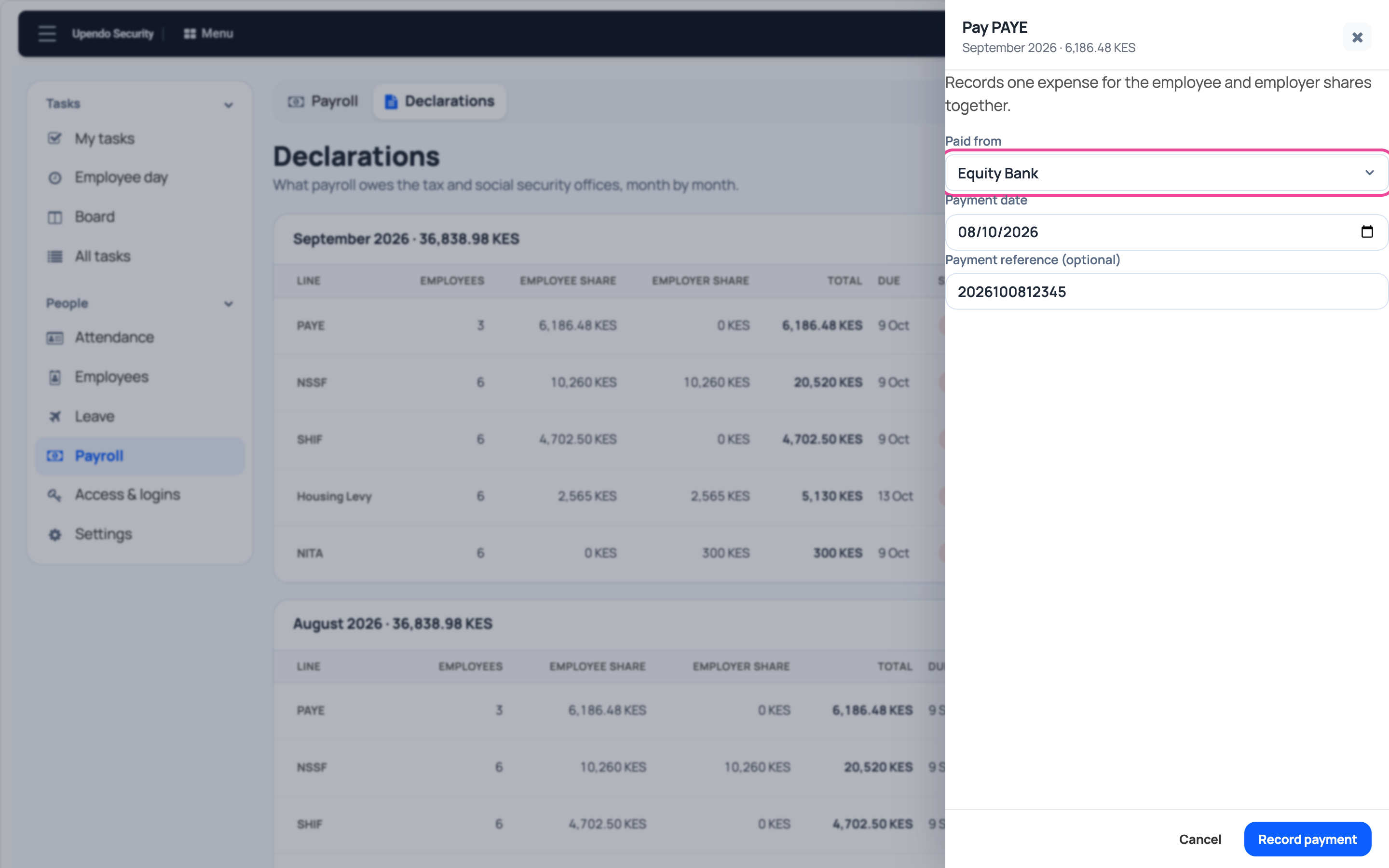
Paid from
Pick the account, the date and the payment reference.
-
Record payment
Press Record payment. The line shows Paid and the amount becomes an expense.
More guides
- 1Add an employeeAdd someone with their job and salary.
- 2Deduct a salary advanceTake an advance off next month’s pay.
- 3Approve leaveAnswer a leave request from your staff.
- 4Run the payrollCompute the month’s payslips.
- 5Pay salariesMark a month’s salaries as paid.
- The People & payroll appPeople & payroll
- All guidesLearn