 Aser One
Record a missed clock-in
Someone worked but could not clock in. Enter the day by hand.
On the computer, 5 steps
Guide 5 of 7 in Attendance
-
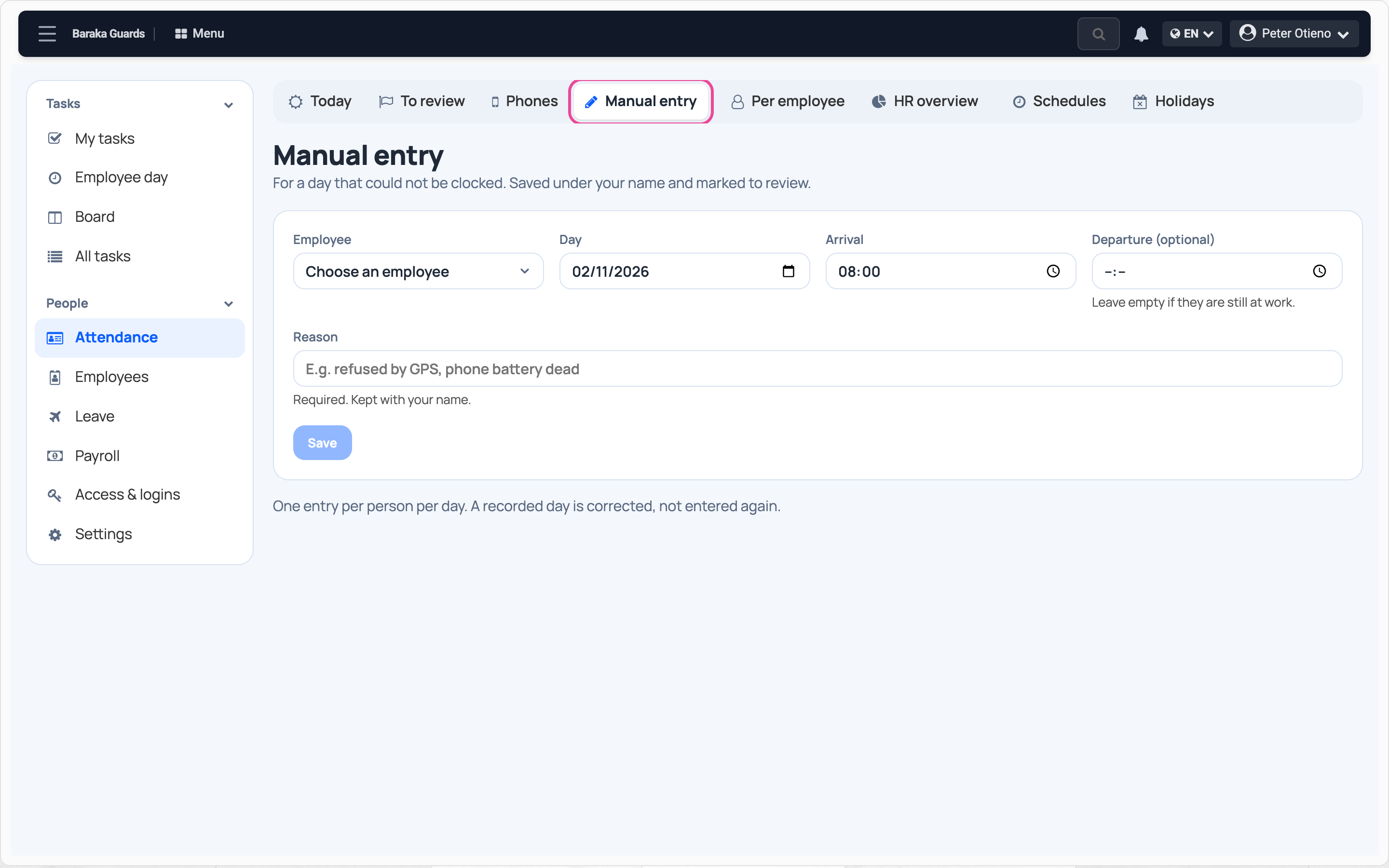
Open manual entry
In Attendance, open Manual entry.
-
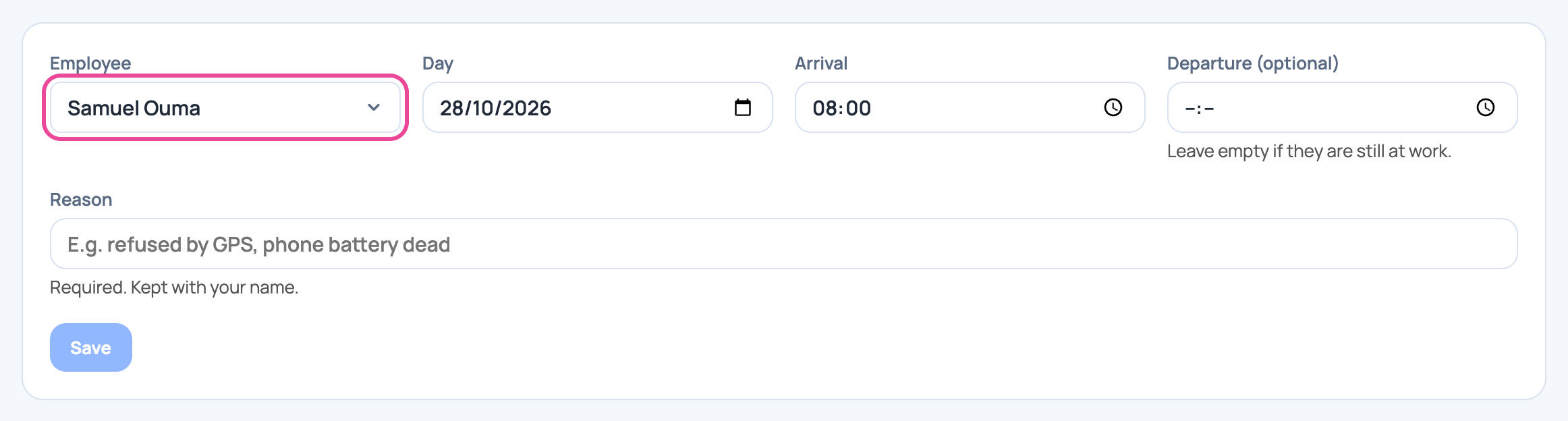
Pick the person and day
Choose the employee and the day they worked.
-
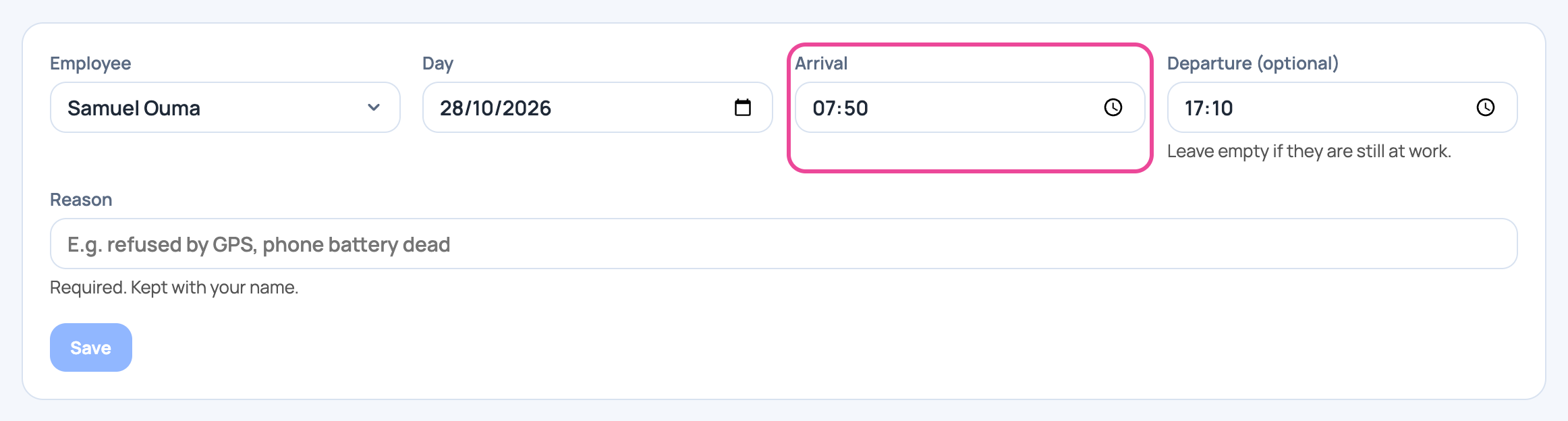
Type the times
Type when they arrived and when they left.
-
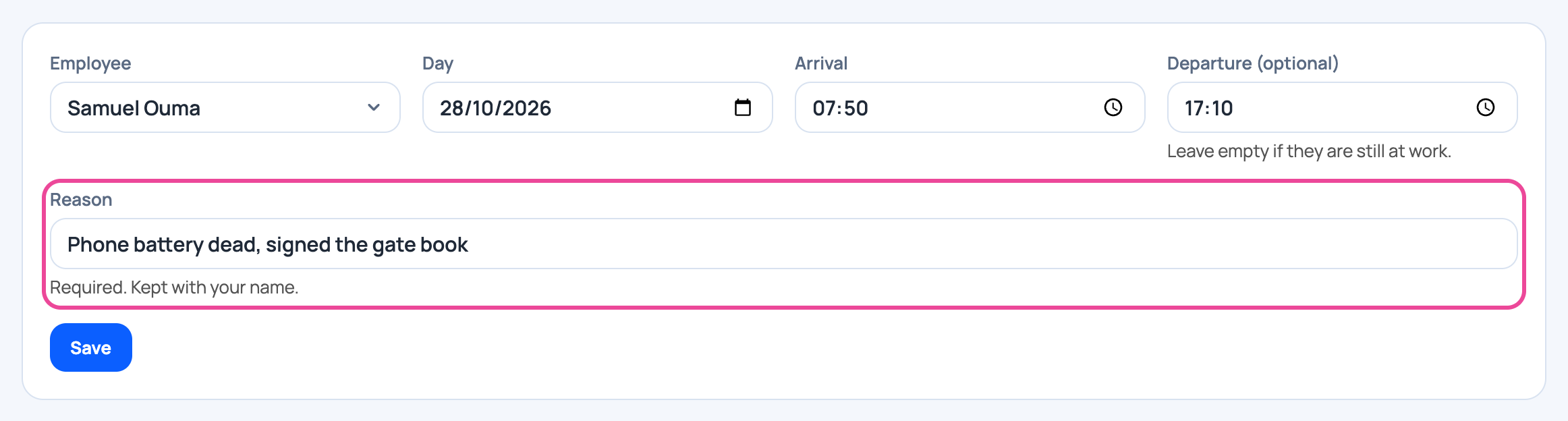
Give the reason
Say why they could not clock in.
-
Save
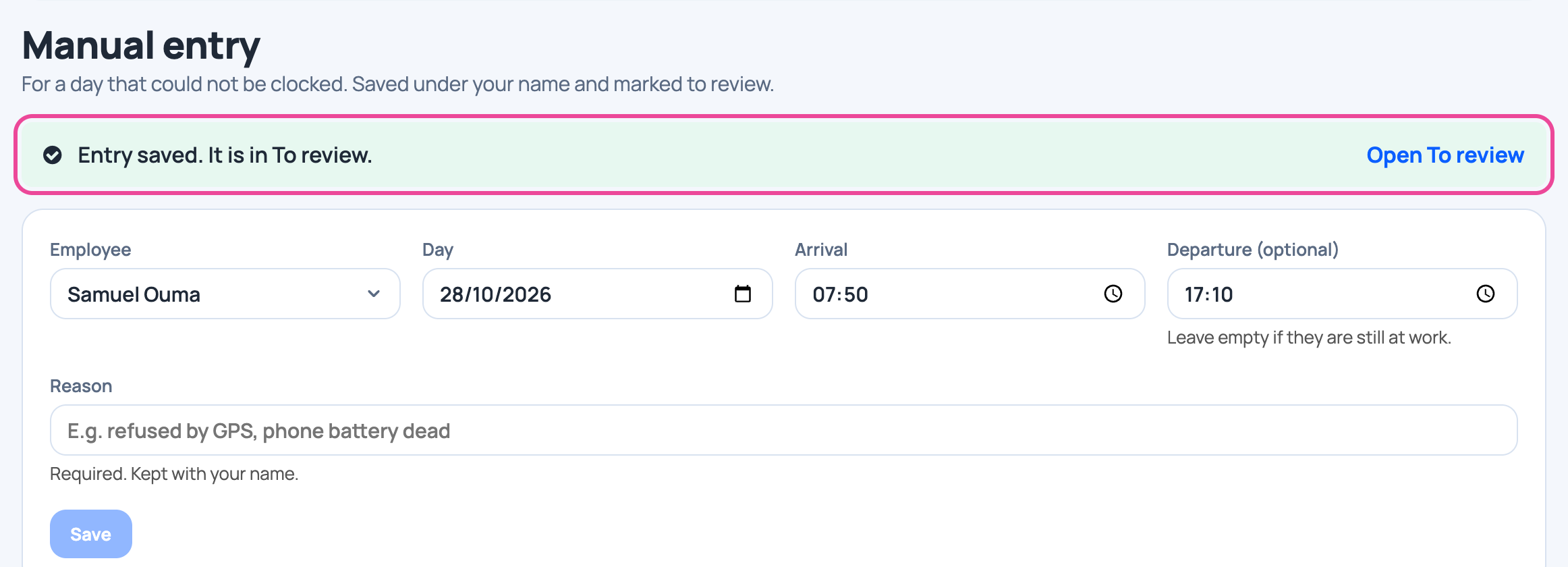
Click Save. The entry goes to To review for a second look.
Next step
More guides
- 1Choose how staff clock inPick the roles, the clock-in mode and the checks.
- 2Set working hoursAdd a schedule: start, end, grace and working days.
- 3Clock in on your phoneSet up your face, clock in at work, clock out when you leave.
- 4See who is at work todayPresent, late and absent staff, live.
- 7Check a month of attendanceDays present, absences and lateness per person.
- The Attendance appAttendance
- All guidesLearn