 Aser One
Review flagged punches
Punches entered by hand, away from the site or left open wait for your check.
On the computer, 5 steps
Guide 6 of 7 in Attendance
-
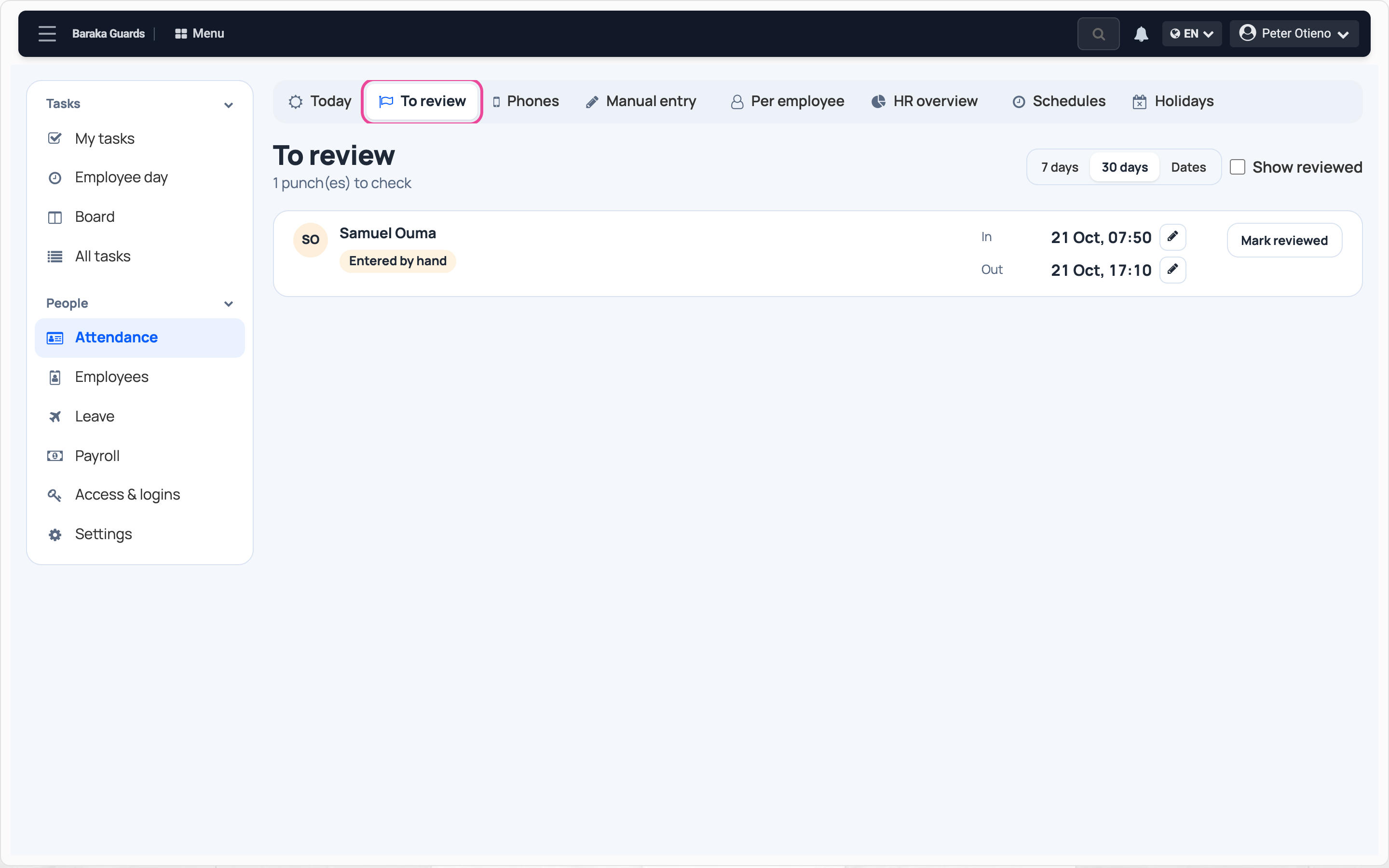
Open To review
In Attendance, open To review.
-
See why
The tag says why the punch is flagged.

-
Correct the time
If a time is wrong, click the pencil and fix it.

-
Mark it reviewed
When it is right, click Mark reviewed.

-
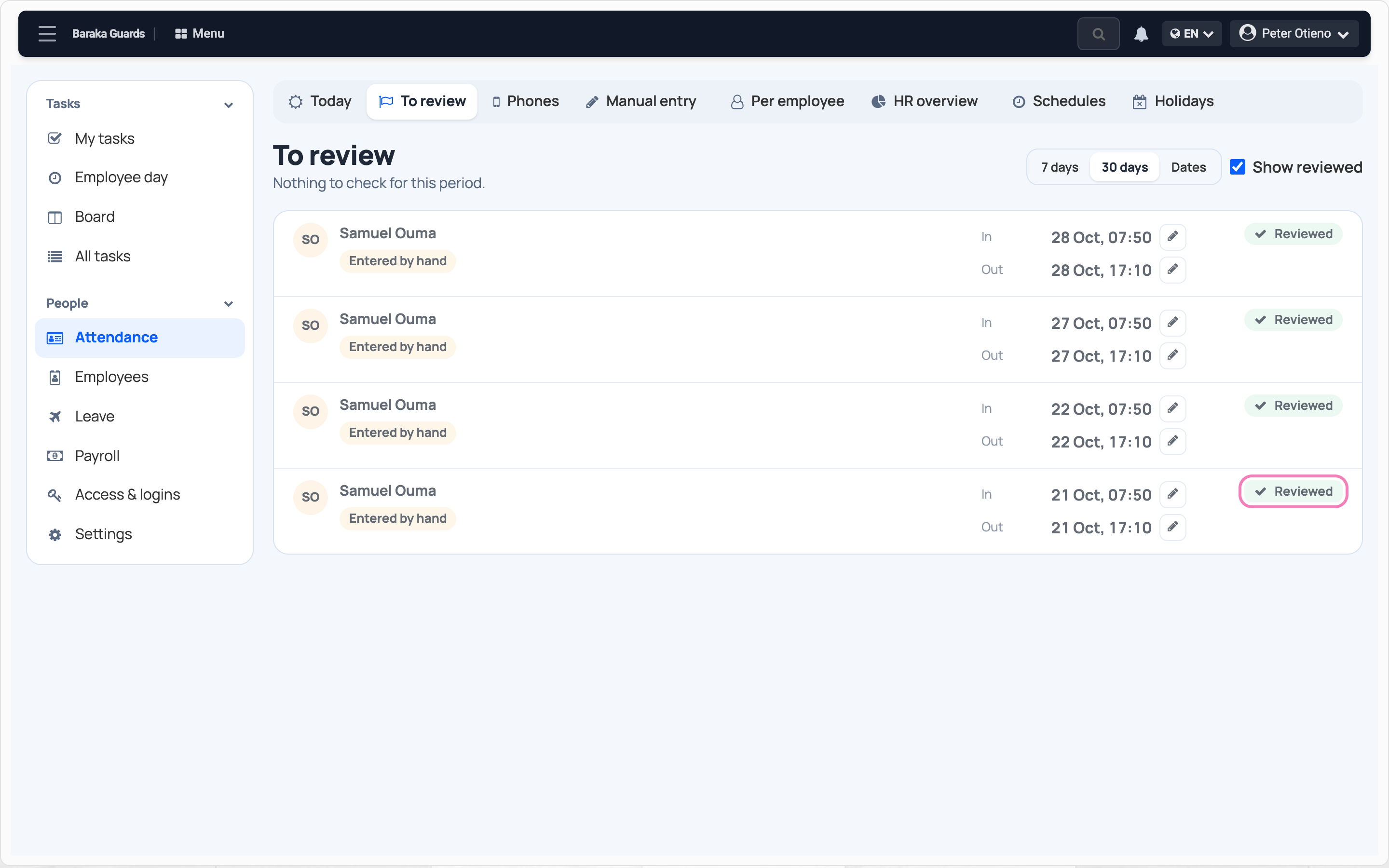
Find it again
Tick Show reviewed: the punch now shows Reviewed.
Next step
More guides
- 1Choose how staff clock inPick the roles, the clock-in mode and the checks.
- 2Set working hoursAdd a schedule: start, end, grace and working days.
- 3Clock in on your phoneSet up your face, clock in at work, clock out when you leave.
- 4See who is at work todayPresent, late and absent staff, live.
- 5Record a missed clock-inEnter a worked day by hand, with a reason.
- The Attendance appAttendance
- All guidesLearn