 Aser One
Set working hours
The hours an arrival is measured against, so the app knows who is late.
On the computer, 6 steps
Guide 2 of 7 in Attendance
-
Open schedules
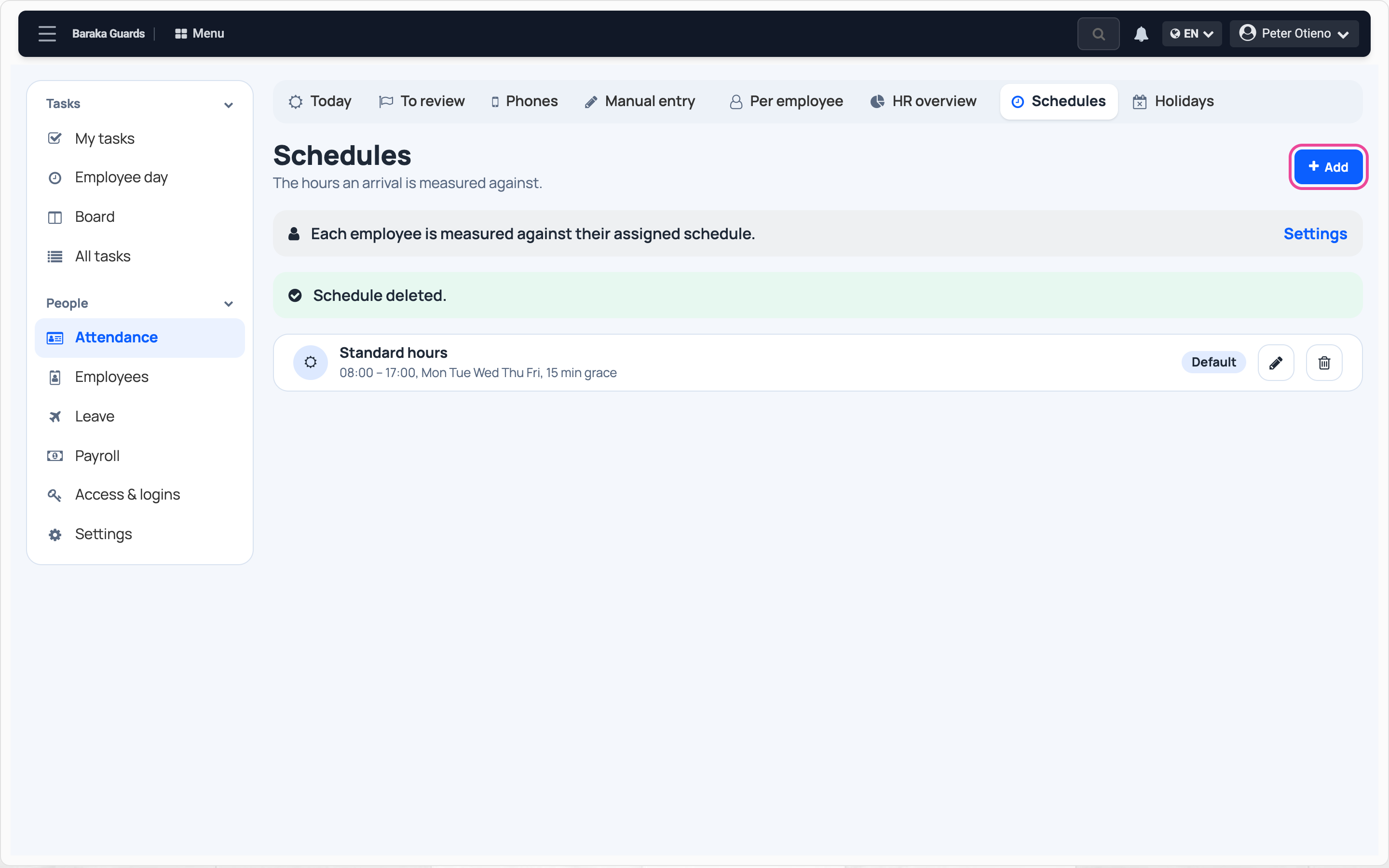
In Attendance › Schedules, click Add.
-
Name it
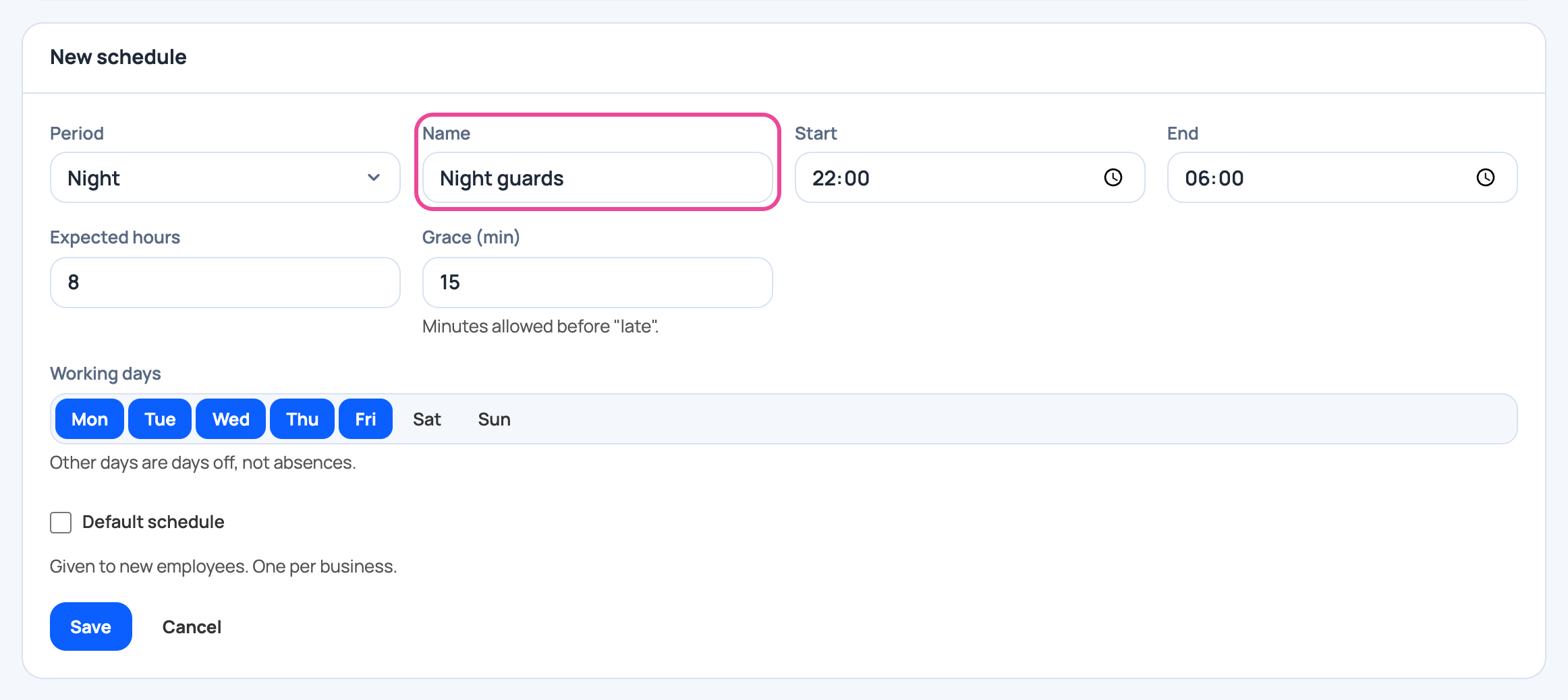
Pick the period, Night here, and give the schedule a name.
-
Set the times
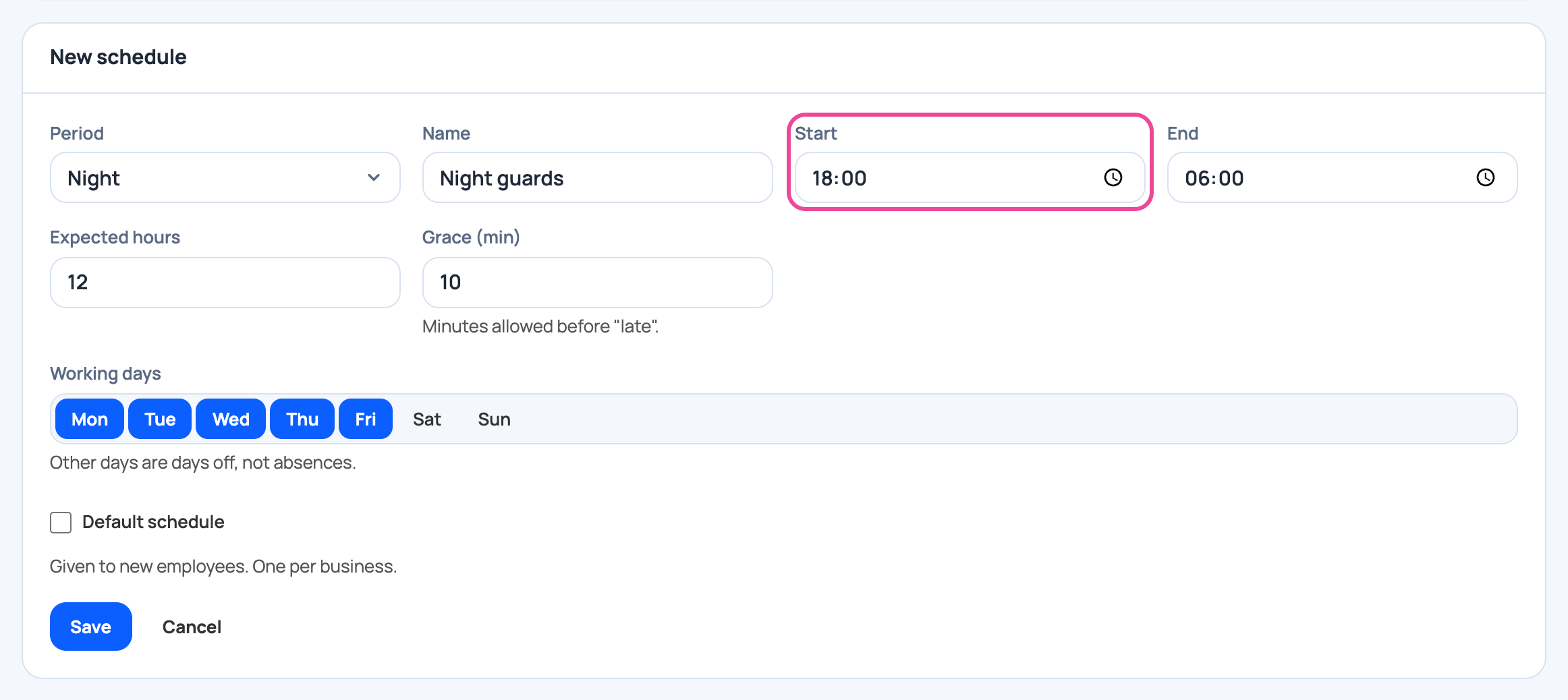
Type the start, the end, the hours worked and the minutes of grace.
-
Pick the days
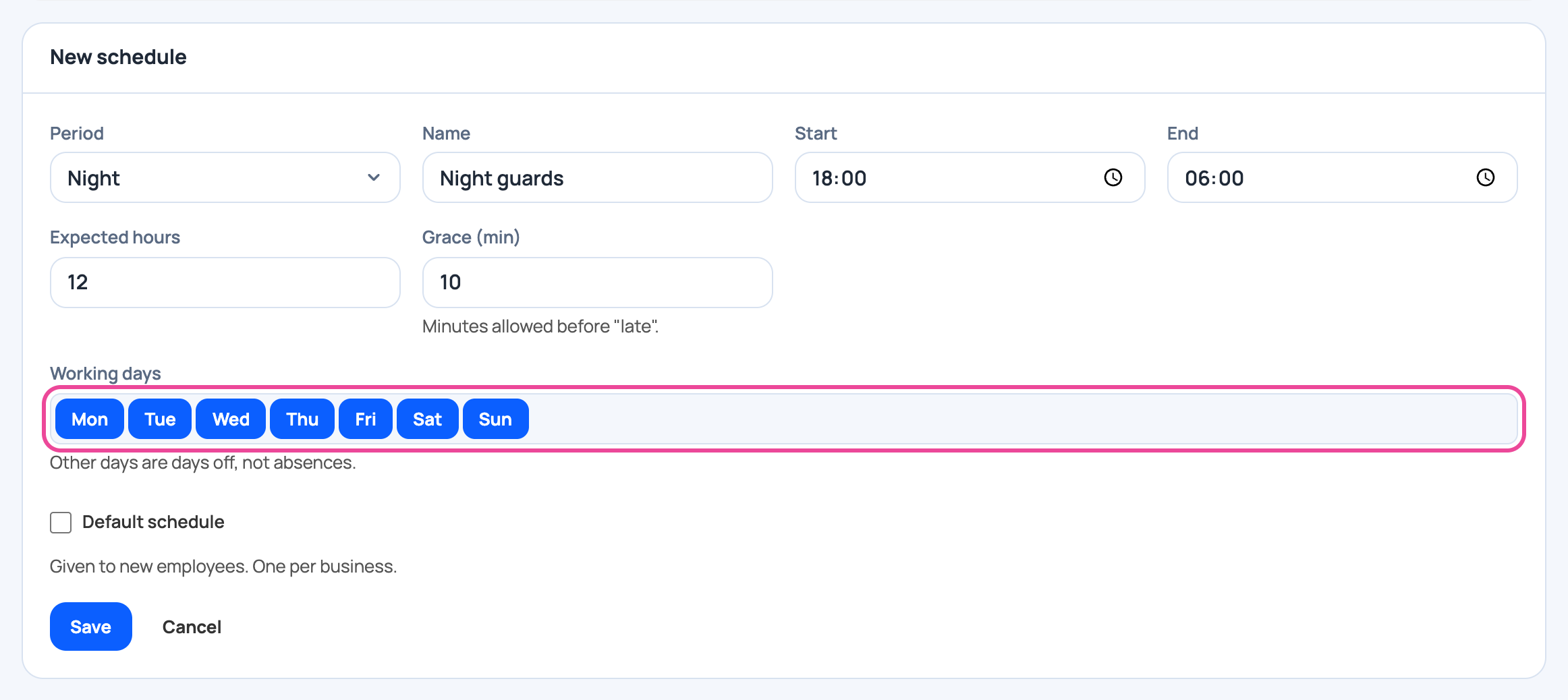
Tap the working days. Guards work every night.
-
Save
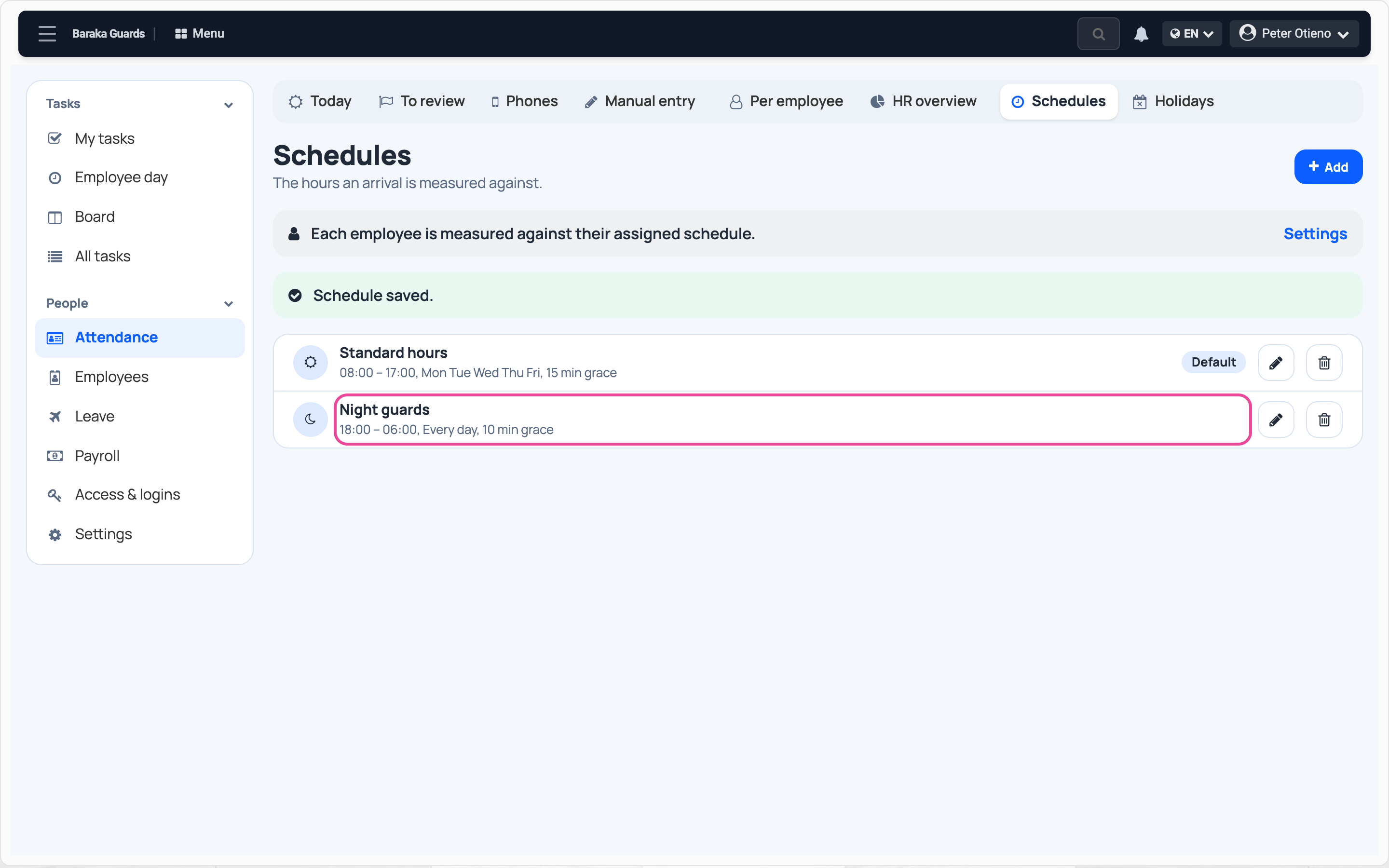
Click Save. The schedule shows in the list.
-
Day and night teams
In Settings › Attendance, Pick the schedule by arrival time matches each arrival to its shift.

Next step
More guides
- 1Choose how staff clock inPick the roles, the clock-in mode and the checks.
- 4See who is at work todayPresent, late and absent staff, live.
- 5Record a missed clock-inEnter a worked day by hand, with a reason.
- 6Review flagged punchesCheck, correct and clear flagged punches.
- 7Check a month of attendanceDays present, absences and lateness per person.
- The Attendance appAttendance
- All guidesLearn