 Aser One
-
Pick the period
Open Stock › Overview and click This month.

-
What needs you
Needs you counts the items below their minimum. Click See.

-
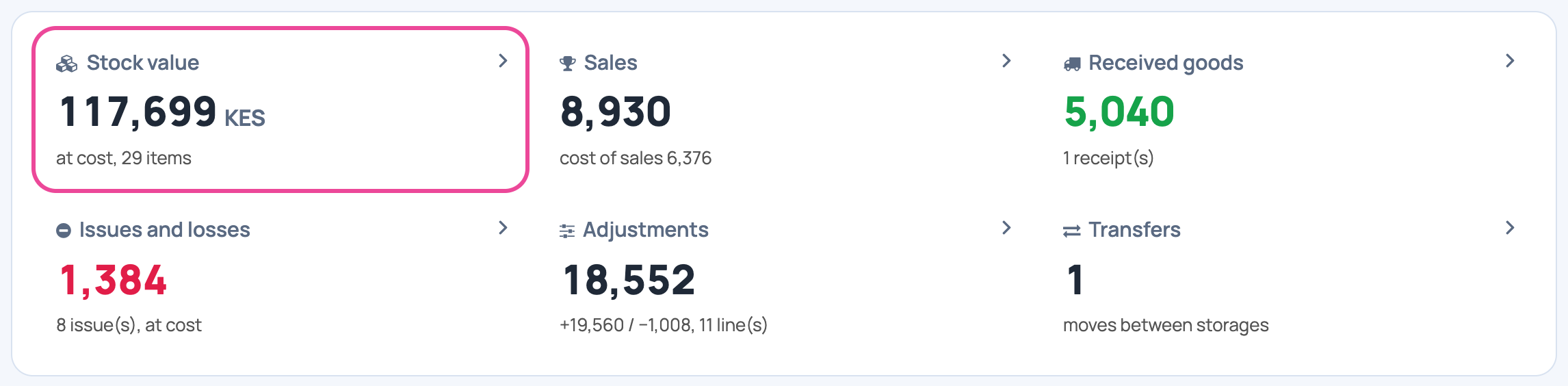
What it is worth
Stock value is your stock at cost, today.
-
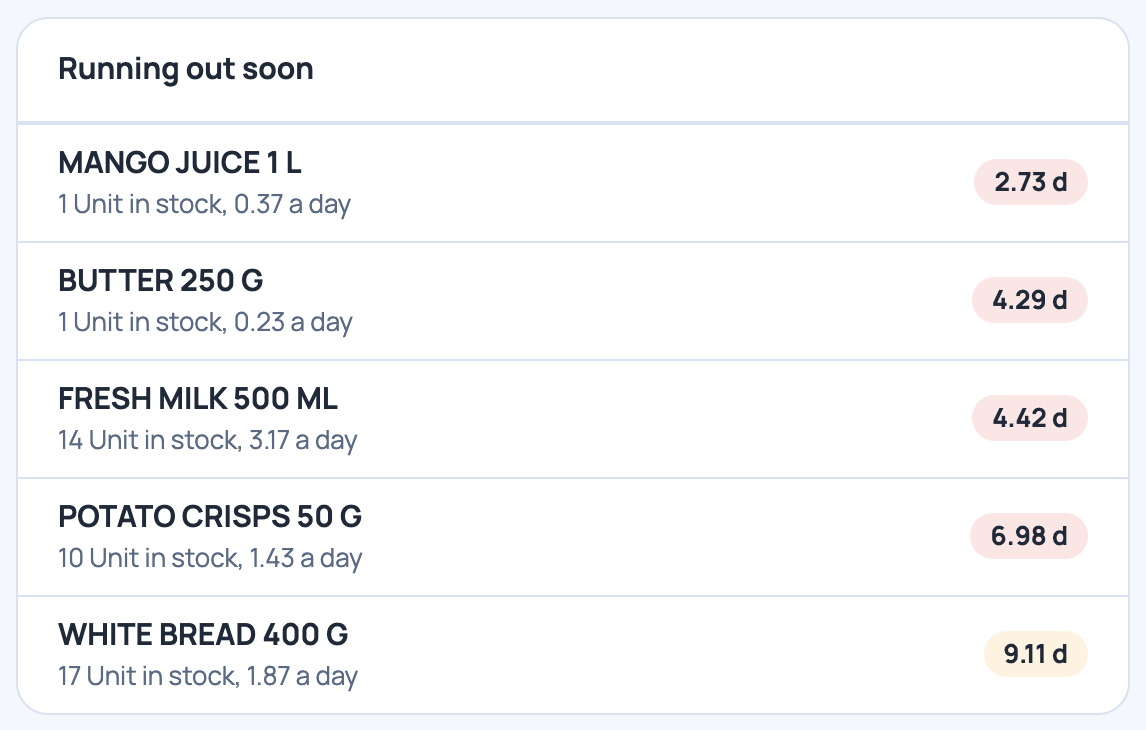
What runs out first
Running out soon gives the days left at the current pace.
-
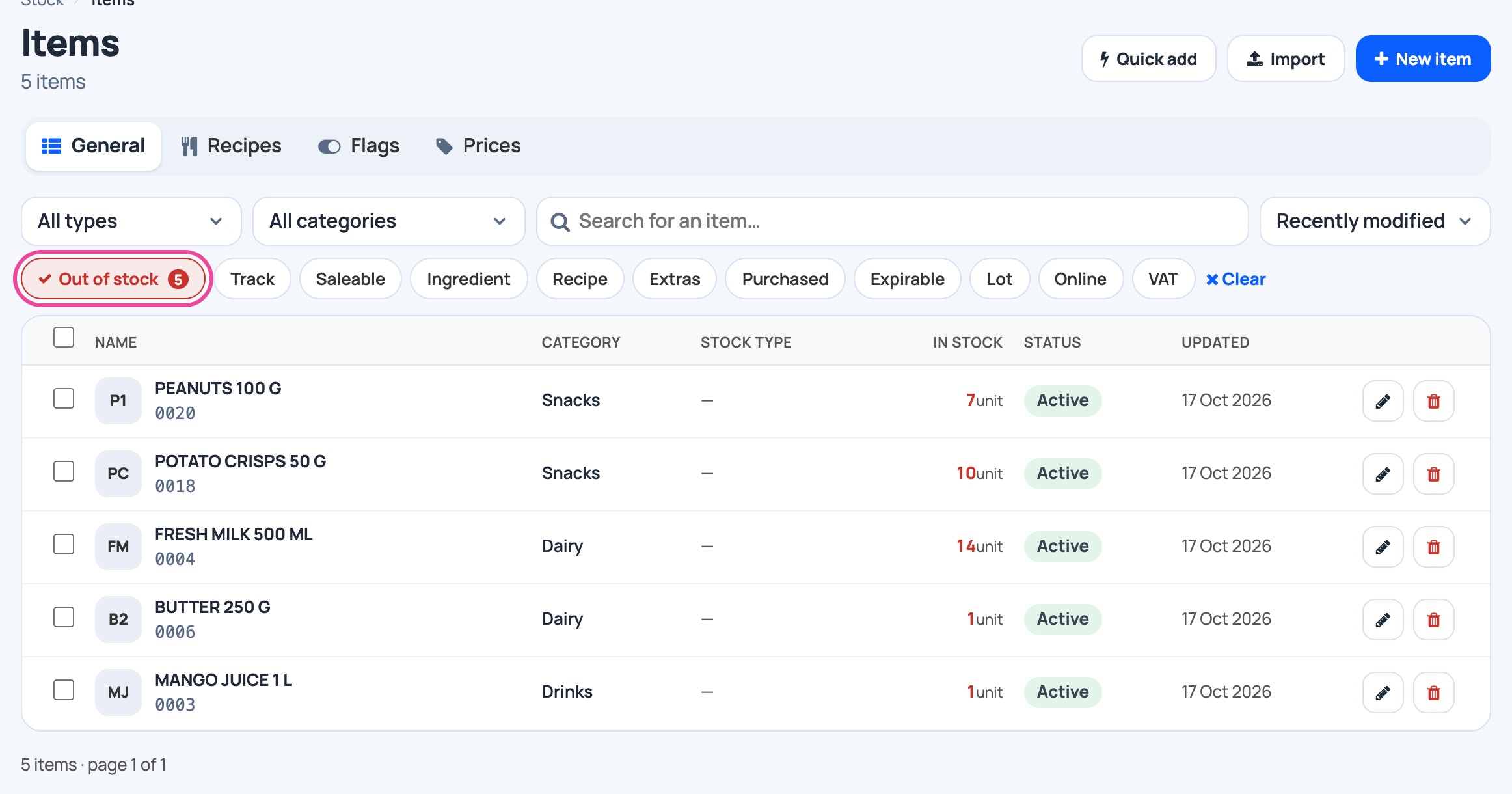
The list to reorder
See opens your items filtered to those below their minimum.
-
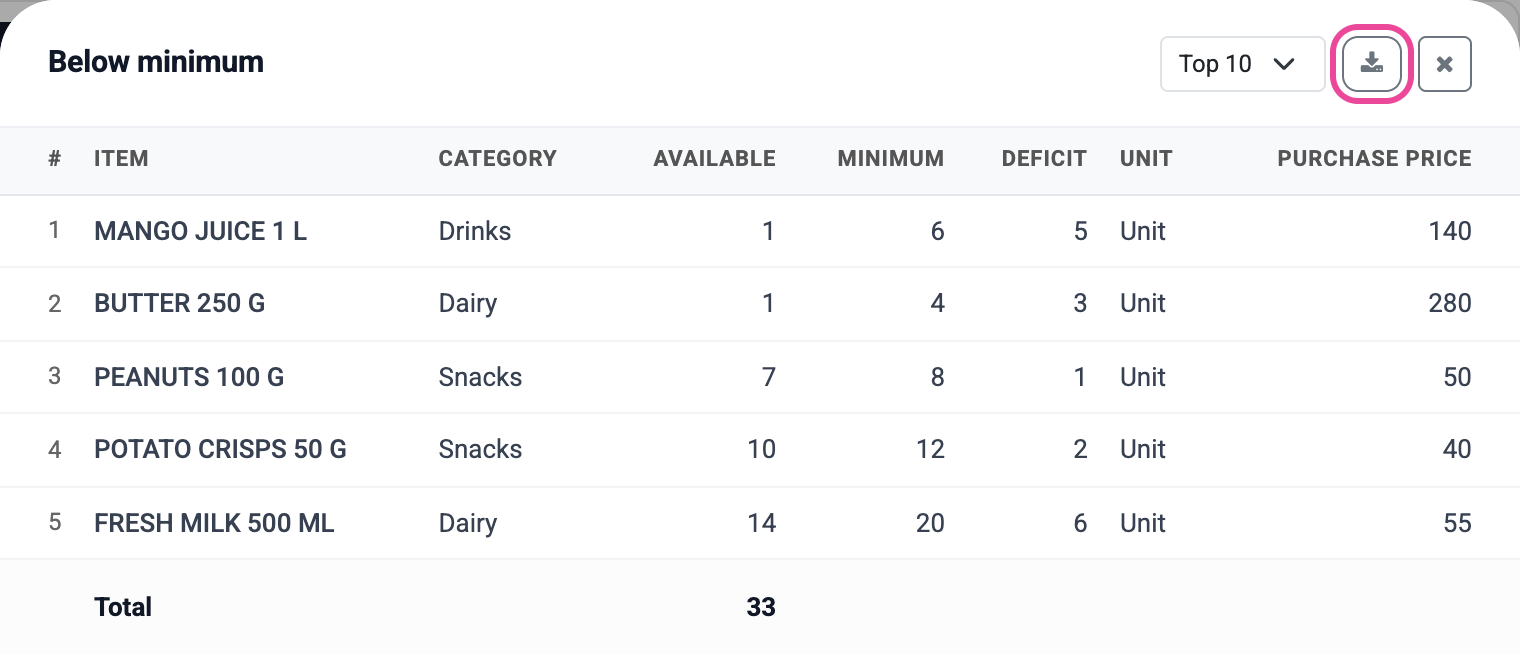
Download it
In Reports › Stock reports, open Below minimum and click the download button.
More guides
- 1Create an itemAdd a product, its price and its opening stock.
- 2Stock in from a supplierRecord a delivery: item, quantity, price and supplier.
- 3Give out stockRecord stock used, given to staff, or damaged.
- 4Transfer stockMove stock between your storages.
- 5Count your stockCount a shelf and fix the stock to match.
- 6Import items from ExcelAny Excel list works. Check the columns, review, and your items are ready.
- The Stock appStock
- All guidesLearn