 Aser One
-
Start a quick count
In Stock counts, open Quick Daily Count, pick the storage and category, then Start Count.

-
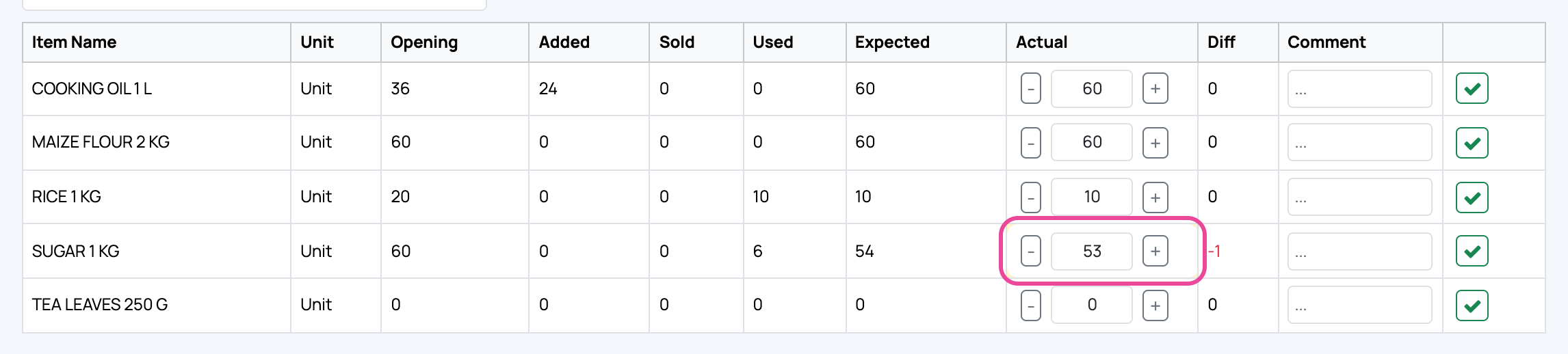
Type what you count
Expected is what the app thinks. Type the real number under Actual.
-
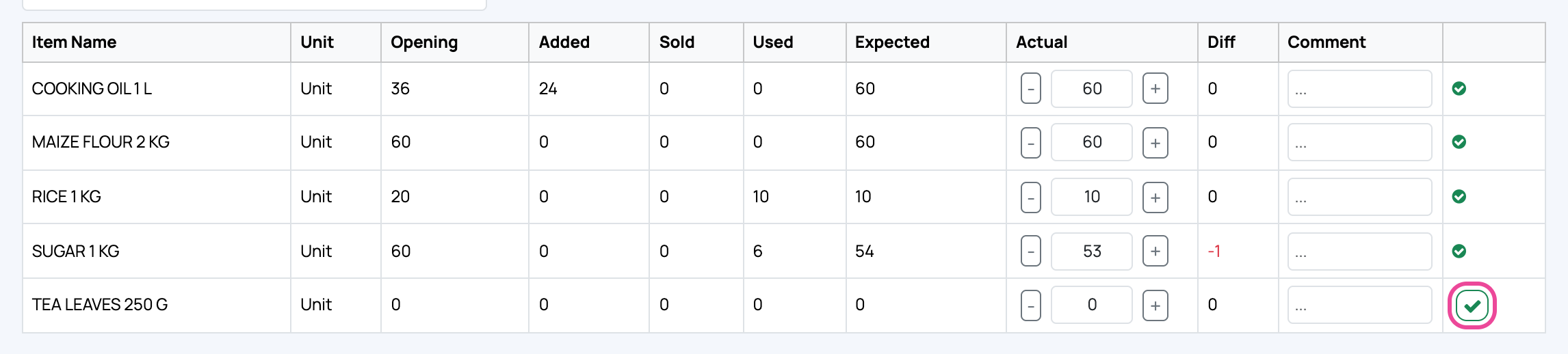
Tick each line
Click the tick once a line is counted. Gaps show in red.
-
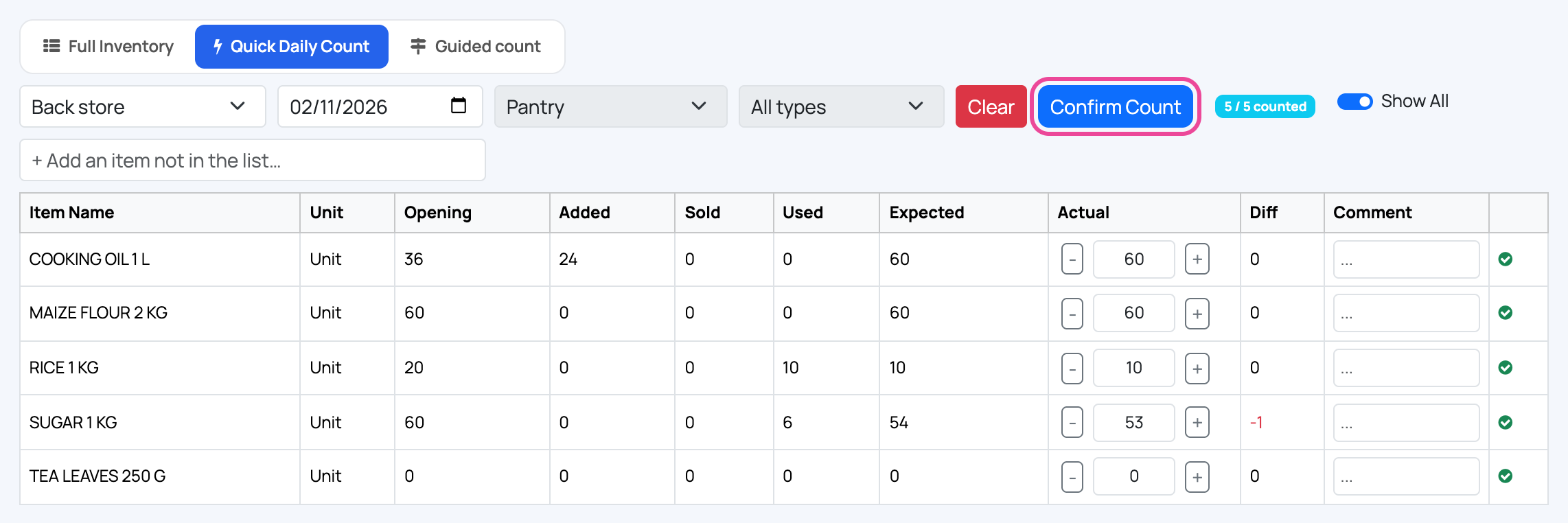
Confirm the count
Click Confirm Count. Your stock now matches the shelf.
-
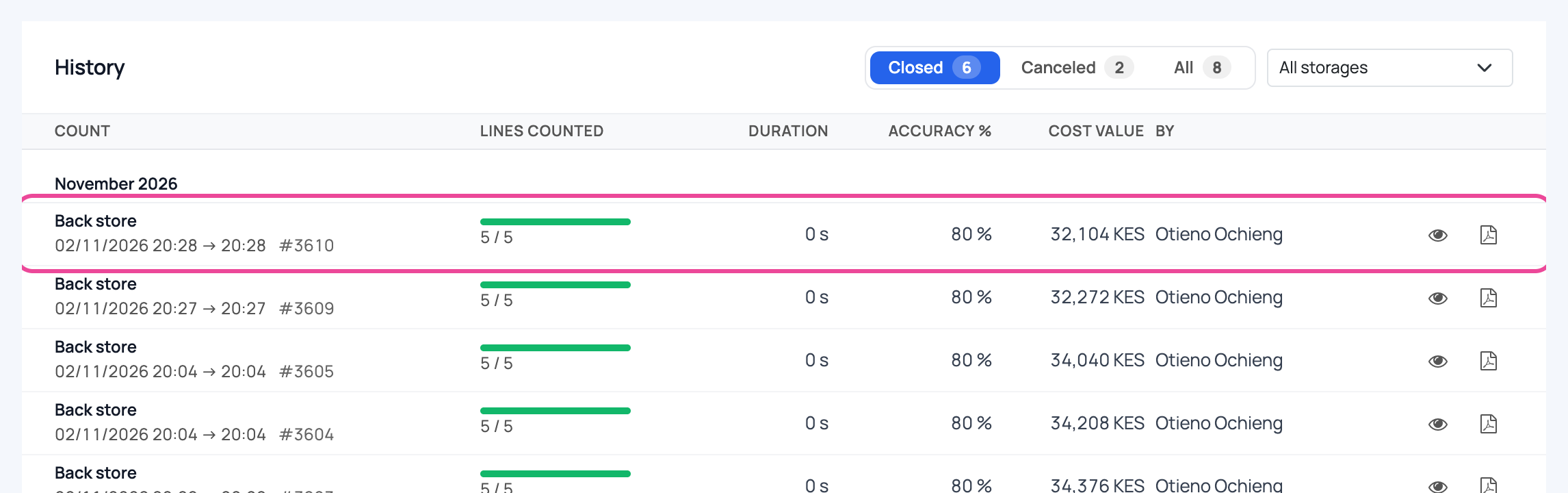
Check the history
Under Full Inventory › History, the count shows every line counted.
Next step
More guides
- 1Create an itemAdd a product, its price and its opening stock.
- 2Stock in from a supplierRecord a delivery: item, quantity, price and supplier.
- 3Give out stockRecord stock used, given to staff, or damaged.
- 4Transfer stockMove stock between your storages.
- 7Check your stockThe overview and the below-minimum list, in a minute.
- The Stock appStock
- All guidesLearn