 Aser One
-
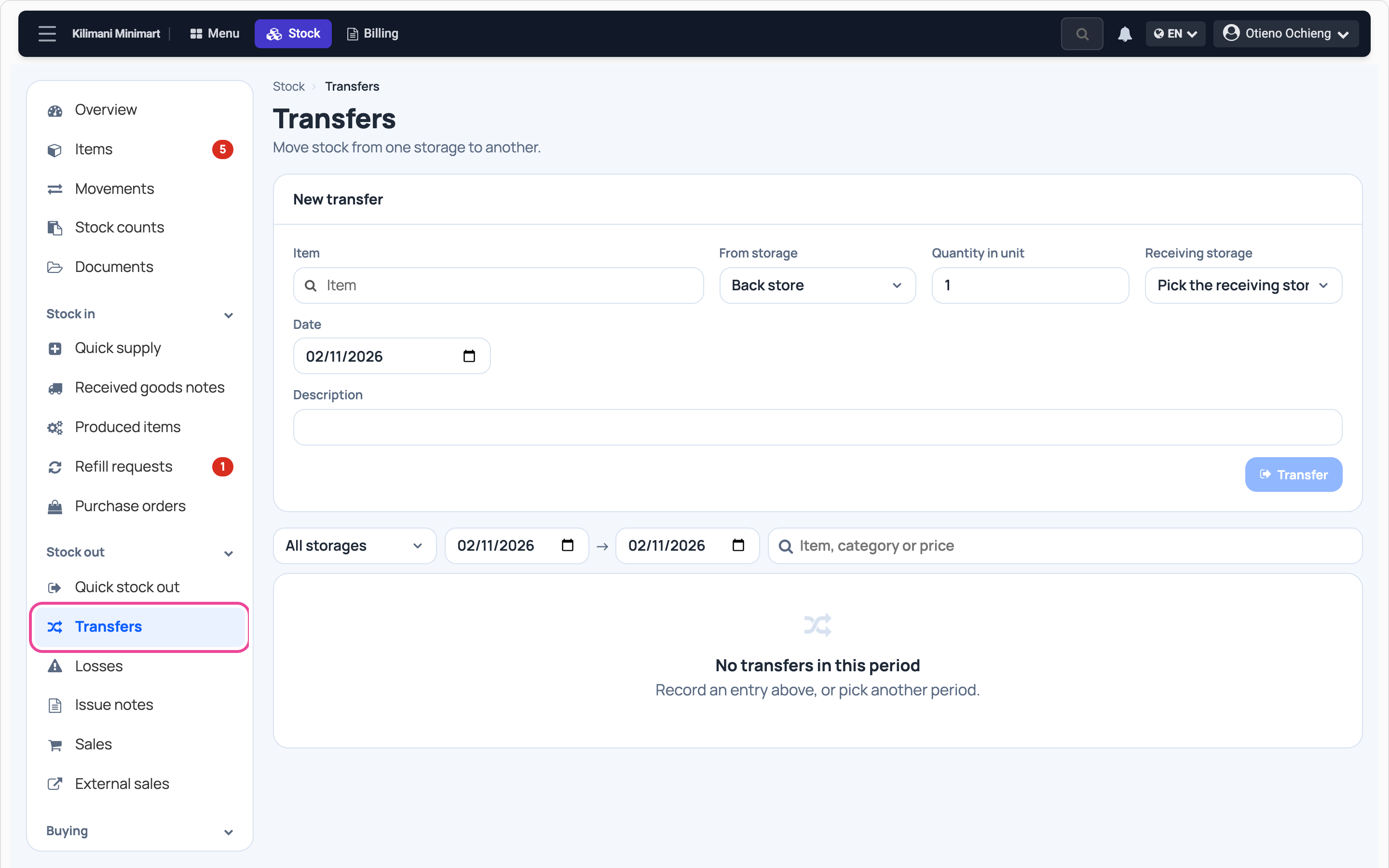
Open Transfers
In Stock, click Transfers under Stock out.
-
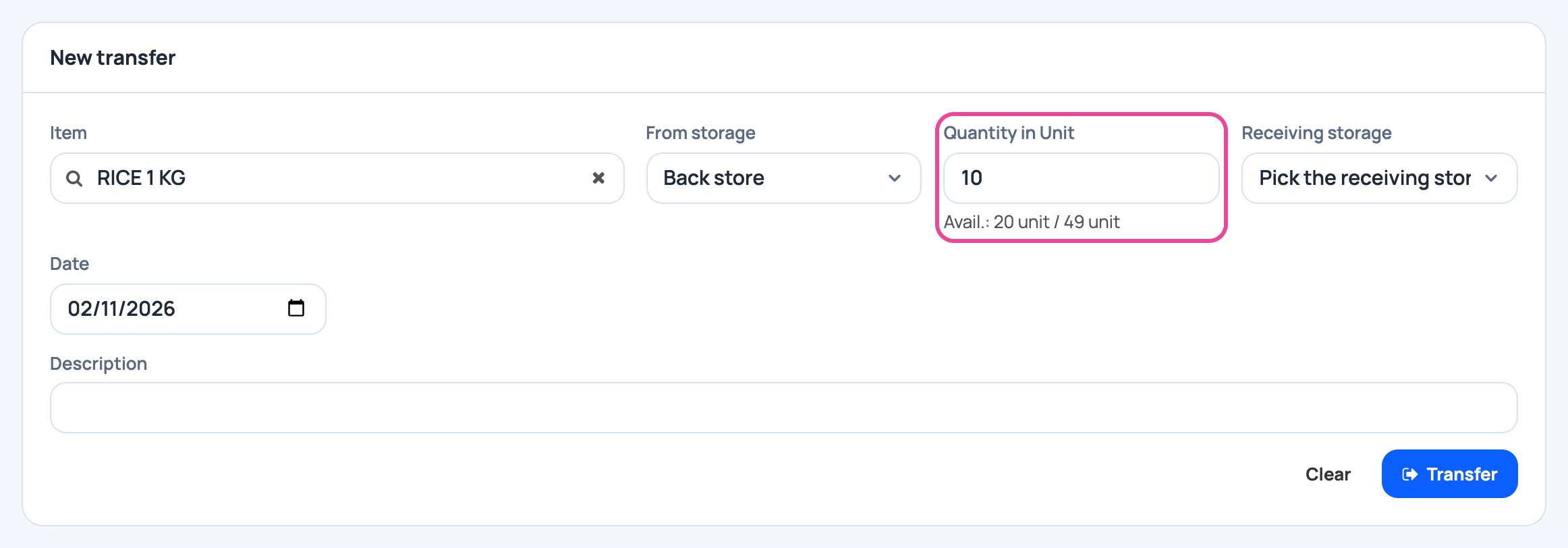
Item and quantity
Pick the item, the storage it leaves, and how many.
-
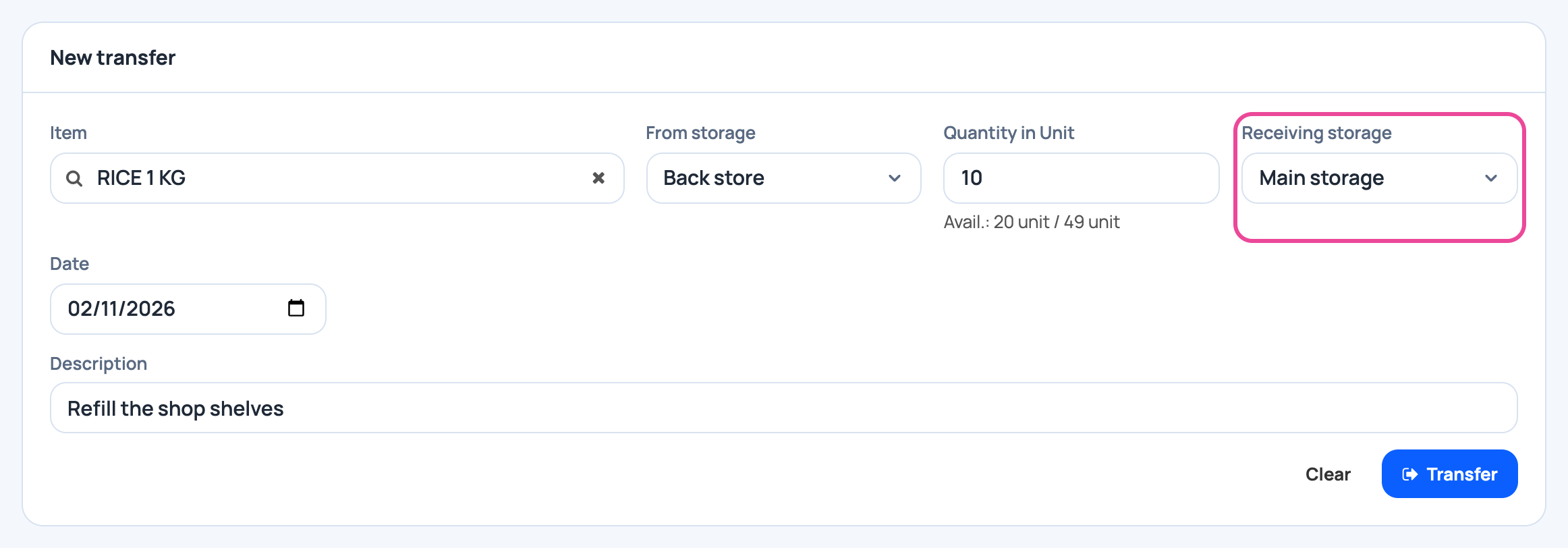
Where it goes
Pick the receiving storage. Add a short description.
-
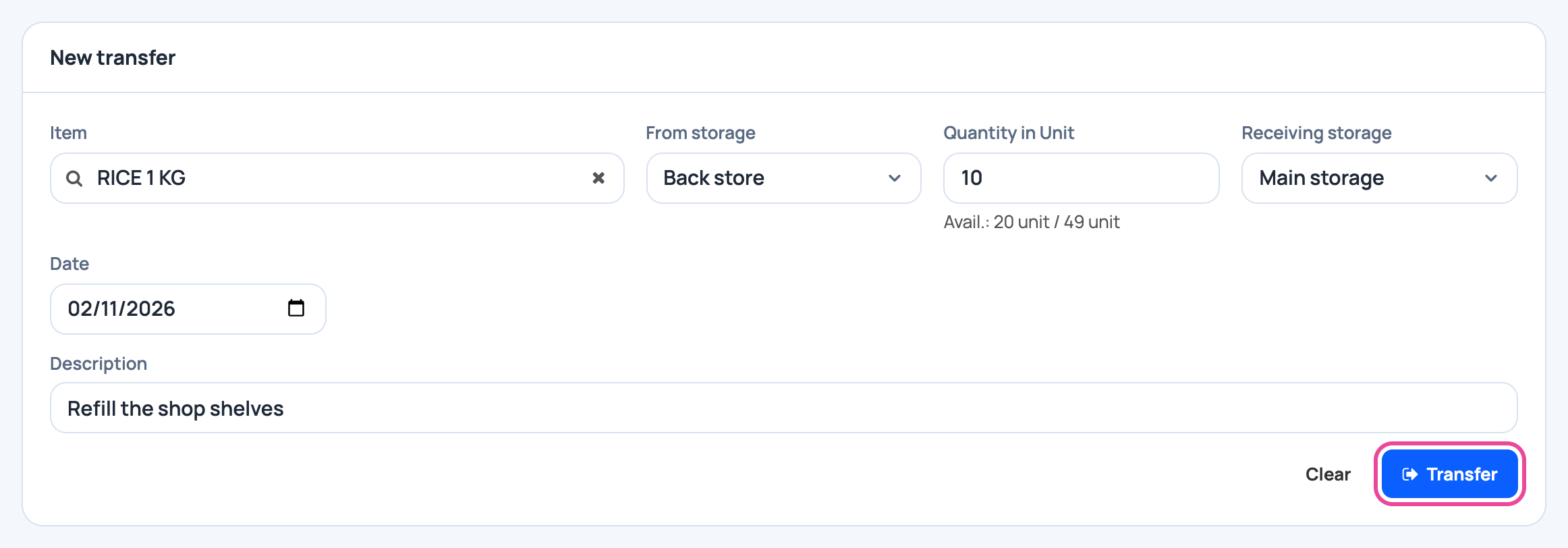
Transfer
Click Transfer.
-
It is in your list
The transfer shows: out of one storage, into the other.

Next step
More guides
- 1Create an itemAdd a product, its price and its opening stock.
- 2Stock in from a supplierRecord a delivery: item, quantity, price and supplier.
- 3Give out stockRecord stock used, given to staff, or damaged.
- 6Import items from ExcelAny Excel list works. Check the columns, review, and your items are ready.
- 7Check your stockThe overview and the below-minimum list, in a minute.
- The Stock appStock
- All guidesLearn