 Aser One
-
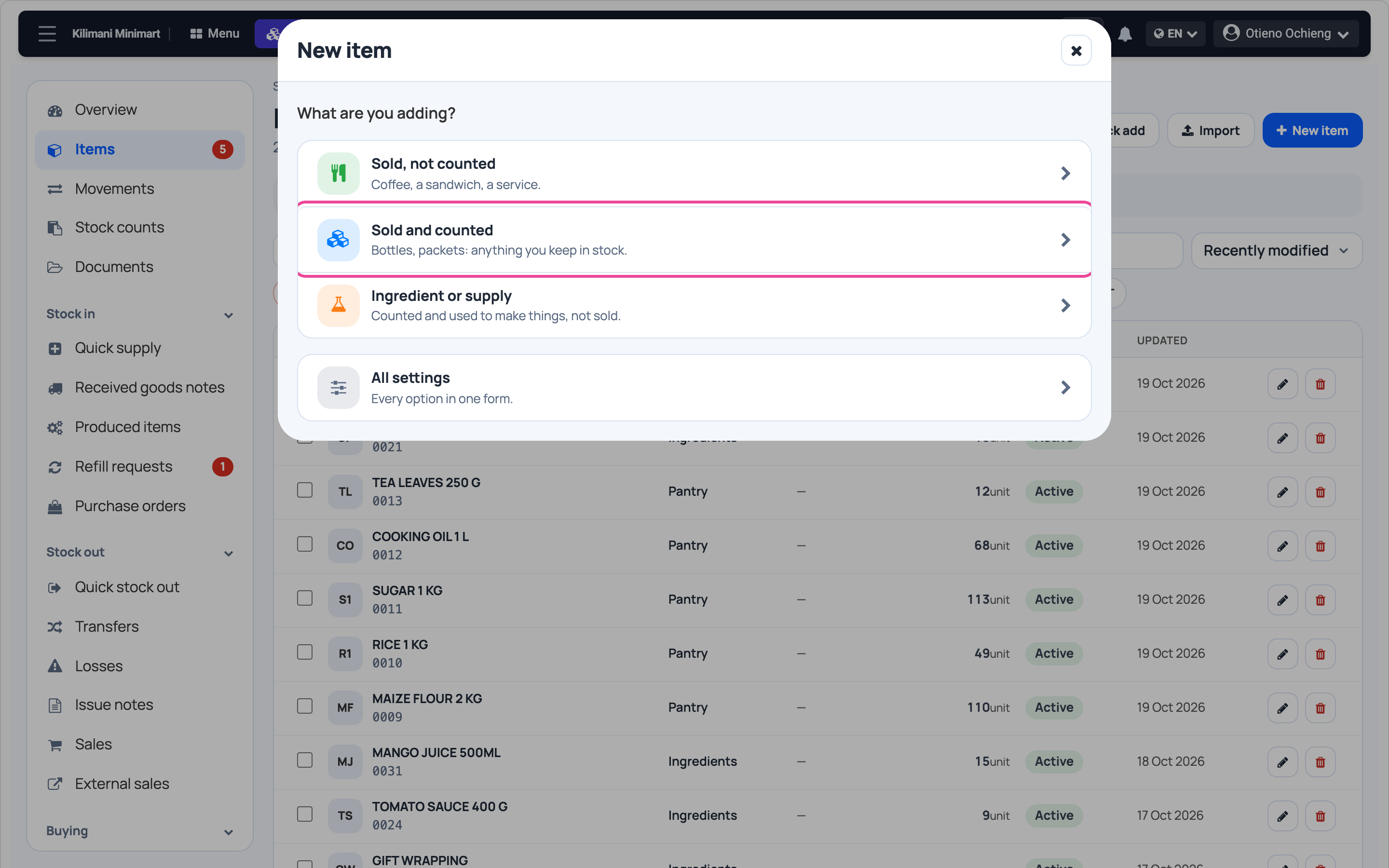
Pick the kind of item
In Stock › Items, click New item, then Sold and counted.
-
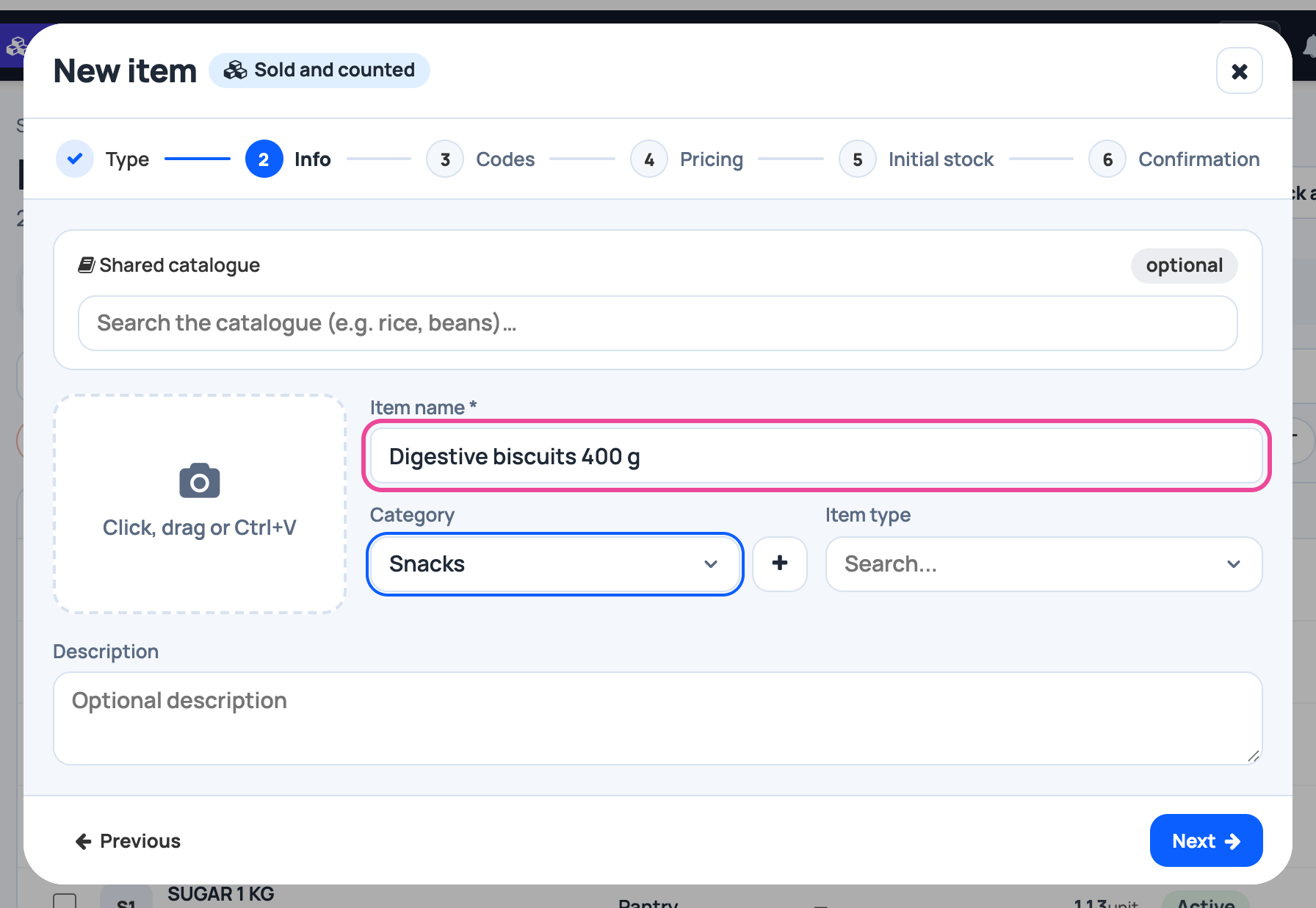
Name and category
The name your customers know, and a category to find it.
-
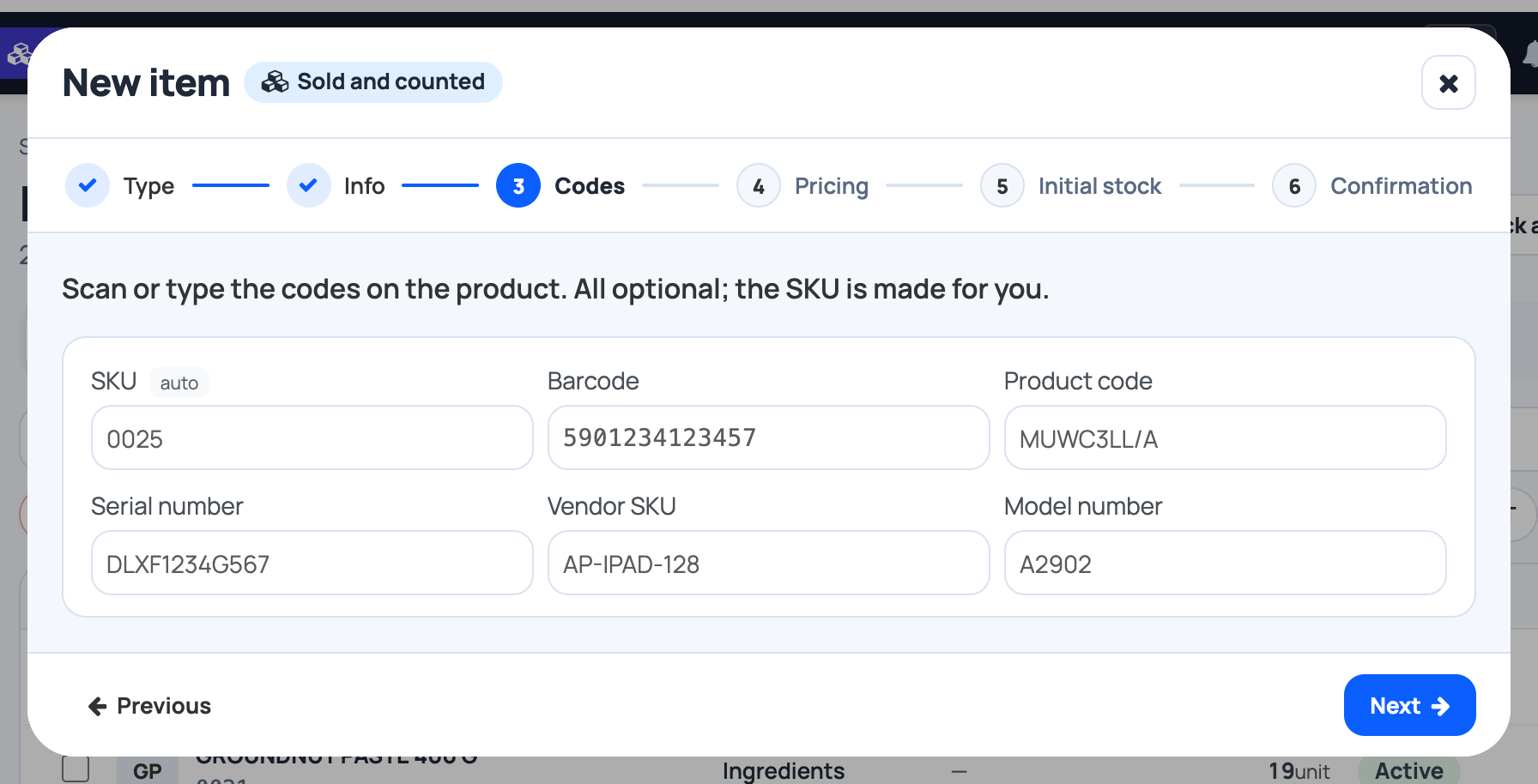
Codes
The SKU is made for you. Scan the barcode if the pack has one.
-
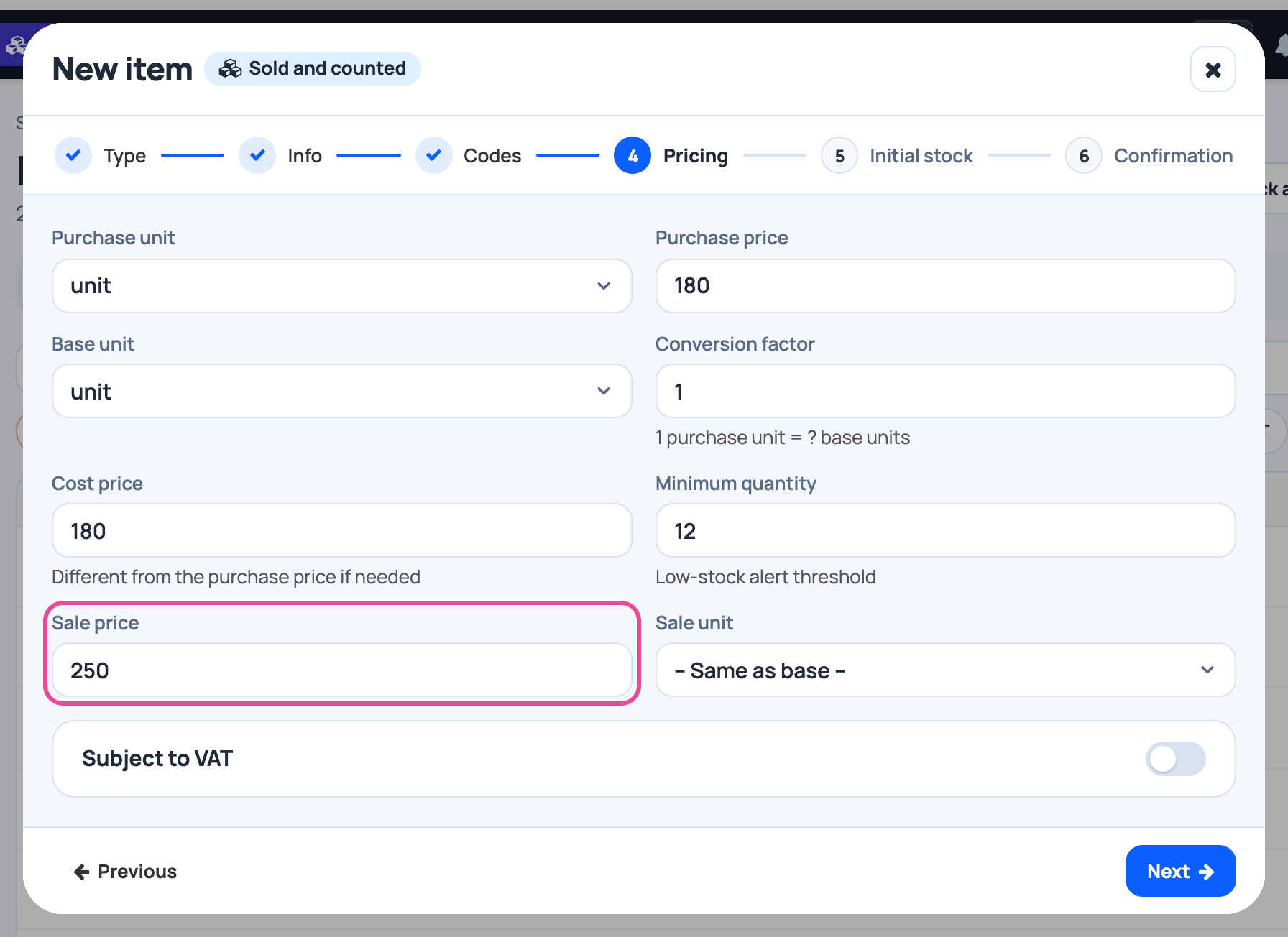
Prices
What it costs you, what you sell it for, and when to reorder.
-
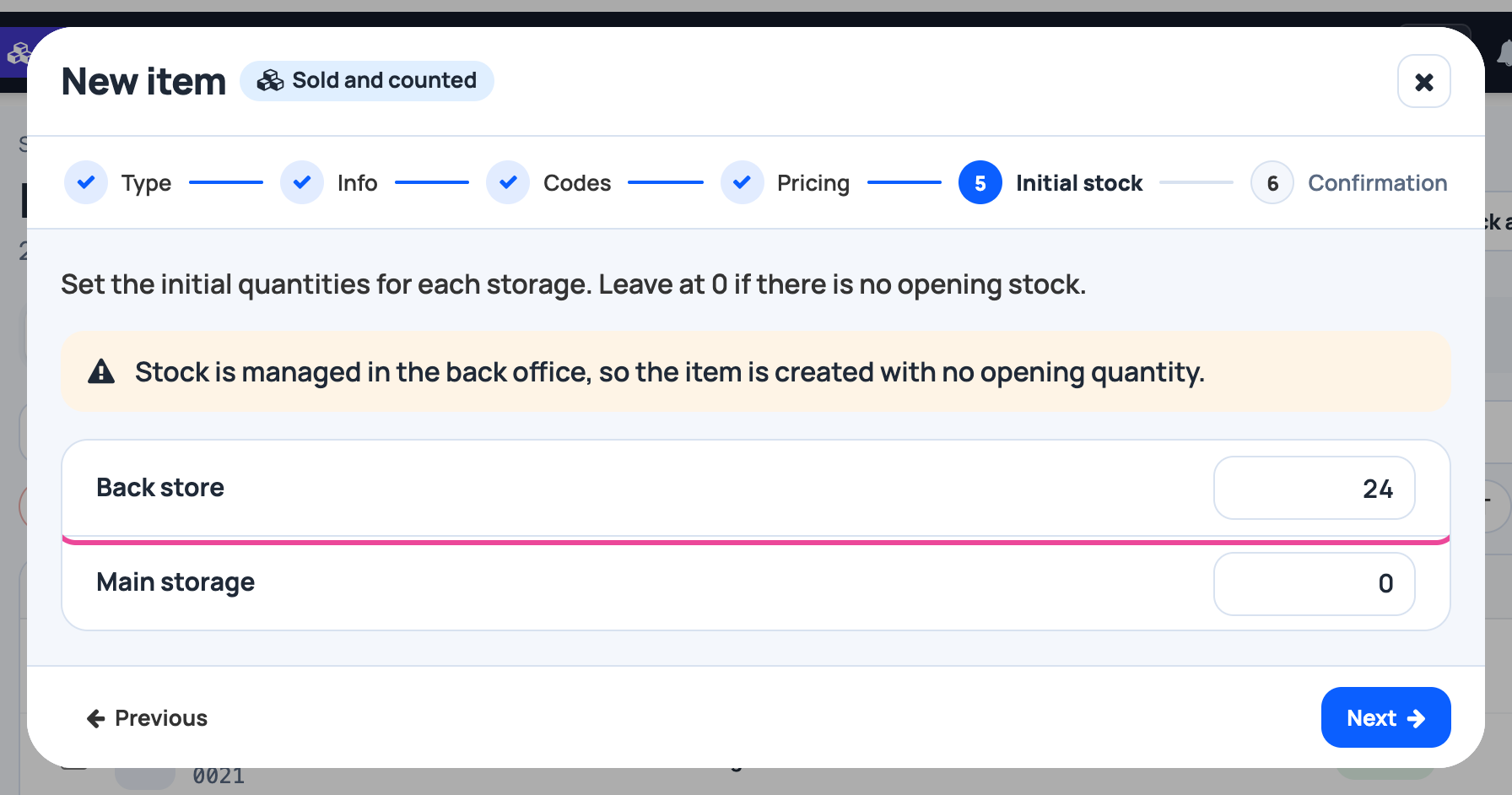
Opening stock
How many are on the shelf today, per storage.
-
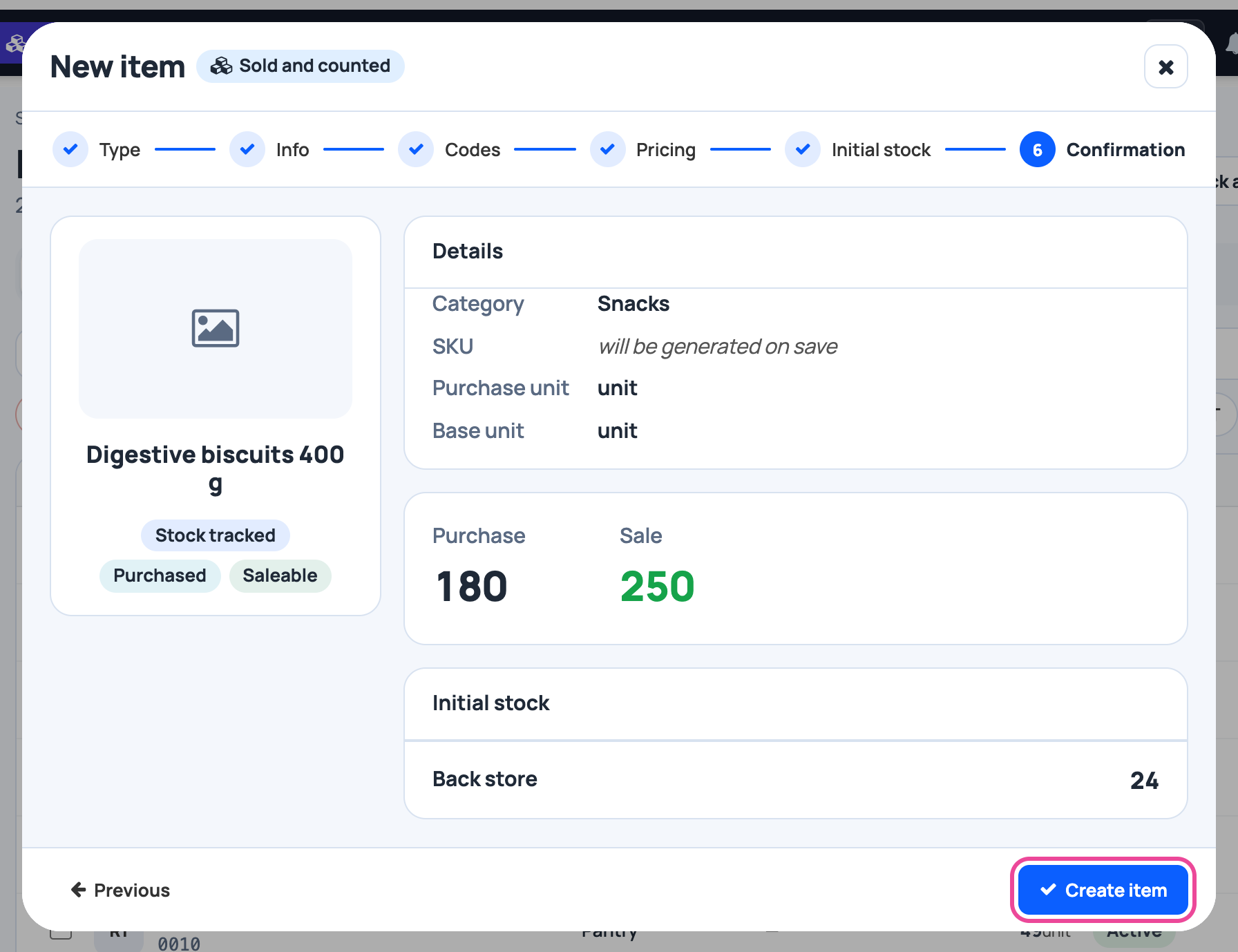
Check and create
Read the summary, then click Create item.
-
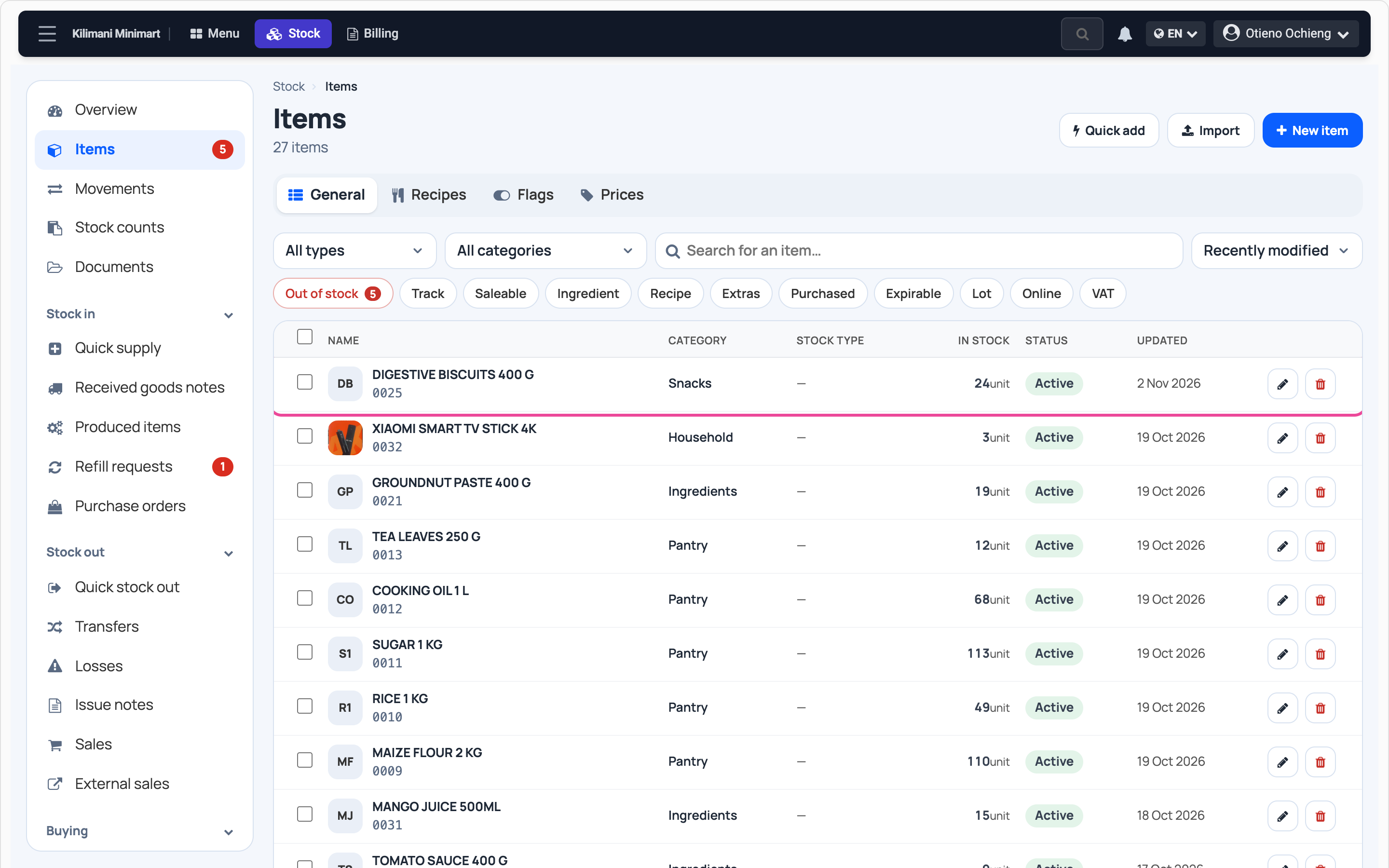
It is in your list
The item shows with its stock, ready to sell.
Next step
More guides
- 3Give out stockRecord stock used, given to staff, or damaged.
- 4Transfer stockMove stock between your storages.
- 5Count your stockCount a shelf and fix the stock to match.
- 6Import items from ExcelAny Excel list works. Check the columns, review, and your items are ready.
- 7Check your stockThe overview and the below-minimum list, in a minute.
- The Stock appStock
- All guidesLearn