 Aser One
Add your classes and pupils
Import your list once, record each consent, and say who is expected where.
On the computer, 8 steps
Guide 2 of 4 in Schools & shared tablets
-
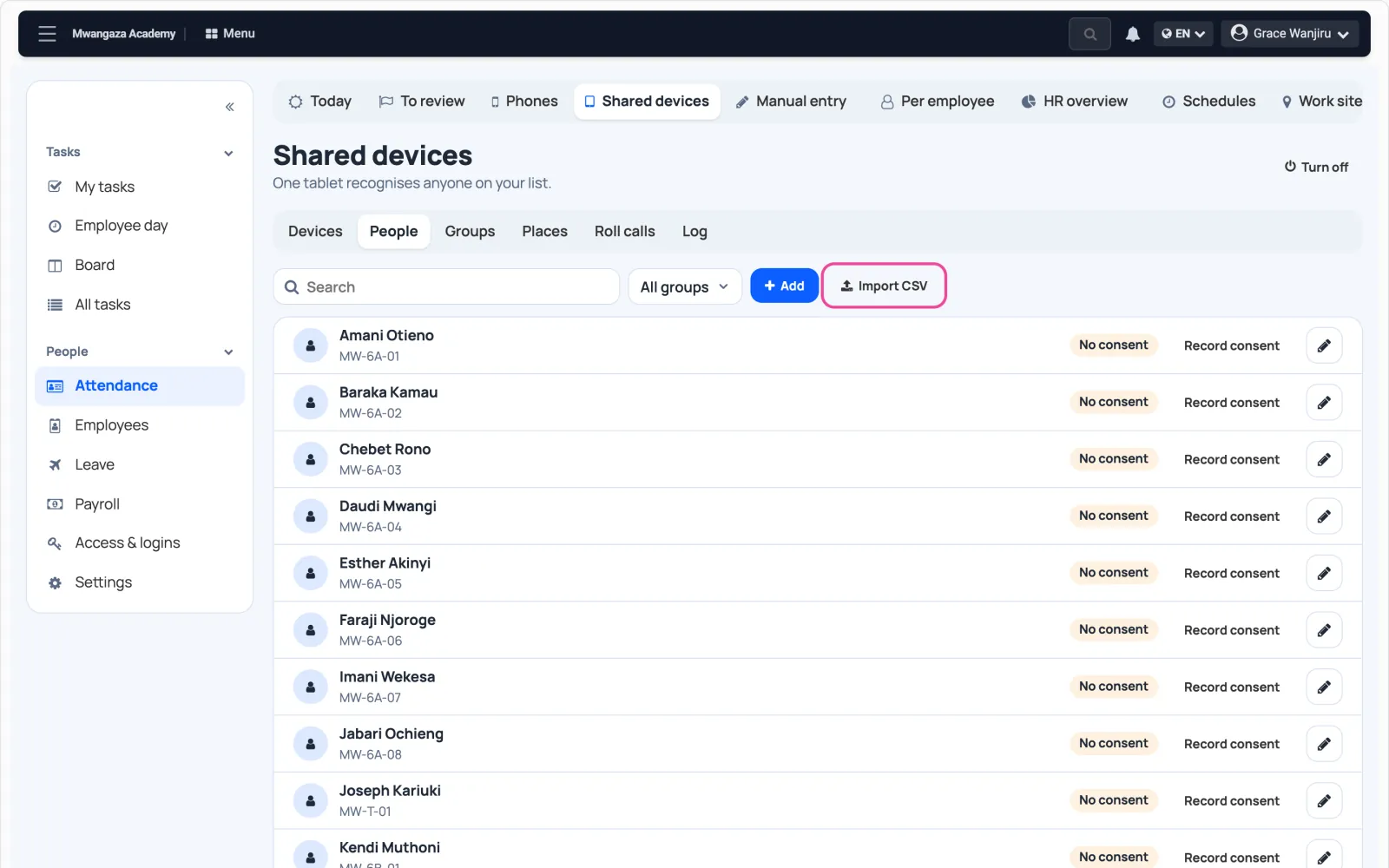
Open People
In Shared devices › People, click Import.
-
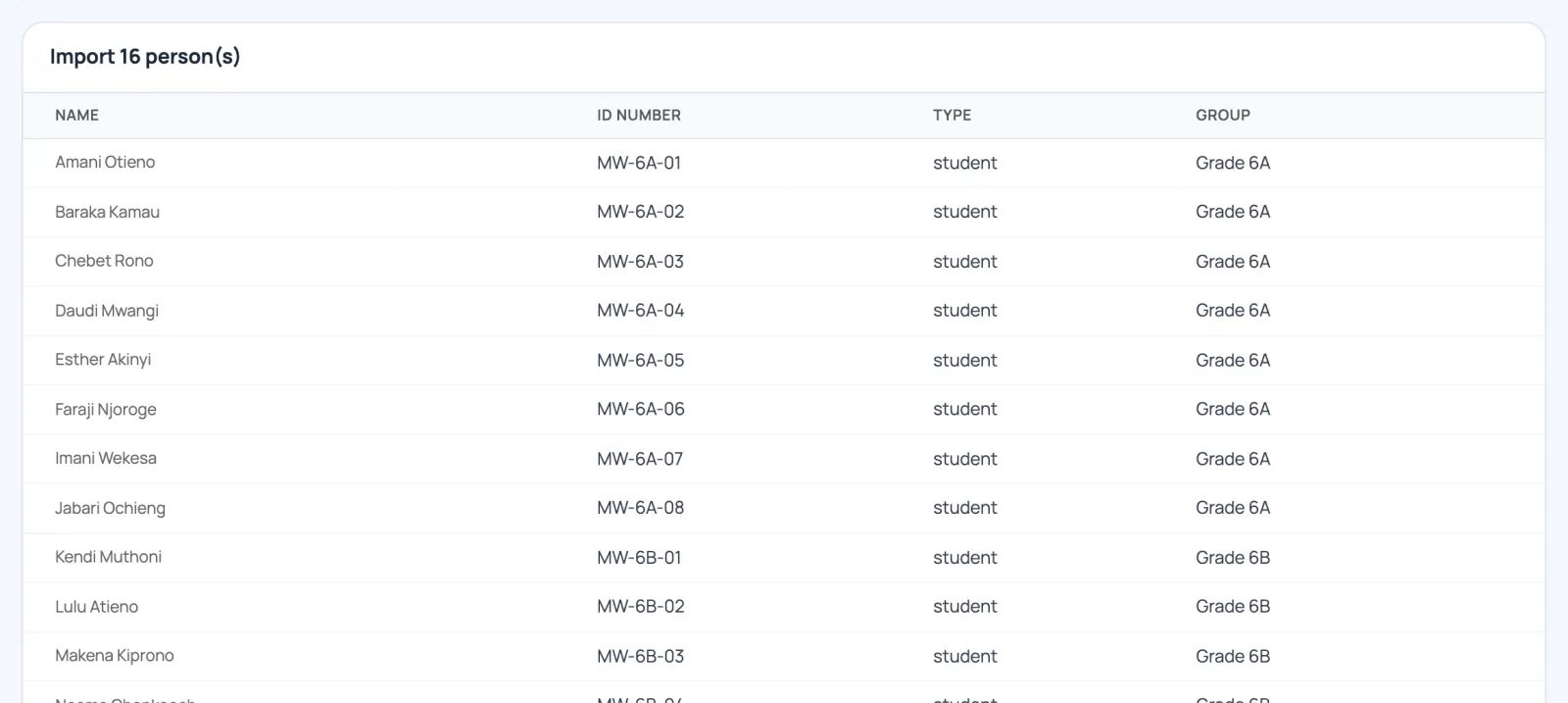
Check the file
One row per person: name, ID number, type and class. Check it, then click Import.
-
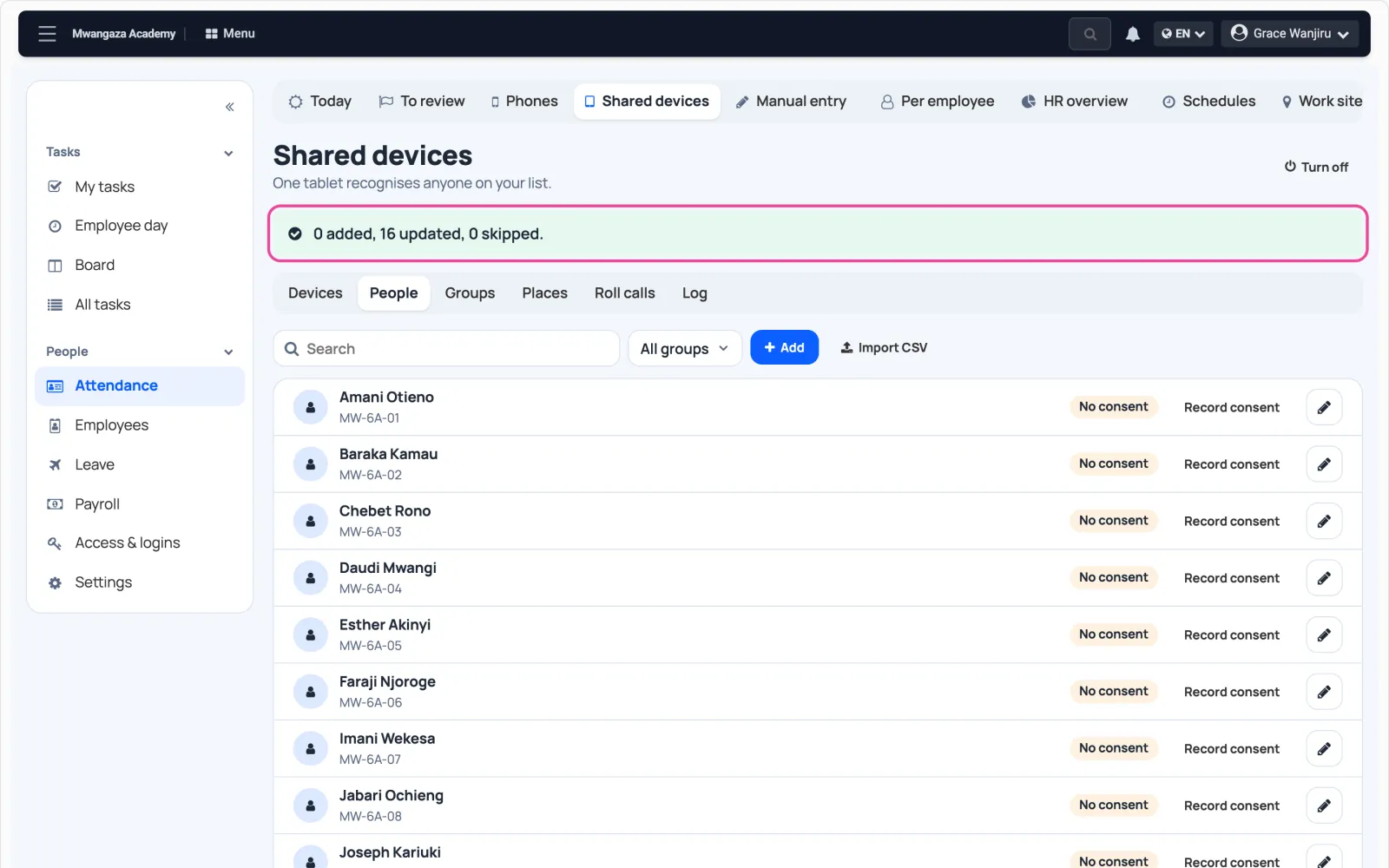
Everyone is listed
Nobody can be scanned yet: each person needs consent first.
-
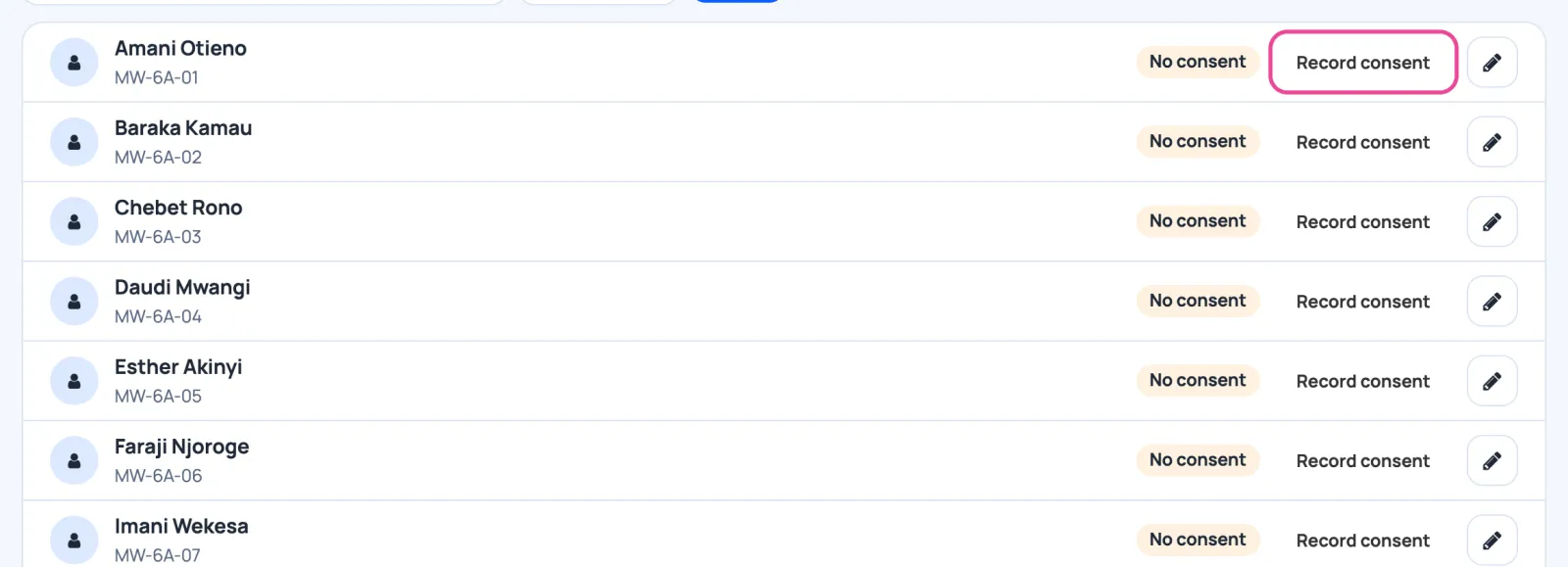
Record consent
Once a parent has signed, click Record consent on that pupil.
-
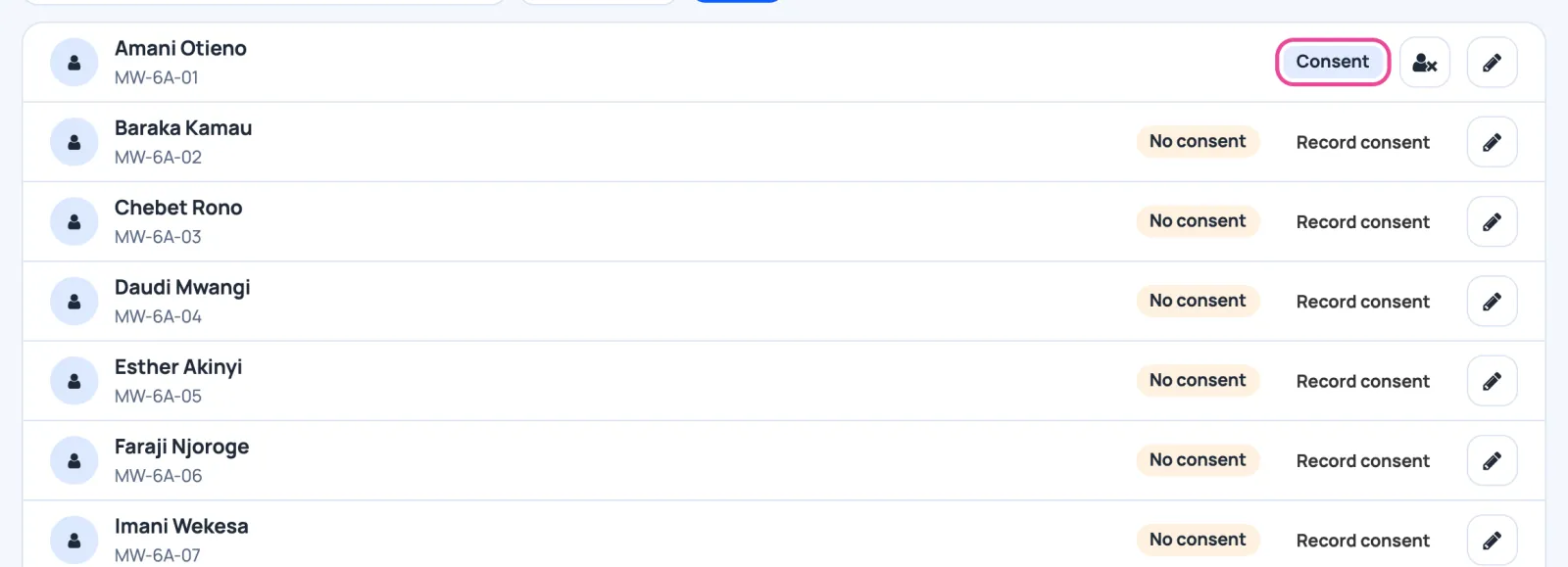
Consent given
The pupil can now have a face added on a tablet.
-
Your classes
The classes in the file became groups.

-
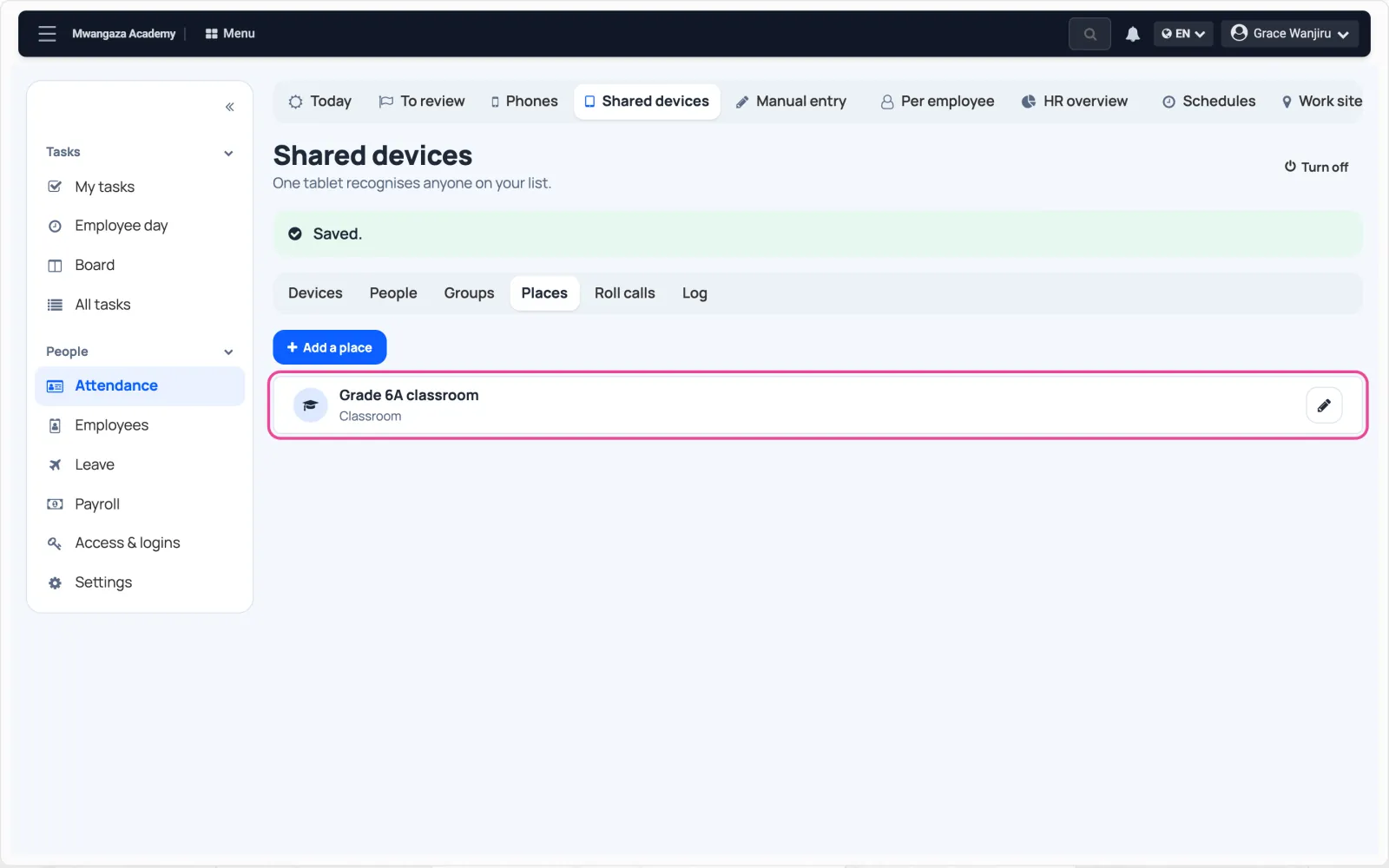
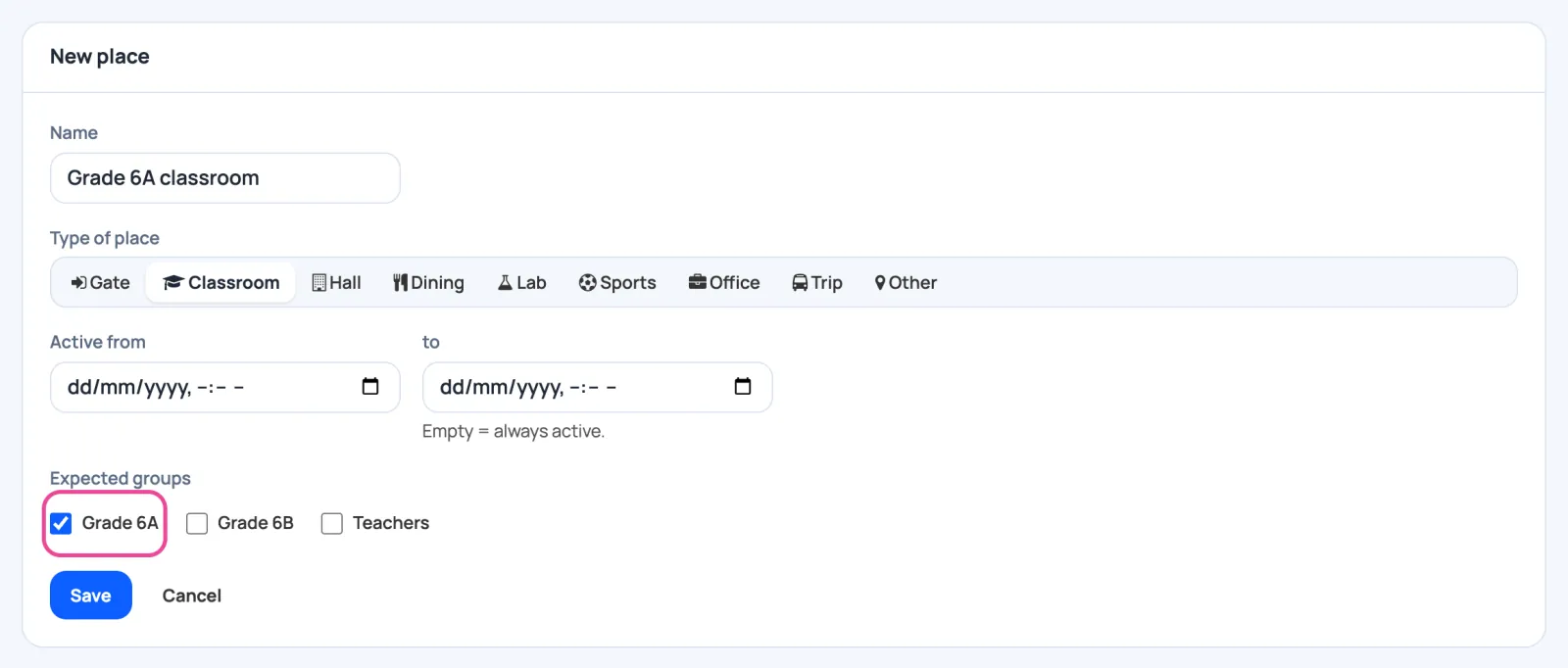
Add a classroom
In Places, add the room and tick the class expected there.
-
Ready for a tablet
Save. The classroom is ready for its tablet.