 Aser One
Turn on shared tablets
One tablet recognises anyone on your list: pupils, staff or visitors.
On the computer, 4 steps
Guide 1 of 4 in Schools & shared tablets
-
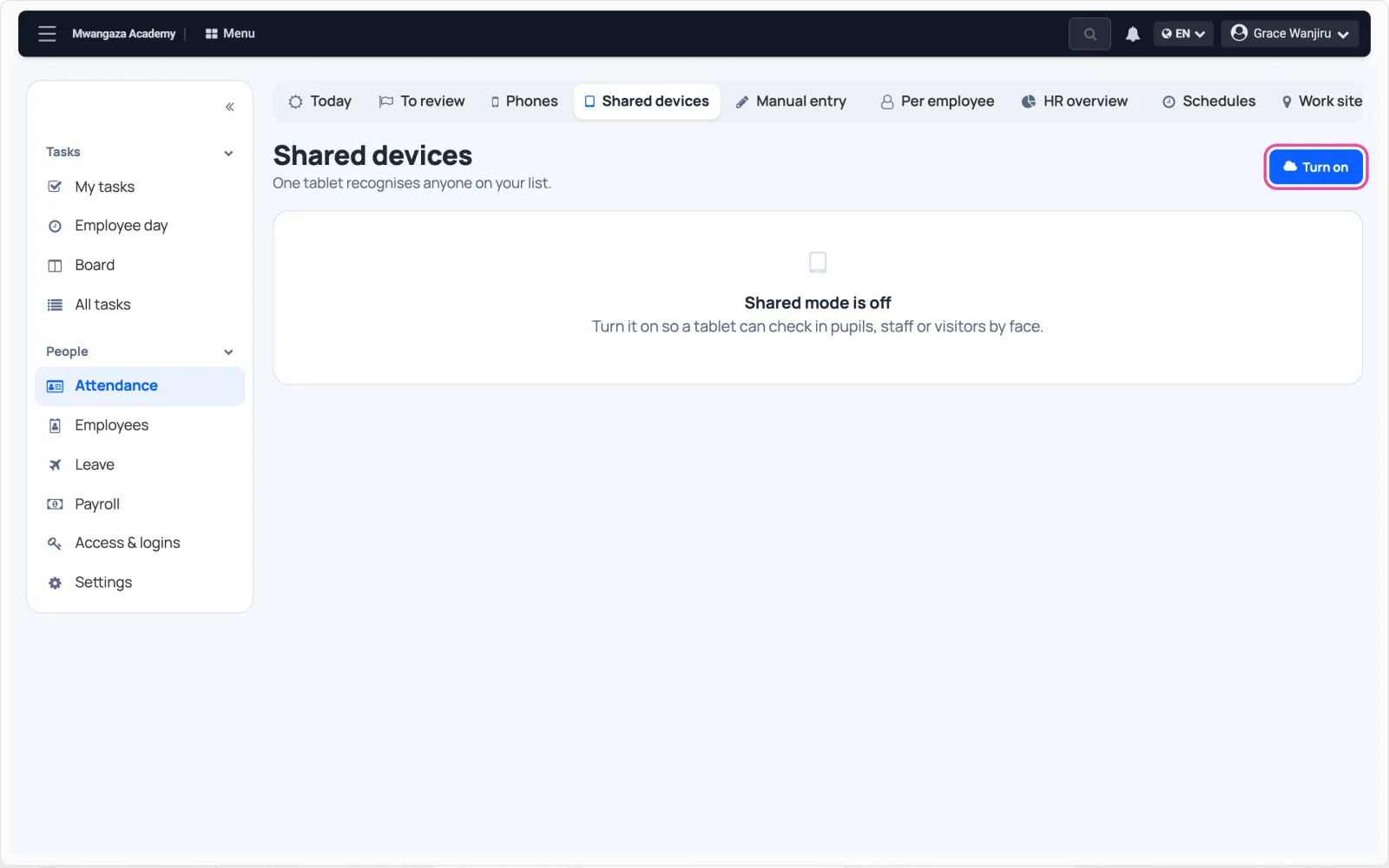
Open Shared devices
In Team › Attendance, open Shared devices and click Turn on.
-
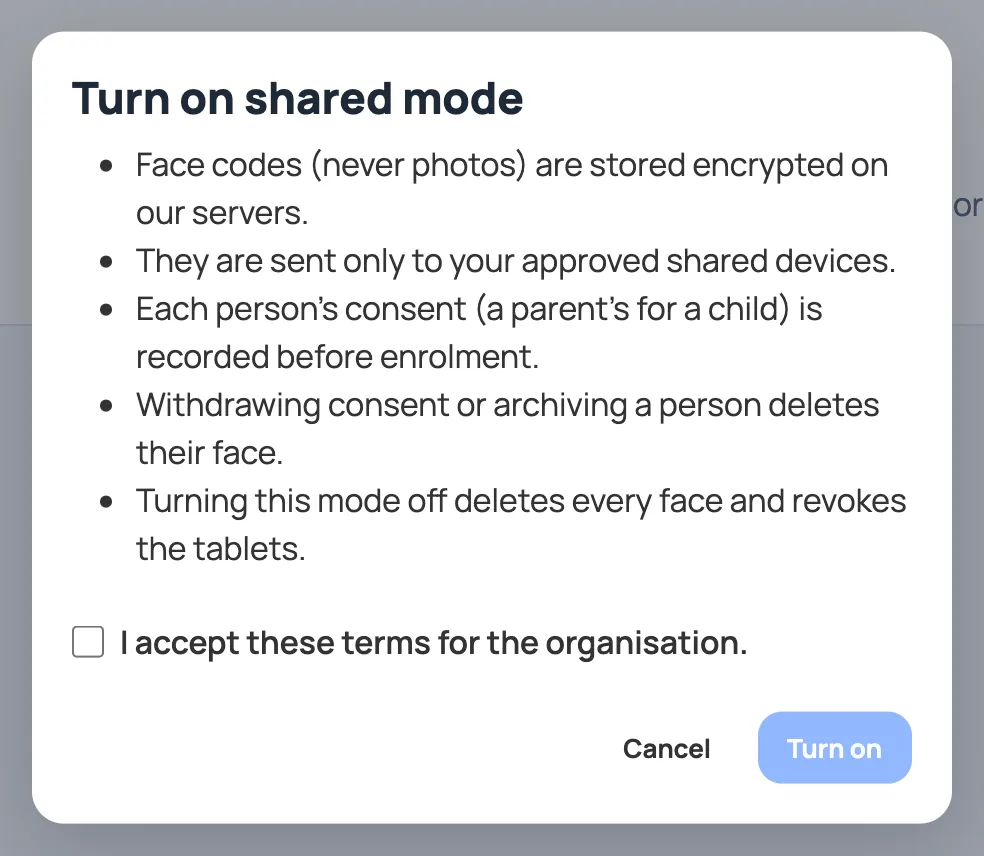
Read the terms
Face codes go to the cloud and your tablets, encrypted. Never photos.
-
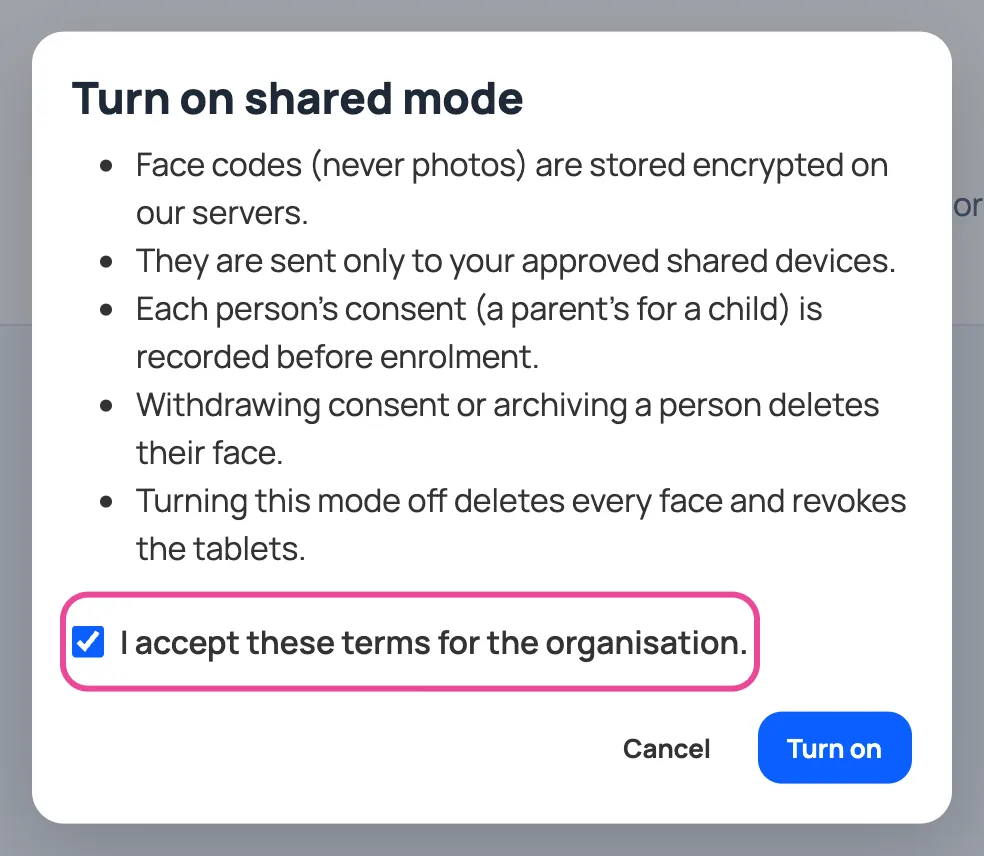
Agree
Tick the box to agree for your organisation.
-
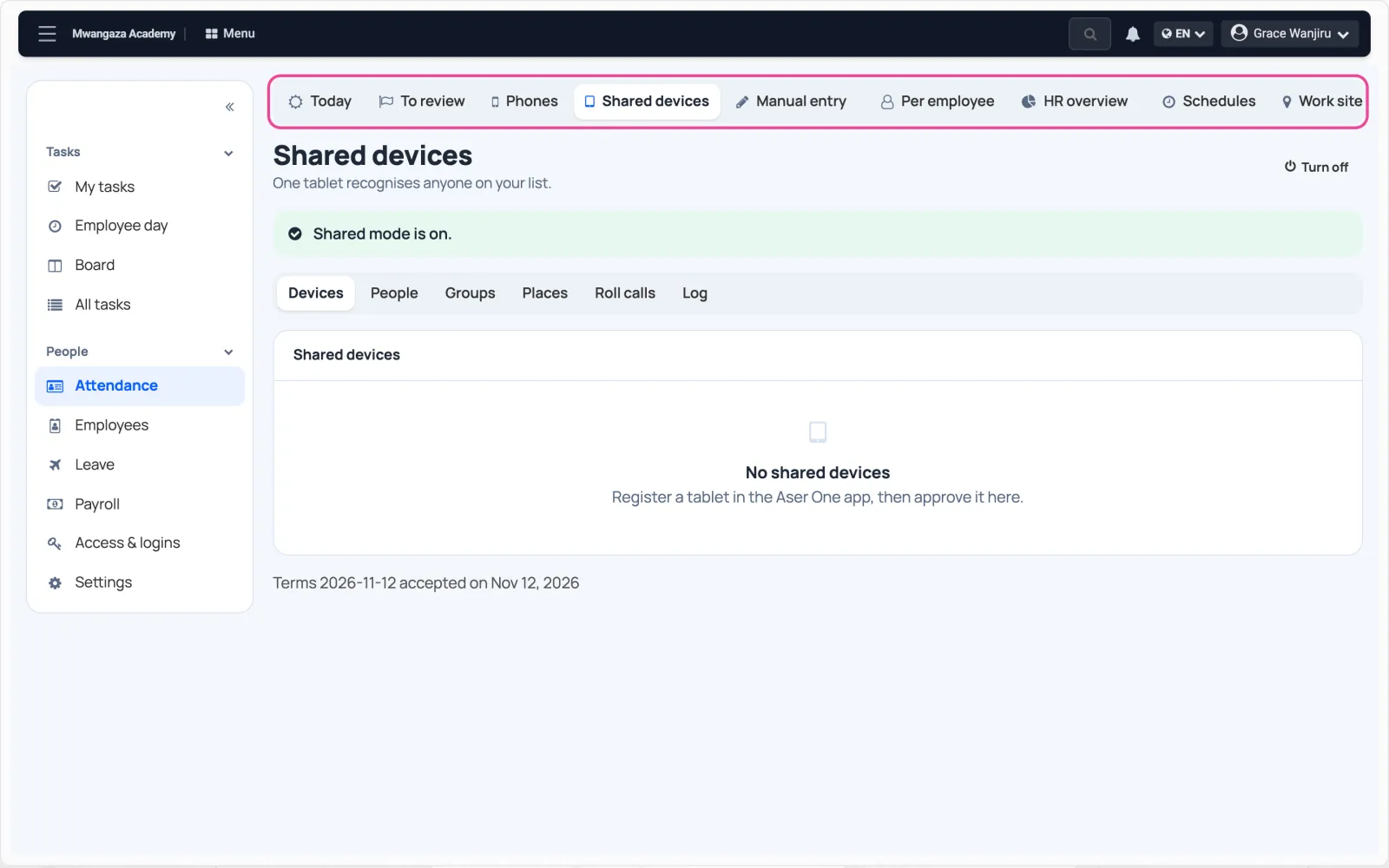
It is on
Click Turn on. The tabs for devices, people, groups and places appear.