 Aser One
Set up a class tablet
Turn a phone or tablet into the classroom’s attendance device, then add faces.
On the phone, 8 steps
Guide 3 of 4 in Schools & shared tablets
-
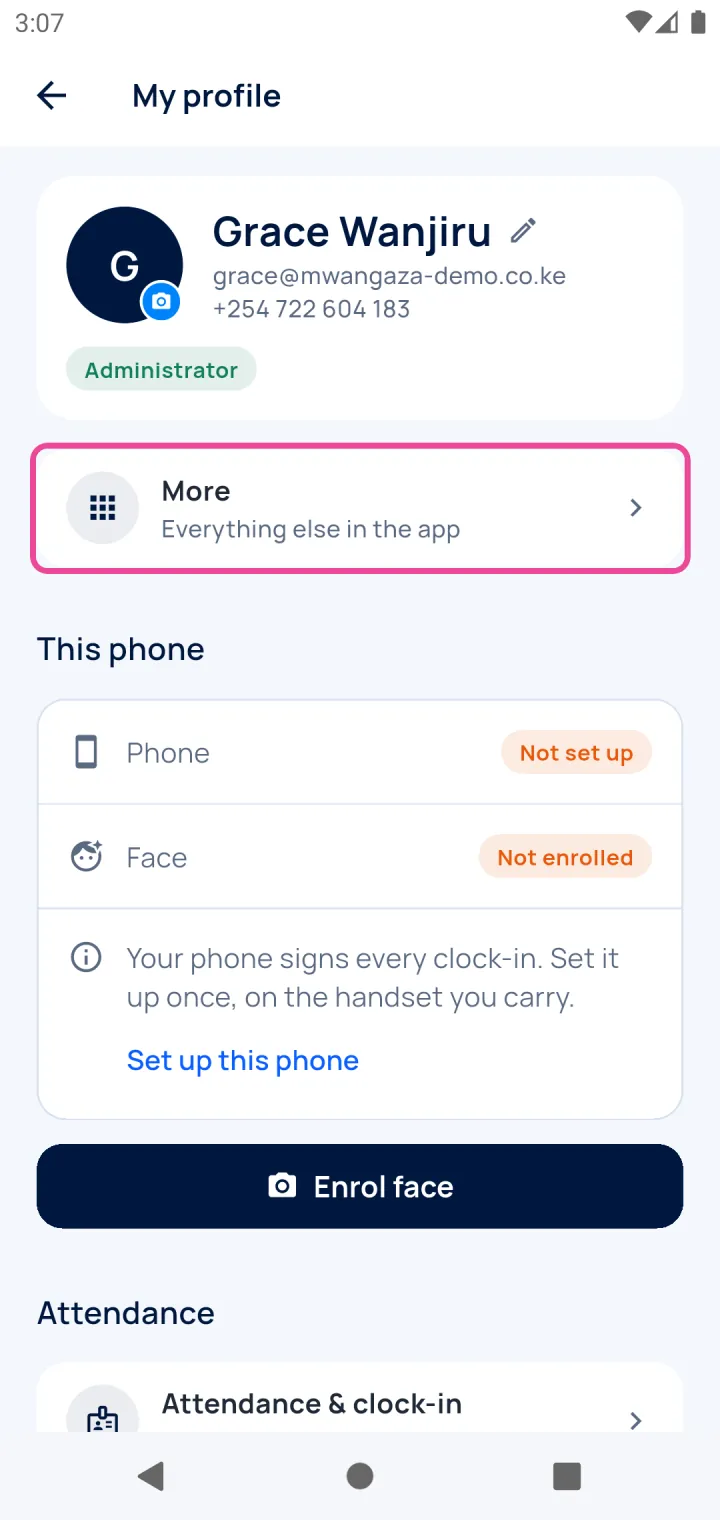
Open More
Signed in as a manager, tap your picture, then More.
-
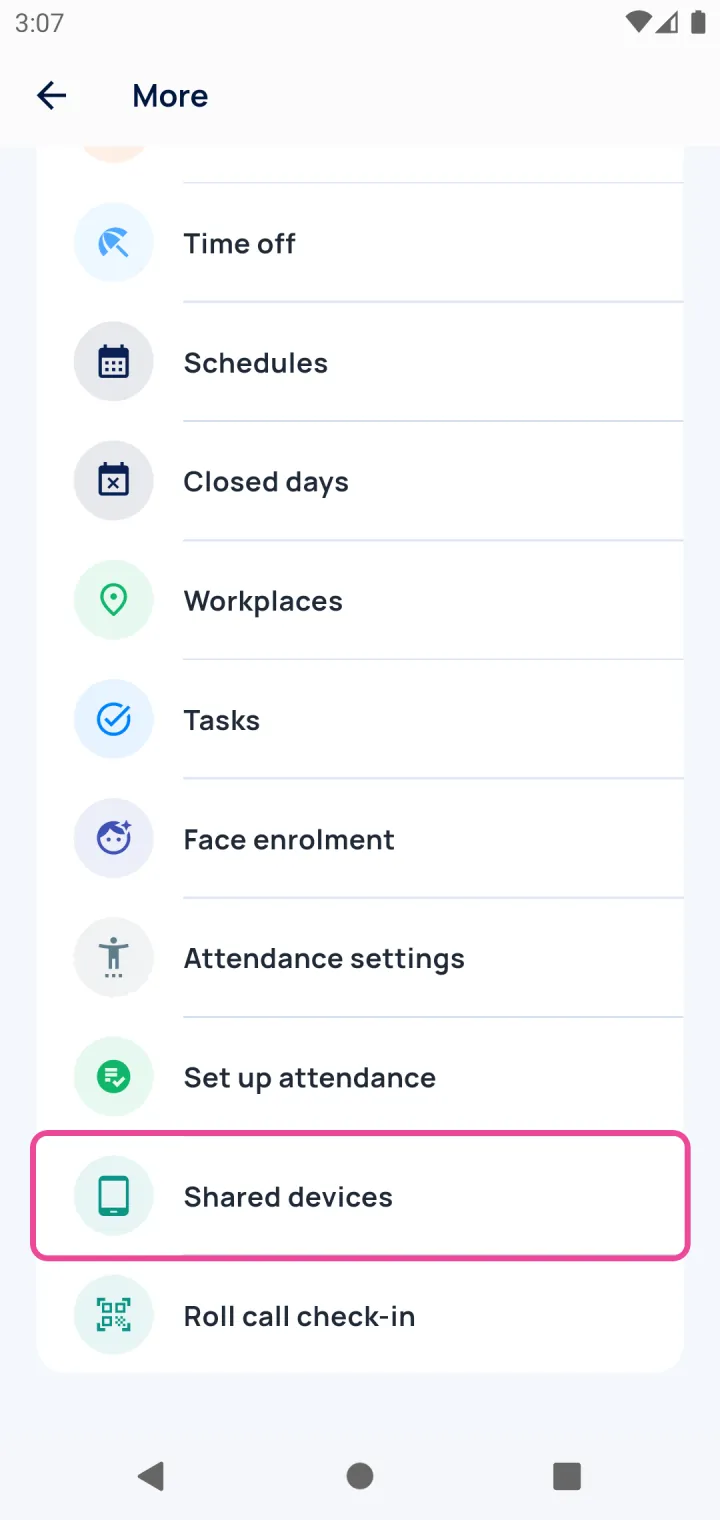
Shared devices
Tap Shared devices.
-
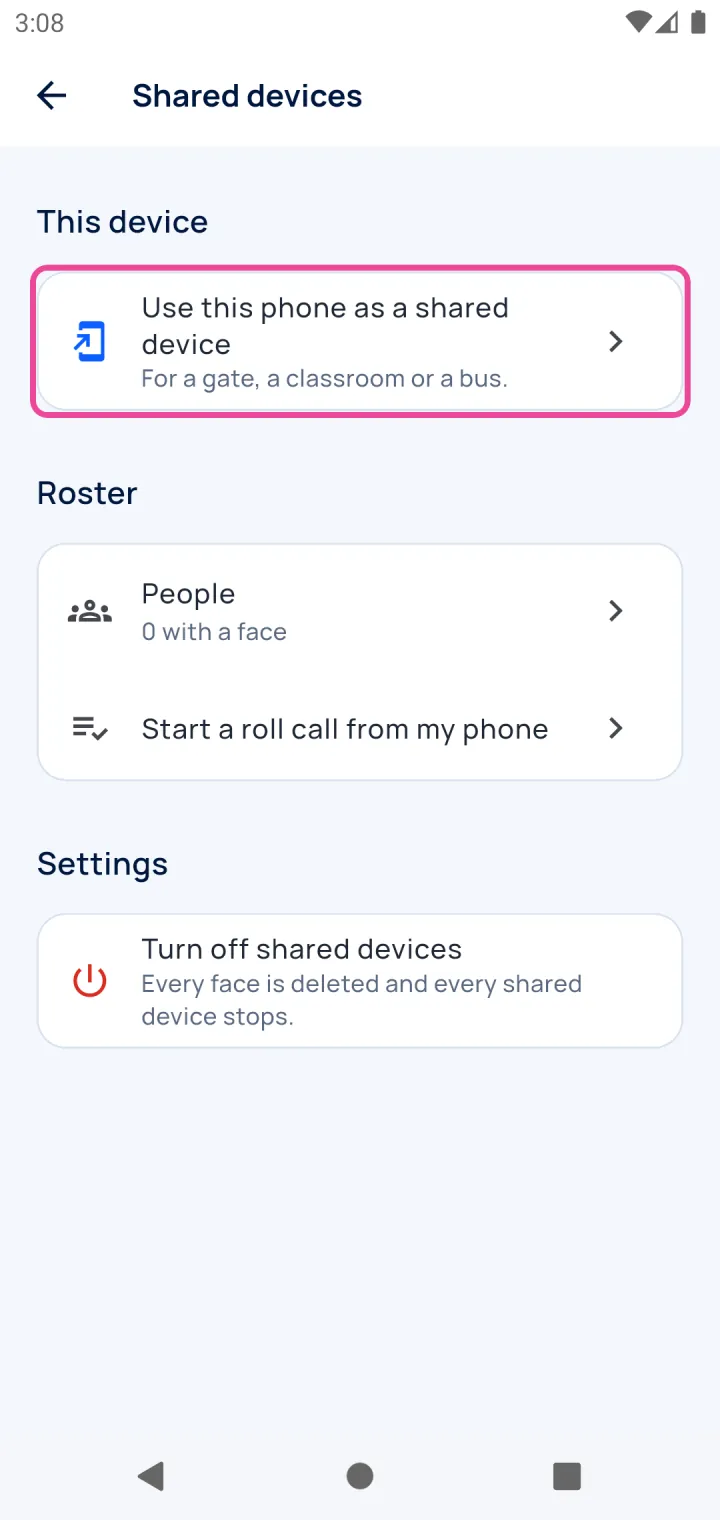
Use this phone
Tap Use this phone as a shared device.
-
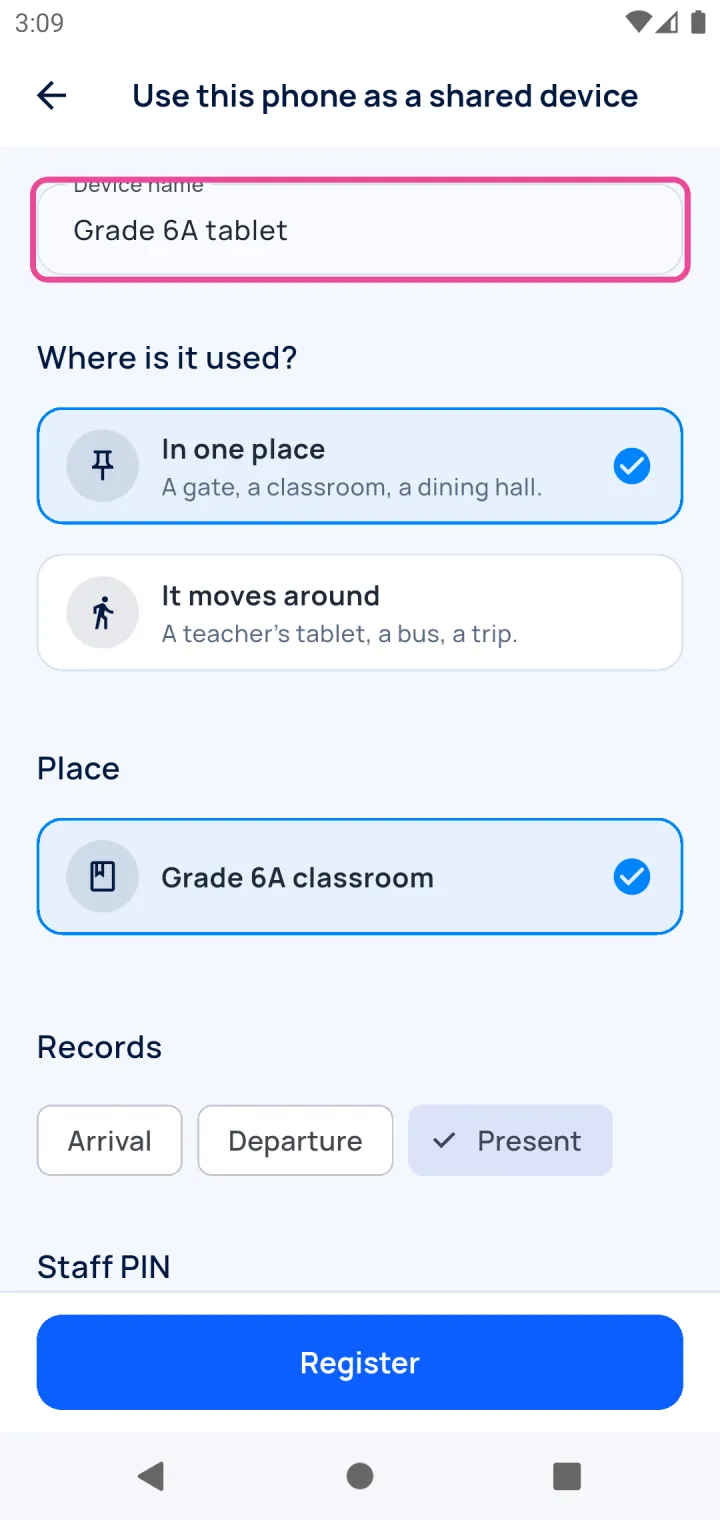
Name it
Give it a name the staff will recognise.
-
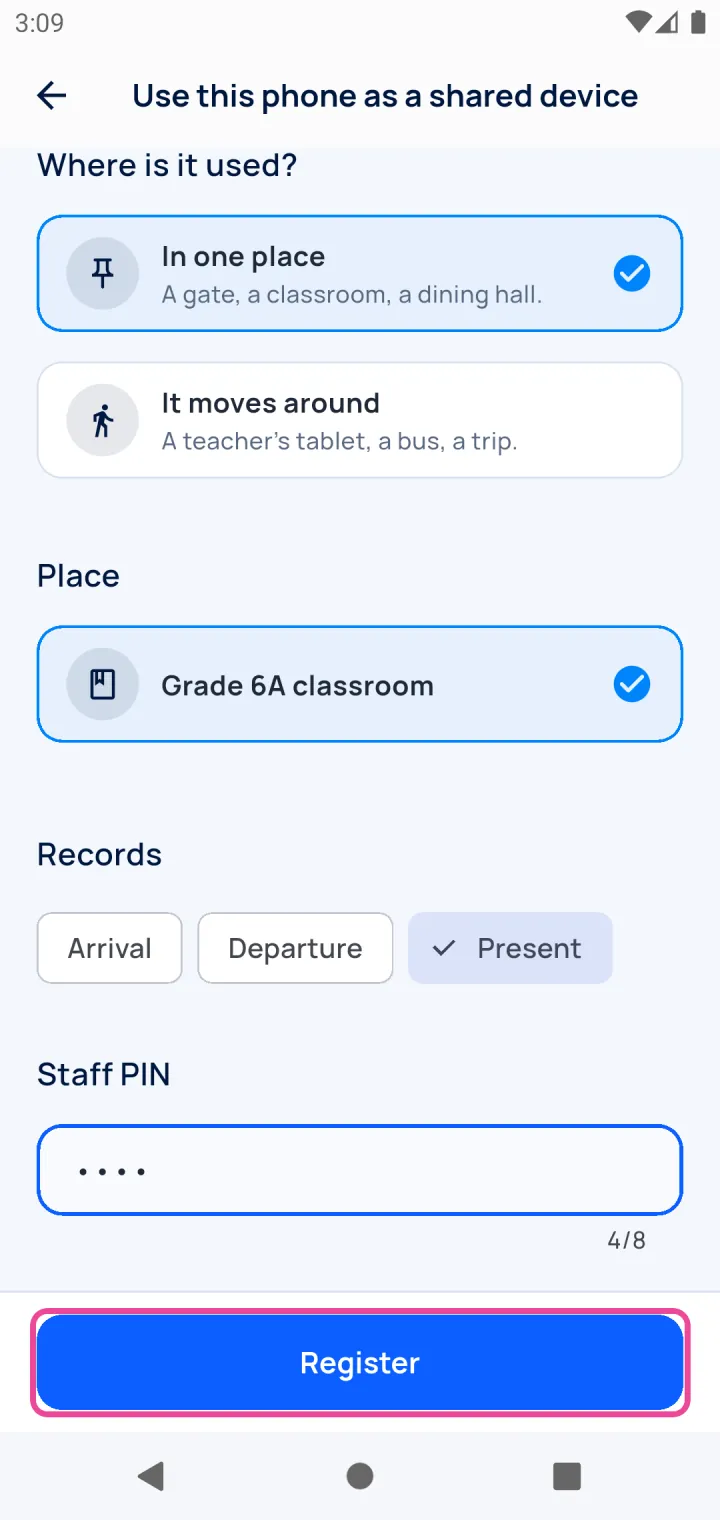
Place and PIN
Pick the classroom and what it records, set a staff PIN, then tap Register.
-
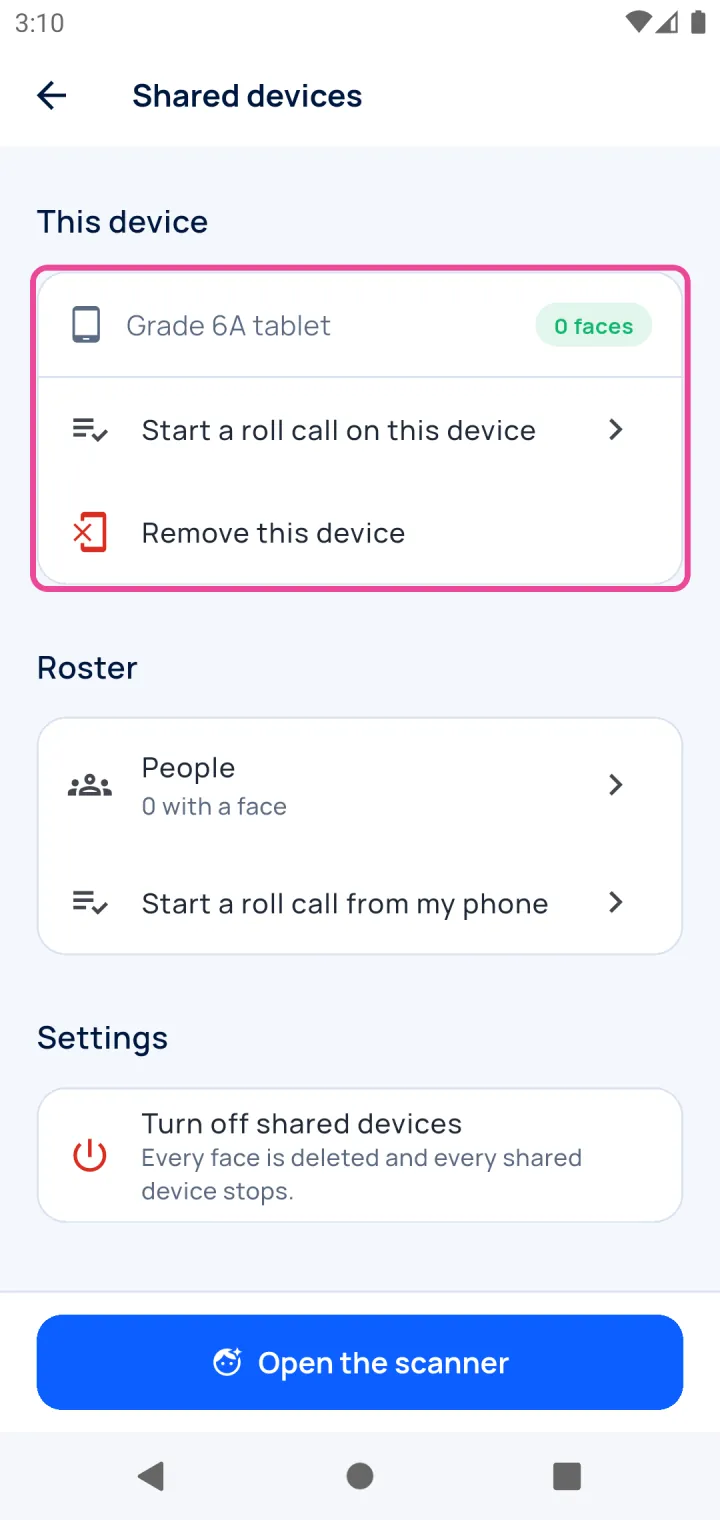
Ready
The tablet is ready. Faces are added from People.
-
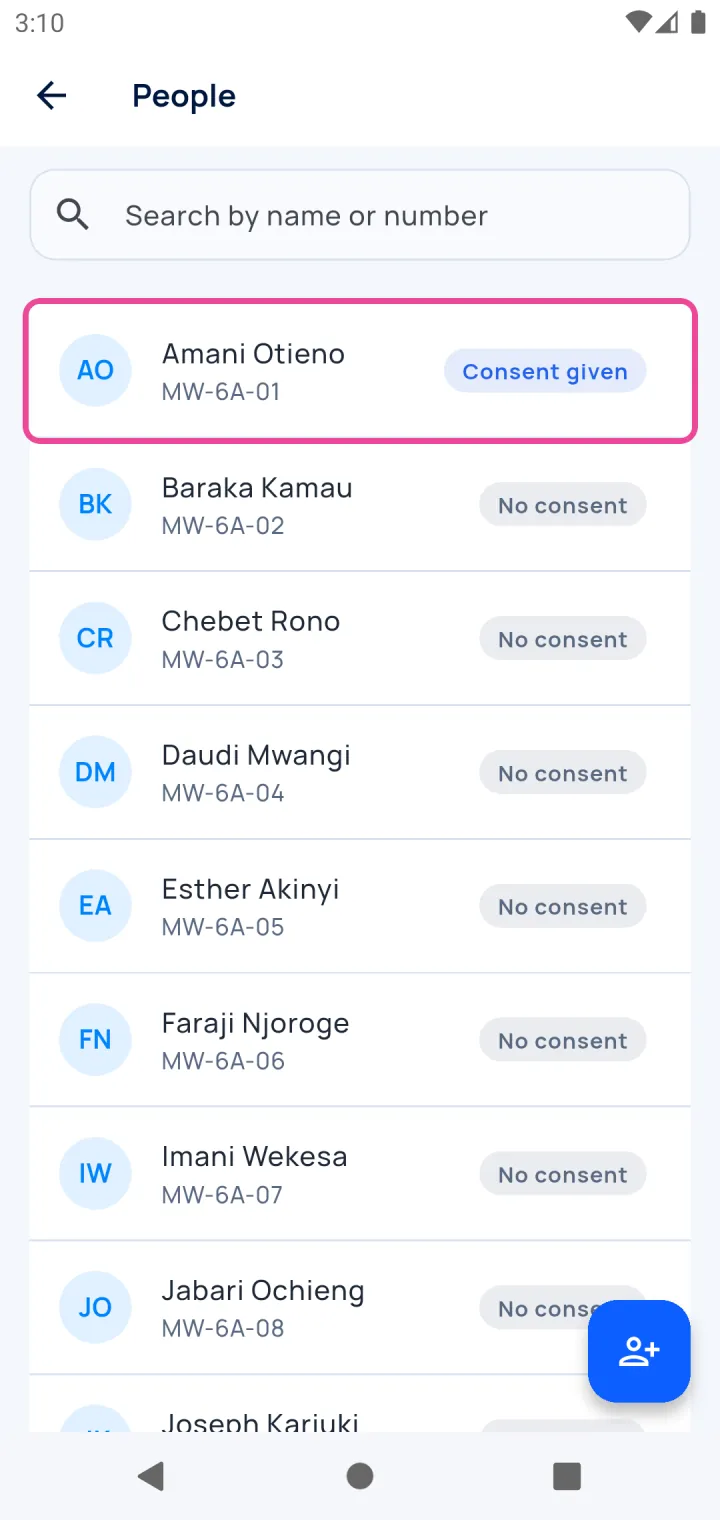
Pick a pupil
Only pupils with consent can get a face.
-
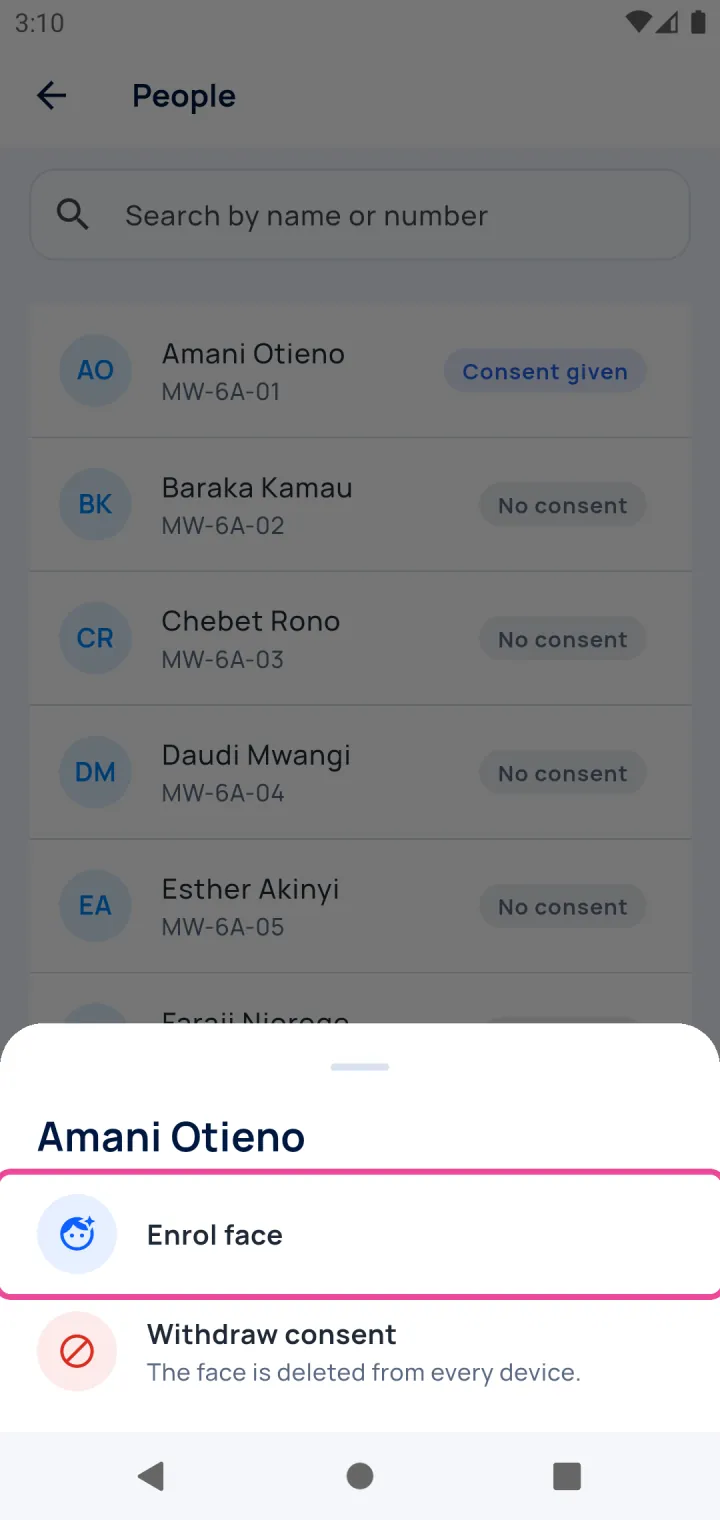
Enrol the face
Tap Enrol face and hold the tablet in front of the pupil.