 Aser One
-
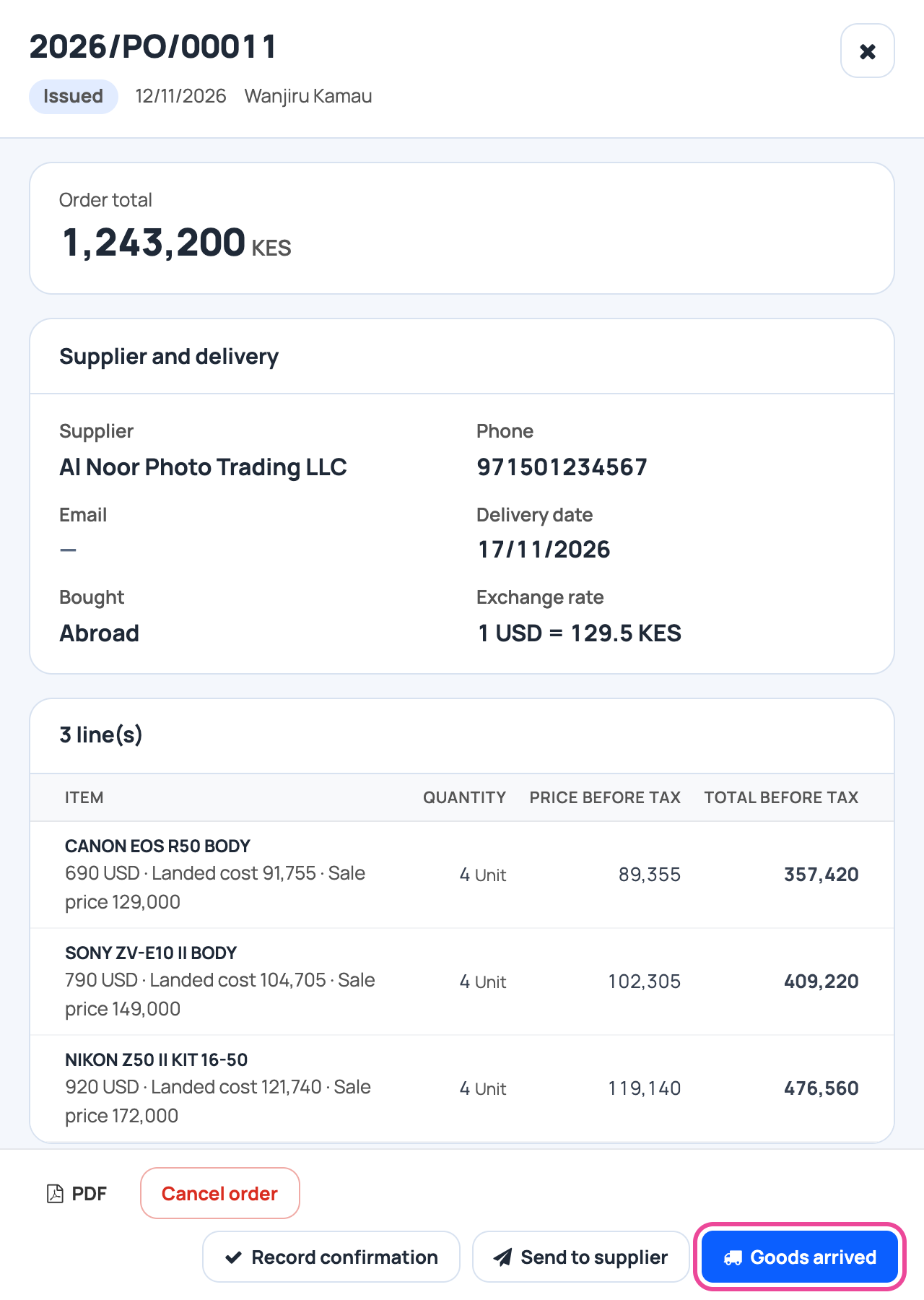
The order on its way
Open the order and click Goods arrived.
-
The supplier’s bill
Type their invoice number. Change the rate if it moved.

-
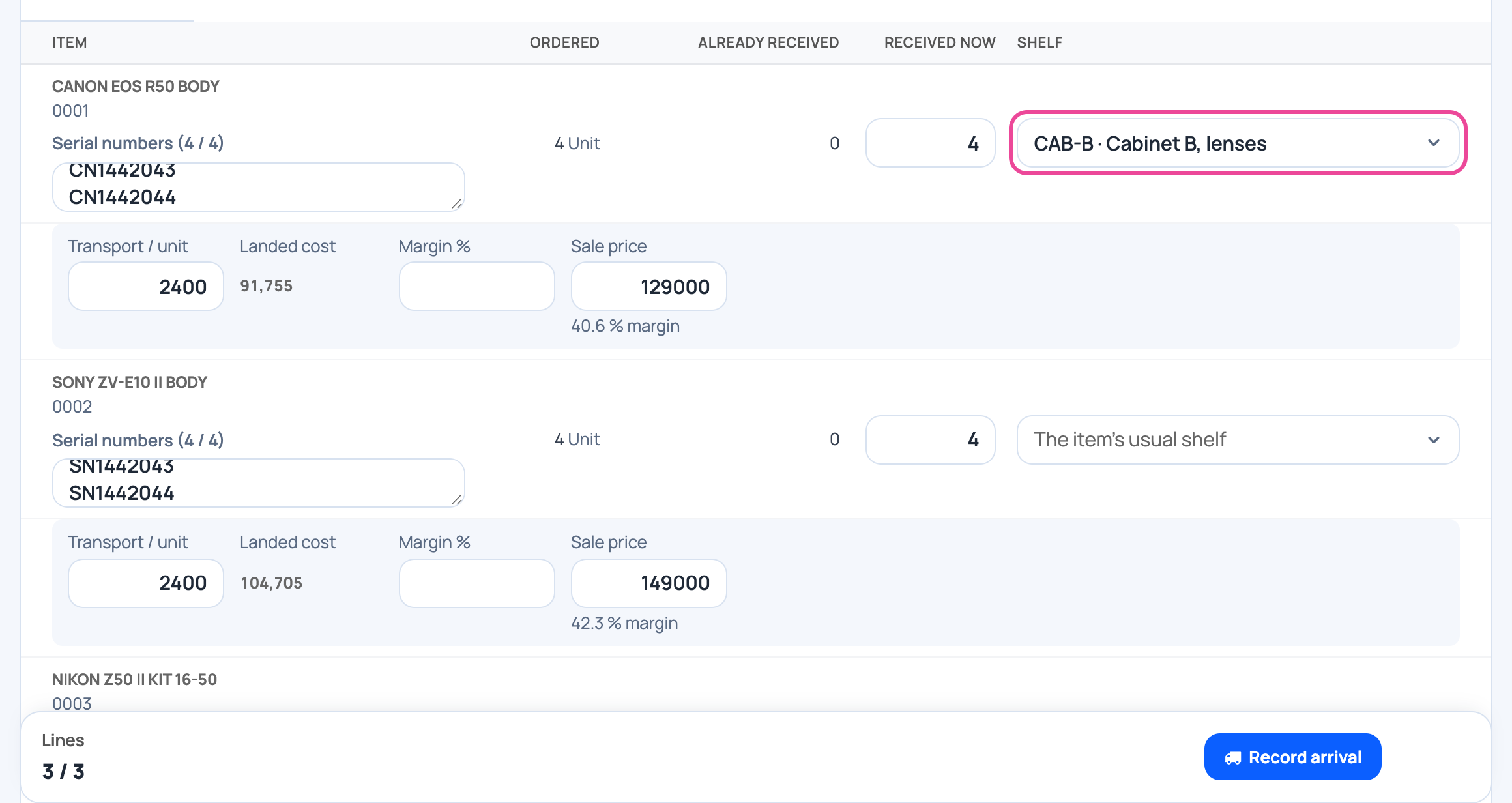
Serial numbers
One per camera, typed or scanned.

-
The shelf
Choose where they go. Empty means the item’s usual shelf.
-
Transport and prices
The order’s transport, margin and price. Change them if the bill says so.

-
Record
Click Record arrival.

-
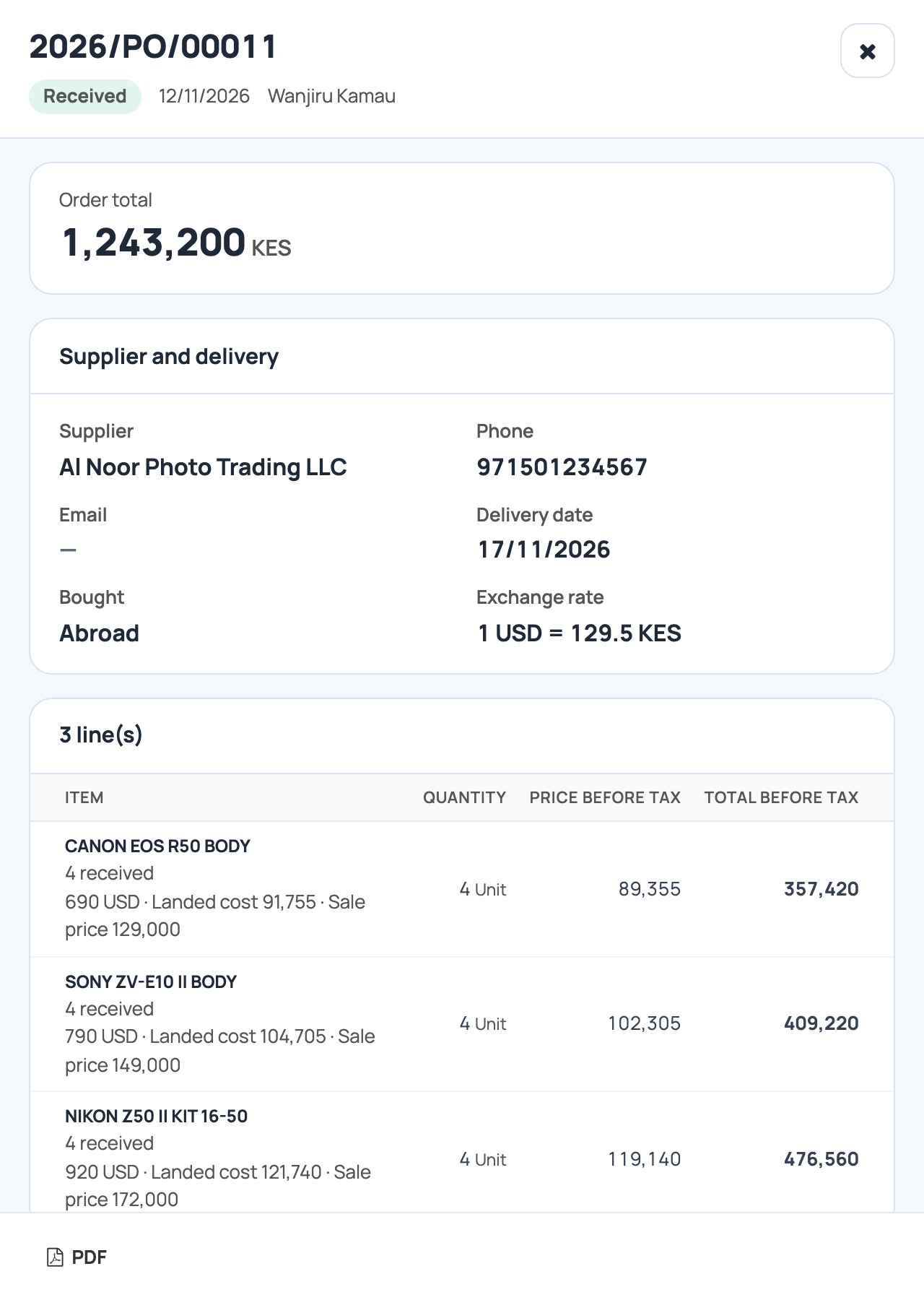
Received
The stock is in, at its landed cost.
More guides
- 1Create an itemAdd a product, its price and its opening stock.
- 2Stock in from a supplierRecord a delivery: item, quantity, price and supplier.
- 3Give out stockRecord stock used, given to staff, or damaged.
- 4Transfer stockMove stock between your storages.
- 5Count your stockCount a shelf and fix the stock to match.
- 6Import items from ExcelAny Excel list works. Check the columns, review, and your items are ready.
- 7Check your stockThe overview and the below-minimum list, in a minute.
- 8Order what is running lowTick what to buy, set the price in dollars, issue the order.
- 9Turn a supplier’s file into an orderTheir Excel, your rate and margin, one draft order. New items are created.
- The Stock appStock
- All guidesLearn